
Get your digital screens live in minutes
Start free with 10 screens, then scale to unlimited screens, playlists, and locations as you grow.
Free to start, built to scale!
Available Worldwide!


The most cost efficient way to rollout remote TV management. I have PosterBooking at almost 50 locations. They have rarely caused me any problems.
Ti
The system is really simple and easy to use. I'm not too good with computers but I managed to get my signage screens live within minutes. Thank you.
Jim Crow
Very efficient and useful app! Easy to interact with and to update details on the screen in real time. No doubt, gonna be using it often on my business!
James O'Hara
I've been using posterbooking for over a year now in my warehouse with 15 screens. The platform and service is nothing short of outstanding.
John Oliver



Join over 85,118 users in over 150 countries who are powering their digital signage screens using PosterBooking, including:



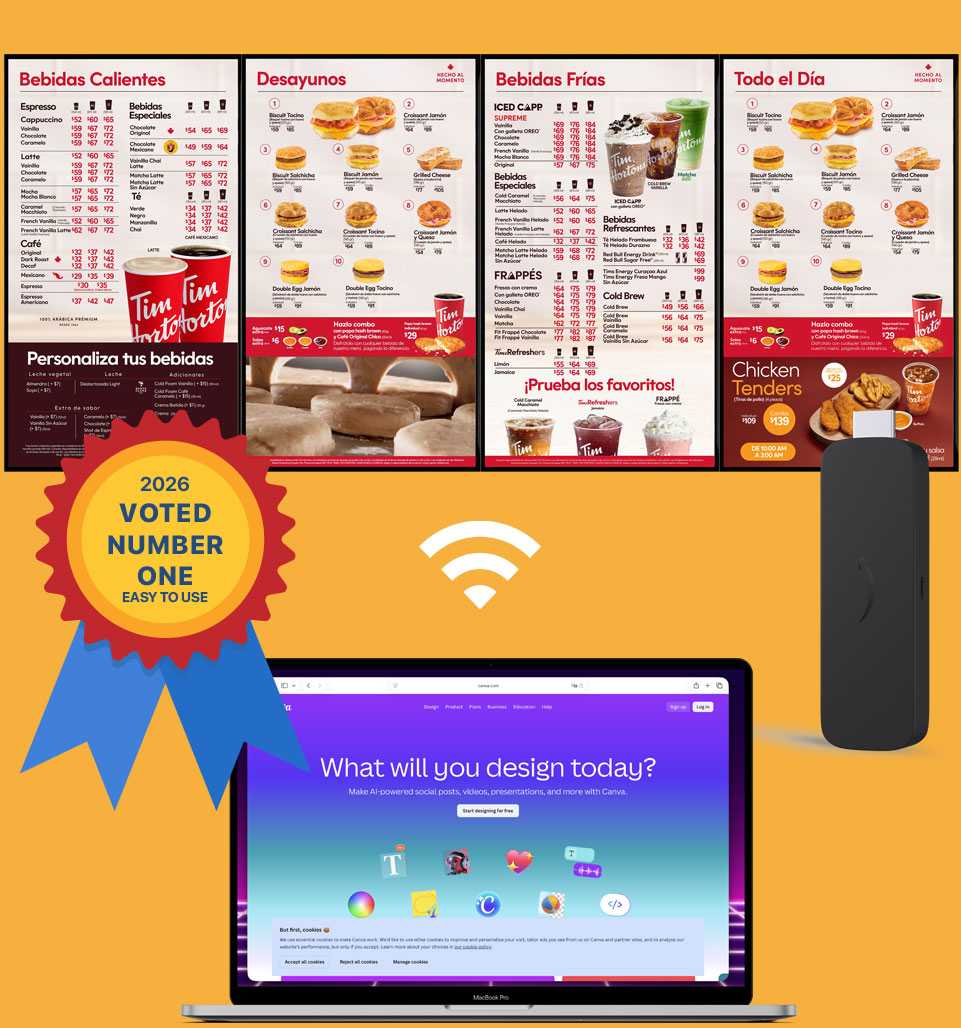
Super-quick display signage setup guide
Step 1
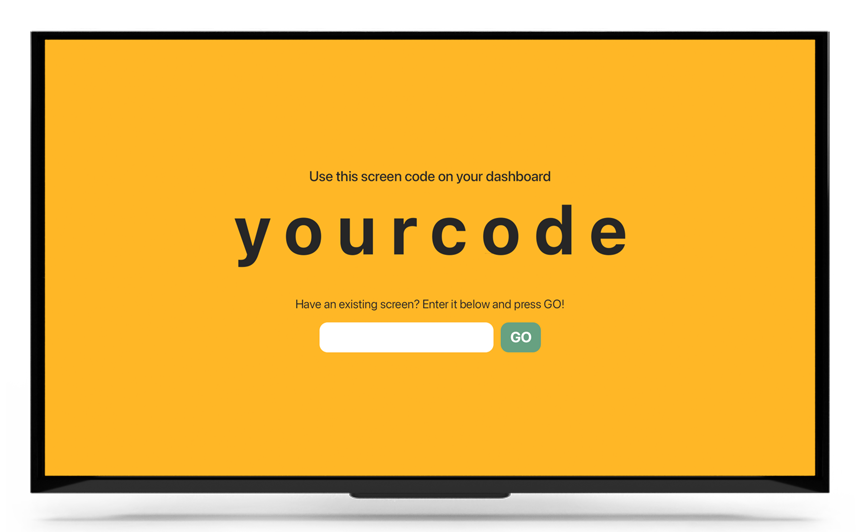
You need a TV or any digital screen, no need for it to be a smart TV.
It can be a consumer or commercial TV.
Any TV will do.
Step 2
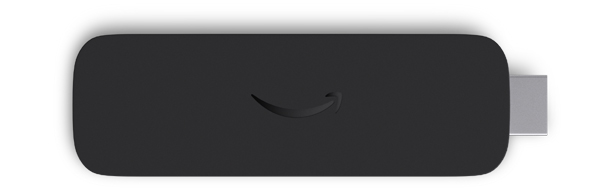
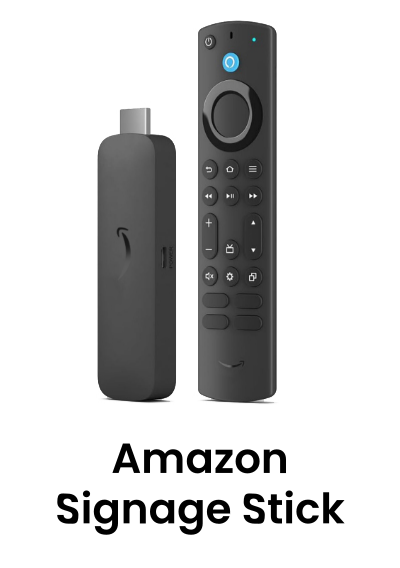
You need a player, you can use an Amazon Signage Stick, an Android Box, a Windows Media Player, Raspberry Pi or pretty much any device.
We highly recommend an Amazon Signage Stick.
Step 3
Connect your Amazon Signage Stick to your screen, and pair the code with your Amazon account. Your TV will show a new eight-digit code.
Login into PosterBooking dashboard, click “Add Screen” and enter the eight-digit screen code.
For other devices install the required player under “Download App” in the dashboard.
And you’re done!
We also have super quick setup guides for Raspberry Pi, Amazon Firestick and Windows Media Players
Why choose PosterBooking?
First 10 screens free
Your first ten screens are free, if you need more, you simply pay for the additional screens that you use.
Real-time updates
You can deploy your screens within a few minutes, change and update your content in real-time.
White-label
Upload your own logo in the dashboard and voila, you have your own digital signage brand! Now you can show your clients that you have your own CMS platform!
Easy to use
We've made it super-simple and easy to set up a screen. You can go live in three super-simple steps. Add a screen, create a playlist and then upload content!
Manage your screens remotely
With PosterBooking you can upload and manage your content without having to visit your screen locations, saving you time and money.
Schedule content and create playlists
Schedule your content to stay ahead of the game. You can control the date and time of when your content should appear, making it easy for you to manage what your customers see.
Auto-start on boot
When displaying content using the app, the app will auto start after you turn your screen on.
Cost effective
Price always matters, that's why our packages are designed to be more cost effective every time you add another screen!
Synchronised screens
Want your content to be displayed over a couple of screens? No problem! You can sync your screens at the click of a button.
Upload photos and videos
Make your screens engaging with dynamic and captivating content.
Simple scalability
We've made it really easy to grow your screen network with PosterBooking, we've taken everything into consideration from pricing, hardware and ease of use, to branding the platform for yourself.
Free online support
Our experts are always online to help you with your needs.
Display signage live in less than 2 minutes
Hardware
Turn any screen into smart digital signage by using PosterBooking and your favourite media player
PosterBooking works on most mainstream media players, but here is our list of recommended media players which we have personally tested!
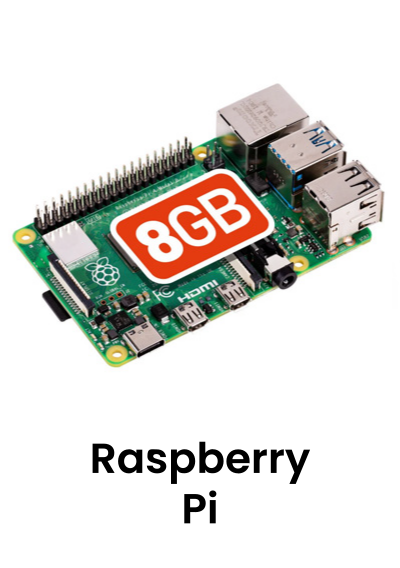
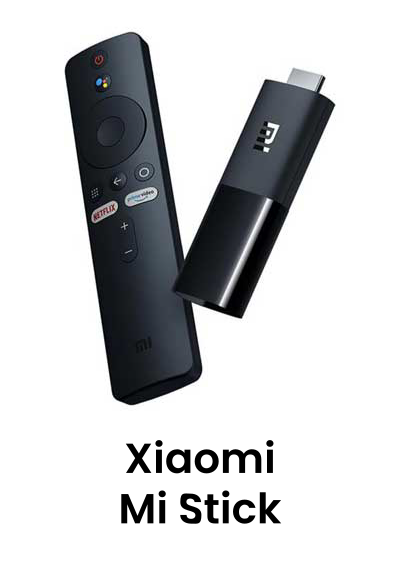
You can also install PosterBooking on media players that run the following operating systems:
We're slowly adding more devices, so if you have a media player that's not on the list and would like to use it with PosterBooking, let us know!
Who we are
PosterBooking turns any TV screen into a digital sign. Allowing you to display images and videos for a variety of uses including for advertising, restaurant menus, general messages and more. You simply plug in a device like an Amazon Firestick into the TV, and download the app and upload content via the PosterBooking dashboard.
Video Tutorials
Complete Digital Signage Tutorial
Using Advanced Features in PosterBooking FREE Digital Signage
The Basics Of Digital Signage With PosterBooking
Looking for the best digital signage software? You're in good company
Just a few of our clients who have advertised on our software, or use our software to power their digital screens





















Get in touch
Visit us for a free demo
Arrange an appointment with us and we'll show you how easy our software is to use.
Address
PO Box 7280Salsbury Industries18300 Central Avenue Carson,CA 90746-4008Can't make the trip? We can show you a demo remotely, or simply make an account here.