
What is PosterBooking?
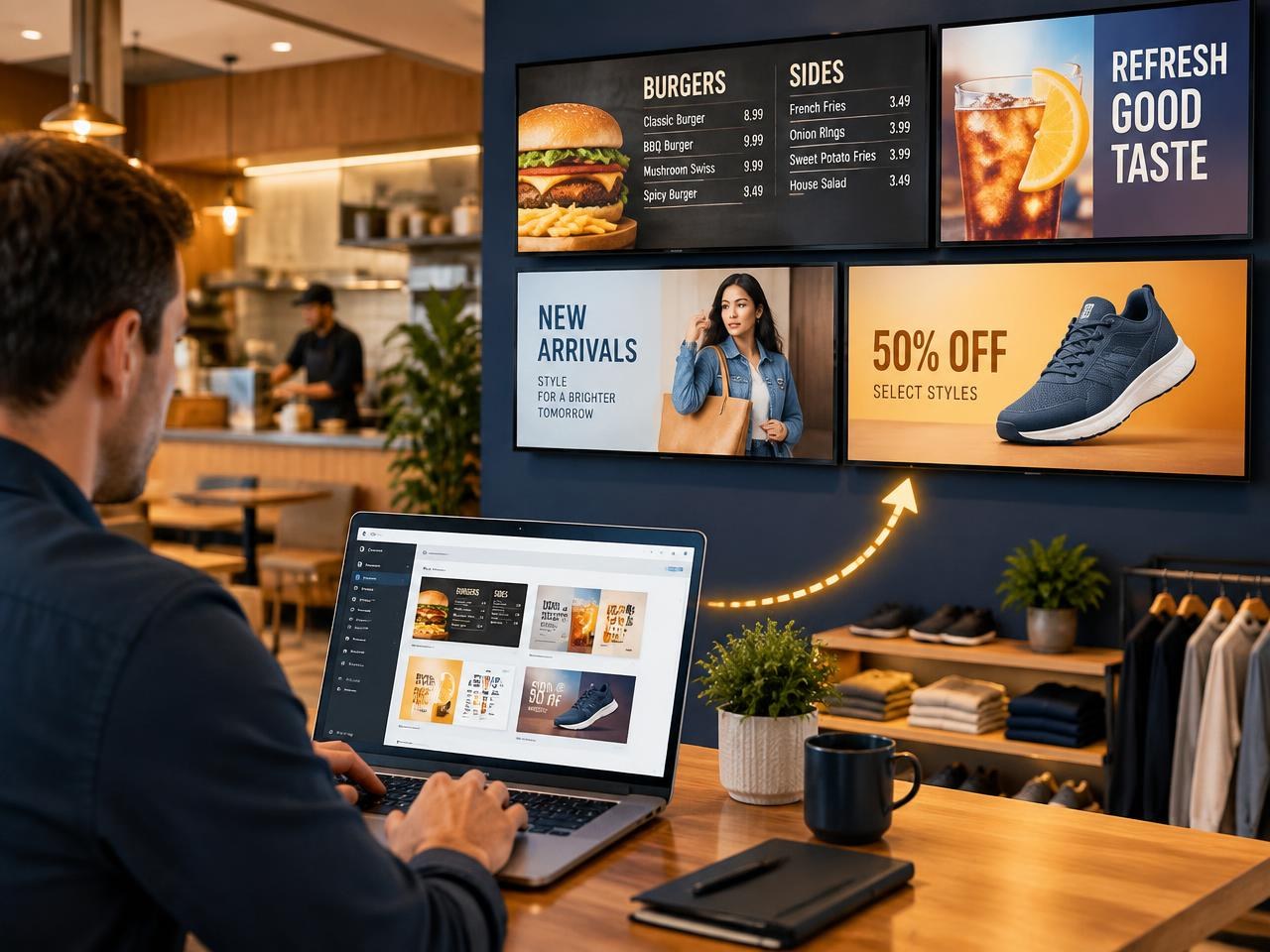
PosterBooking is the free, cloud-based digital signage platform that turns any TV into a professional digital sign. Over 85,000 businesses use it to show menus, promotions, timetables and announcements on their screens, all managed from one simple dashboard.
Real businesses, real screens
From a single menu board in a coffee shop to a five-screen burger bar, in landscape or portrait, here is what PosterBooking looks like in the wild:
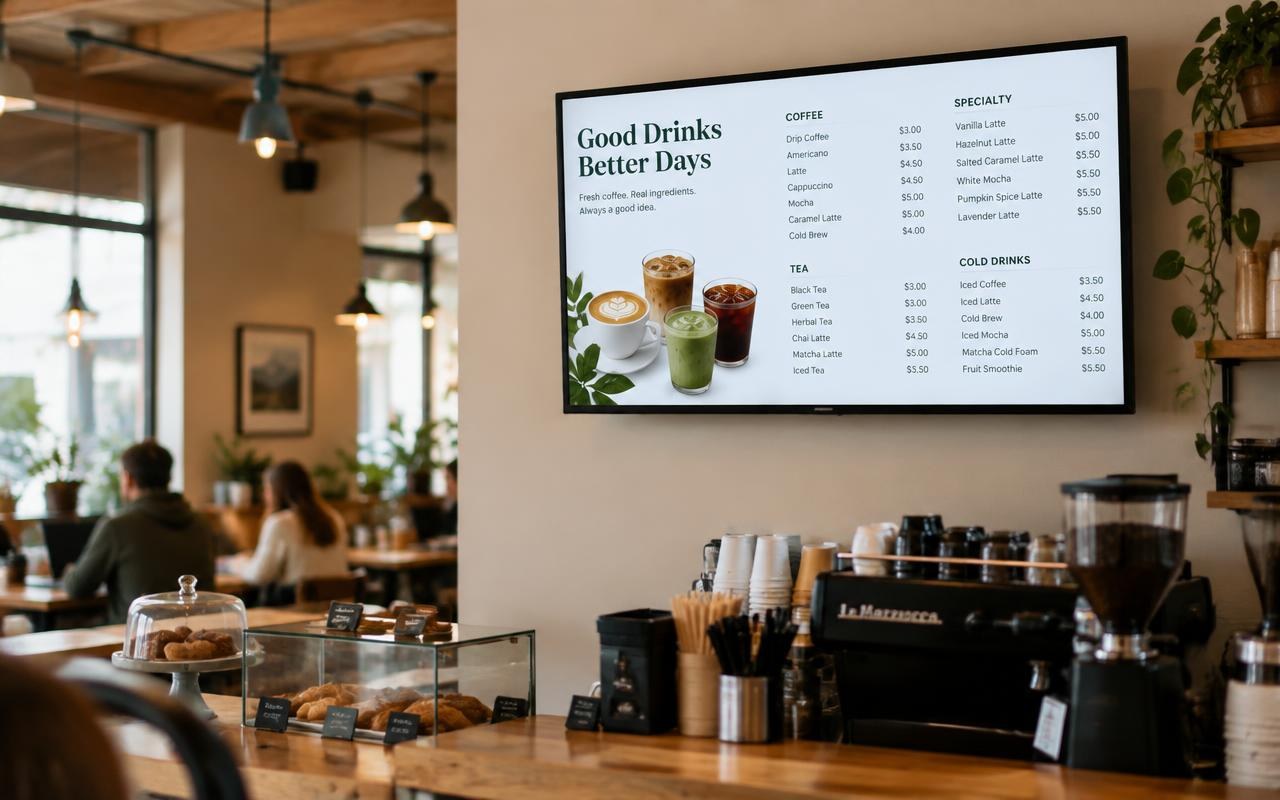
Coffee shop
1 screenOne TV above the counter showing the drinks menu. Update prices from your phone and they change instantly.
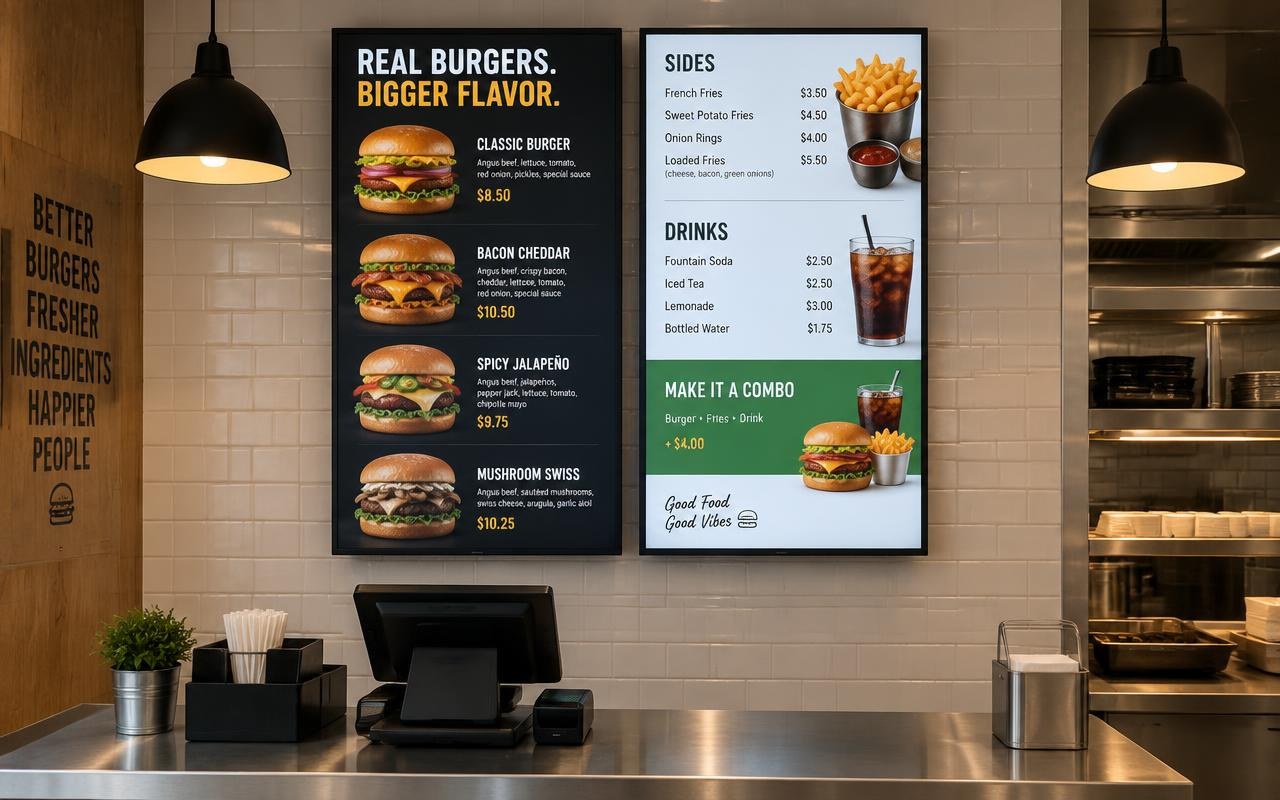
Burger restaurant
2 portrait screensTwo tall portrait menu boards above the counter: burgers on one, sides and drinks on the other.
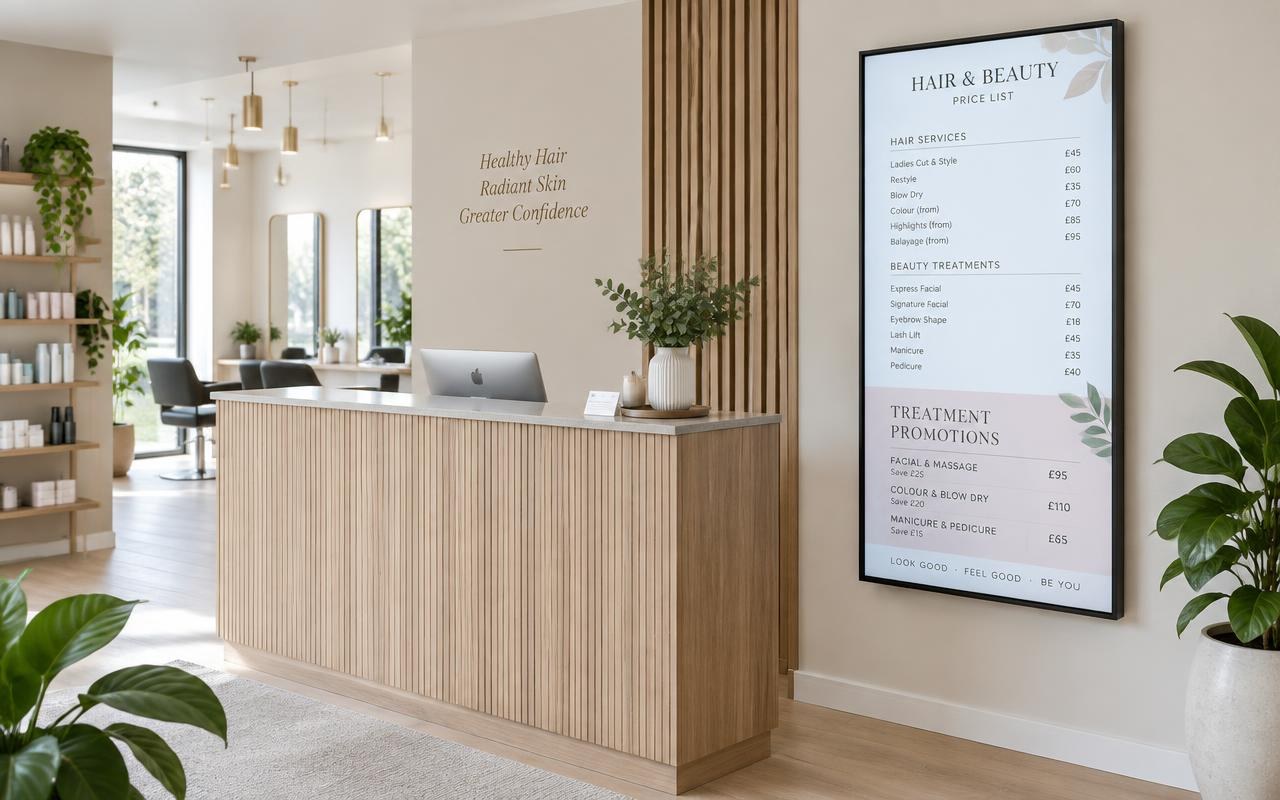
Hair and beauty salon
1 portrait screenA single portrait screen by reception showing the price list and treatment promotions.
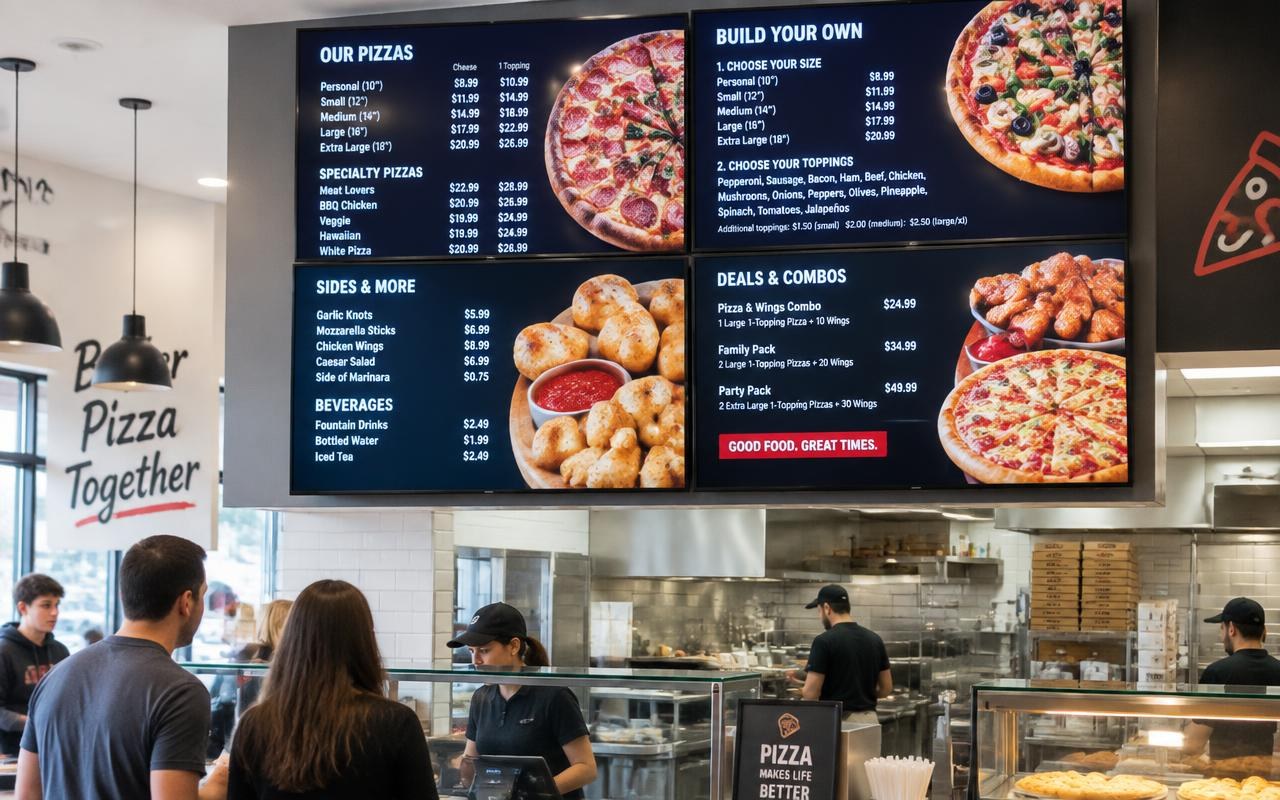
Pizzeria
4 screensFour screens in a square behind the counter, one for pizzas, build your own, sides and combo deals.
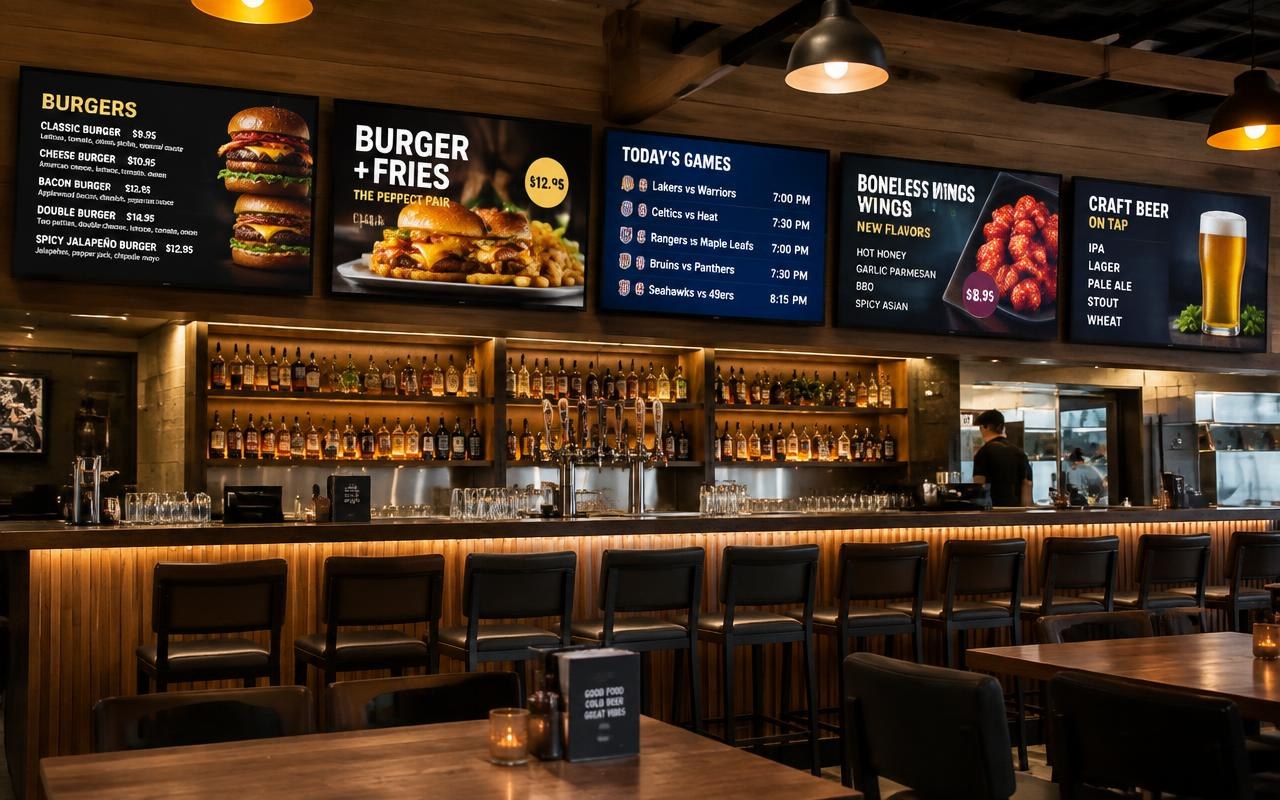
Burger bar
5 screensFive screens in a row: burgers, daily specials, live games schedule, wings and the drinks list.
Digital signage is simply the practice of showing content on screens instead of printing it on paper. A menu board behind a coffee shop counter, a promotions screen in a shop window, a welcome message in a hotel lobby, a class timetable in a school corridor: all of these are digital signage. PosterBooking is the software that makes it happen. It connects an ordinary television to the cloud, so whatever you upload in your account appears on your screens, wherever they are in the world.
The idea behind PosterBooking is that digital signage should not require an IT department, an expensive media server or a specialist installer. If you can plug in a streaming stick and upload a photo to social media, you already have every skill you need. You create a free account, install the PosterBooking player app on an affordable device such as the Amazon Signage Stick, pair it with your account using a short on-screen code, and then drag your images, videos or web pages into a playlist. Within about two minutes of opening the box, your TV is a working digital sign.
Because everything is managed through the cloud, the screen itself never needs attention. You change content from your laptop or phone, at home, at head office or on holiday, and every connected screen updates itself. One person can run a single menu board or a network of hundreds of screens across multiple cities with exactly the same effort.
What can you use PosterBooking for?
The short answer is: anything you would otherwise print, pin up or repeat out loud. The most popular uses fall into a few groups:
Digital menu boards. Restaurants, cafes, takeaways and bars use PosterBooking to show their menus, prices and daily specials. When a price changes or an item sells out, you update it in seconds from your phone instead of reprinting menus or scribbling over a chalkboard. You can even schedule breakfast, lunch and evening menus to swap over automatically at set times.
Promotions and advertising. Retail shops, salons, gyms and car showrooms run eye-catching offers on screens in windows and at tills. A looping video of a new product sells it far better than a static poster, and you can push a flash promotion to every branch at once.
Information and wayfinding. Schools display timetables and notices, clinics show queue numbers and health messages, offices welcome visitors by name in reception, churches and community halls announce upcoming events. Any message that changes regularly is cheaper and faster on a screen than on paper.
Live web content. PosterBooking can display websites as part of your playlist, so you can put a live dashboard, a social media wall, a booking calendar, weather, news or your own web page on the big screen alongside your images and videos. See the full range of ideas on our digital signage pages.
How PosterBooking works
You can be live on your first screen in less than two minutes. It really is this simple:
0s
Step 1
Create your free account
Sign up in seconds with just your name and email. No credit card, no contracts, no hidden fees. Your first 10 screens are completely free, forever.
0s
Step 2
Add your screen
Plug a media player into any TV, open the PosterBooking app, and enter the code shown on your screen. It works with Amazon Signage Stick, Fire TV, Android, Windows, Raspberry Pi and more.
0s
Step 3
Upload your content
Drag and drop your images and videos, arrange them into a playlist, and press play. Your content appears on your screens in seconds, from anywhere in the world.
Completely hands-free: set it up once, then forget it
The best digital signage is the kind you never think about, and PosterBooking is built exactly for that. Once a screen is paired, the player app takes over the device and runs it like an appliance. It launches automatically when the device powers on, so when your shop opens in the morning and the TVs are switched on, your content simply appears. There is no logging in, no remote control ritual and no staff member whose job is to "start the screens".
Power cuts and accidental unplugging are not a problem either. When power is restored, the device boots, the PosterBooking app starts itself, reconnects to your account and resumes the correct playlist exactly where it should be. If your internet connection drops, the player keeps showing the content it has already downloaded from its local cache, so your screens never go blank or show an error message while your customers are watching. When the connection returns, it quietly syncs any updates in the background.
Your playlists loop endlessly: images, videos and web pages play one after another with smooth transitions, 24 hours a day, 7 days a week, for as long as you want. Combined with scheduling, this means genuinely hands-free operation. Set up a breakfast menu that runs until 11:30, a lunch menu until 15:00, and an evening playlist after that, and the system will follow that routine every day without a single tap from you. Many of our customers configure their screens on day one and only touch the dashboard again when they have something new to promote.
Why businesses choose PosterBooking
100% cloud-based
Manage every screen from your laptop or phone. Update a menu in London and watch it change in New York before you finish your coffee.
Works on any screen
Any TV with an HDMI port becomes a digital sign. Use an affordable media stick, an Android box, a Windows PC or a Raspberry Pi.
Always up to date
Schedule content by time and day, sync playlists across locations, and let the apps update themselves automatically.
Loops forever
Playlists of images, videos and web pages repeat automatically, all day and all night, with smooth transitions between every slide.
Starts on startup
The player app launches itself the moment the device powers on, so your screens come back to life without anyone touching them.
Secure and stable
Content is delivered over encrypted connections, and the player keeps running from its local cache even if your internet drops.
Price is the reason most people first try PosterBooking, and reliability is the reason they stay. Your first 10 screens are free forever, with no credit card required and no trial countdown. When you outgrow the free plan, paid plans start from a low monthly price per screen with no contracts and no setup fees, which is why we are consistently listed among the cheapest digital signage software available. You can check every detail on our pricing page.
Security and stability are treated as essentials, not extras. All communication between your dashboard, the cloud and your players runs over encrypted connections, your content is stored safely, and the player apps are updated automatically so you always run the latest, most stable version without lifting a finger. The platform is engineered for always-on commercial use: screens in restaurants, clinics and shops run PosterBooking around the clock, every day of the year.
Need more control? There is an API for that
Most businesses never need anything beyond the dashboard, but for those who want to connect PosterBooking to their own systems, there is a full developer API. With it you can upload and update content programmatically, manage screens and playlists, and trigger changes from your own software: a point-of-sale system that hides a sold-out dish, a booking system that shows today's appointments, or a central platform that pushes campaigns to hundreds of locations at once.
This makes PosterBooking a solid foundation for agencies, franchises and enterprises that manage screens at scale. If that sounds like you, take a look at our enterprise digital signage and white label options, or get in touch and we will help you design the right setup.
PosterBooking in one sentence
PosterBooking is everything between "I have a TV" and "my TV is a professional digital sign": free to start, two minutes to set up, effortless to update from anywhere, smart enough to schedule and loop your content, tough enough to restart itself after a power cut, stable enough to run 24/7 without supervision, secure by design, and open enough to integrate with anything through its API. That is why more than 85,000 businesses, from single-site cafes to multi-location brands, trust it with their screens.
Ready to try it yourself?
Join over 85,000 businesses already using PosterBooking. Your first 10 screens are free, and setup takes less than two minutes.