
Windows Digital Signage made EASY & FREE with our Software
Windows digital signage solutions, choose our Windows digital signage software & get setup in 2 minutes
Your first 10 screens FREE! Available Worldwide!

Super-quick Windows Digital Signage Setup
Step 1
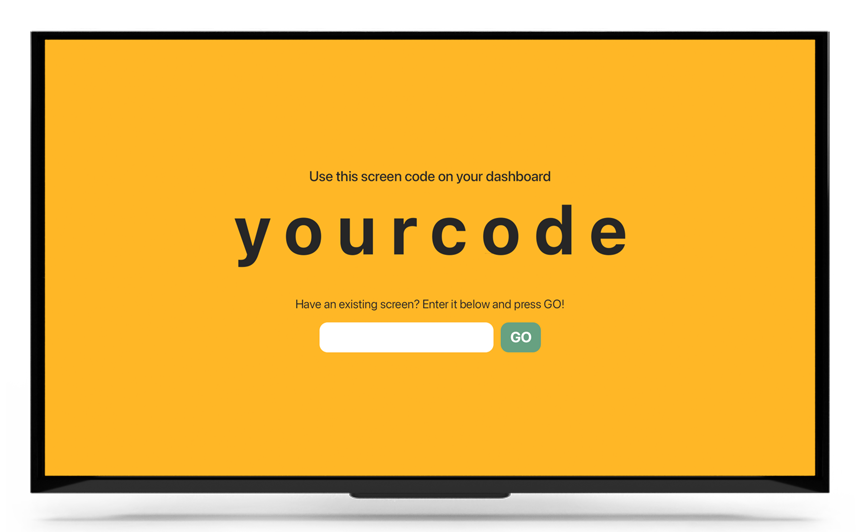
You need a TV or any digital screen, no need for it to be a smart TV.
It can be a consumer or commercial TV.
Any TV will do.
Step 2
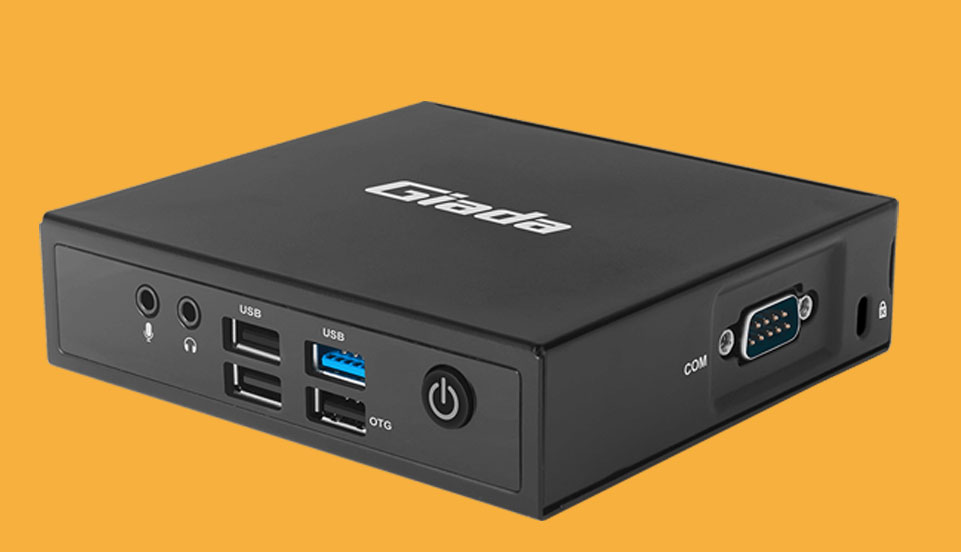
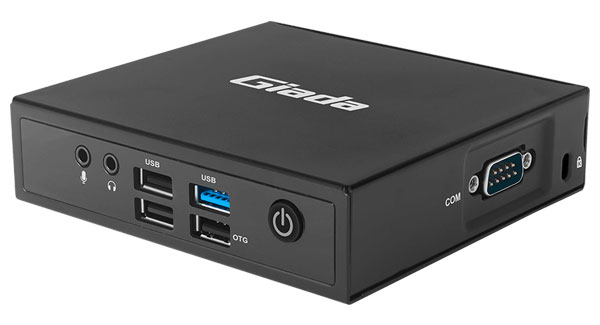
You need a media player that runs Windows Operating System.
Step 3
Connect your Windows device to your screen, download the PosterBooking Windows App and install it on your device.
Login into PosterBooking dashboard, click “Add Screen” and enter your screen code.
For other devices install the required player under “Download App” in the dashboard.
And you’re done!
PosterBooking Free Windows Digital Signage Player. Our Software lets you turn your TV into Display Signage for FREE.

Our Windows Software lets you control your digital signage content from anywhere in the world.
You can manage how adverts appear on your digital signage screens. Whether it's on one screen or a whole network, you can schedule your content, and get reports on your ads that are being displayed.
Windows signage LIVE in less than 2 minutes
Seconds to sign up. Seconds to add a screen. Seconds to add content and go live!
Get in touch
Visit us for a free demo
Arrange an appointment with us and we'll show you how easy our software is to use.
Address:
PO Box 7280
Salsbury Industries
18300 Central Avenue Carson,
CA 90746-4008
Can't make the trip? We can show you a demo remotely, or simply make an account here.
Display signage live in less than 2 minutes
Seconds to sign up. Seconds to add a screen. Seconds to add content and go live!