
How to set up digital signage screens on a Windows media player
A super-quick setup guide
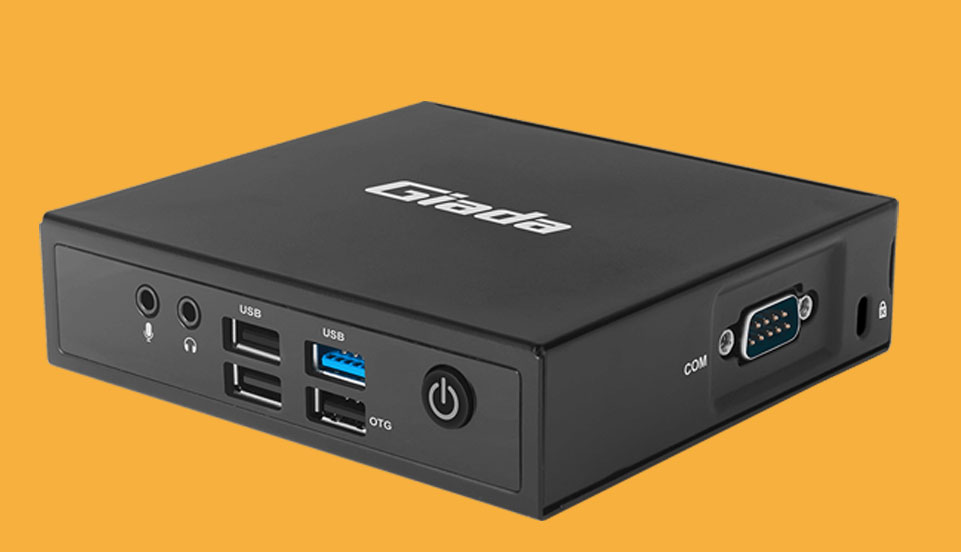
Here's what you will need:
A HDTV Monitor/Any TV
(with HDMI input)
Any Windows media player
Internet Connection
To upload and update content
This super quick setup guide assumes you have already connected the Windows device to your monitor and you are using your Windows player and no other external device.
Step 1: Download the Windows file.
Click here to download it.
Step 2: Install
Using your mouse, double click .zip file and extract the folder. Then choose the PosterBooking.exe file and click install.
Step 3: Open App
Thats it! As easy as that! You can open the app up and start entering your screencode.
Congratulations! You have now installed the PosterBooking image onto your windows device.
Display signage live in less than 2 minutes
Seconds to sign up. Seconds to add a screen. Seconds to add content and go live!