
Digital Signage for Government
Easily broadcast alerts, service updates, and civic announcements across all public offices from a single dashboard.




Free Digital Signage That Powers Every Corner of Your Facility
From city halls to public offices, keep citizens informed with real-time updates, announcements, and emergency alerts,100% free, no trials or credit cards.
Instant Public Announcements
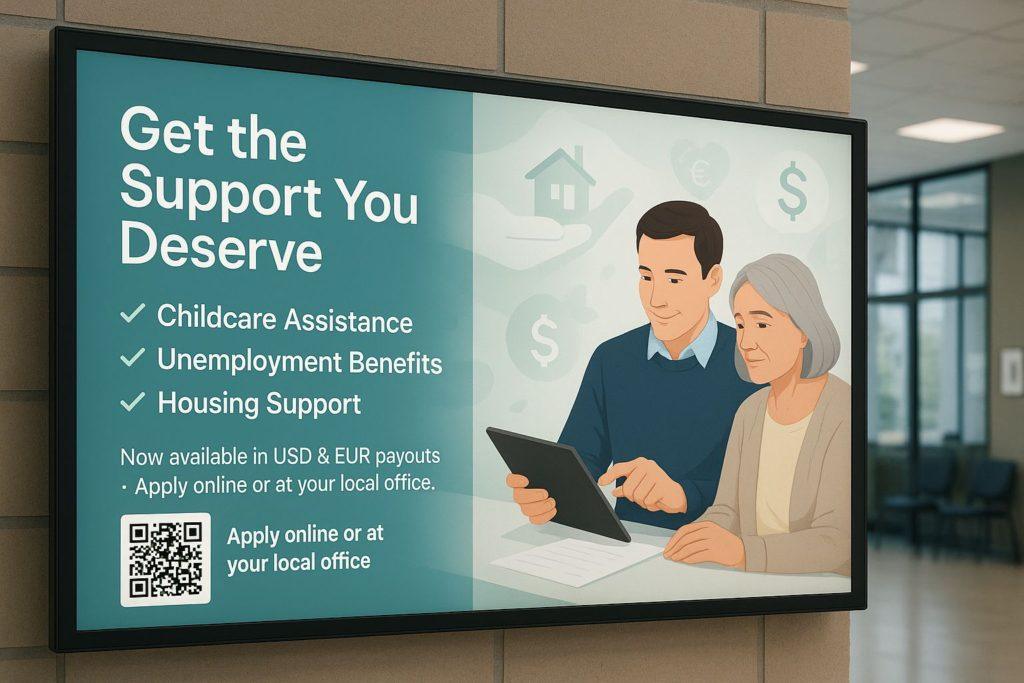
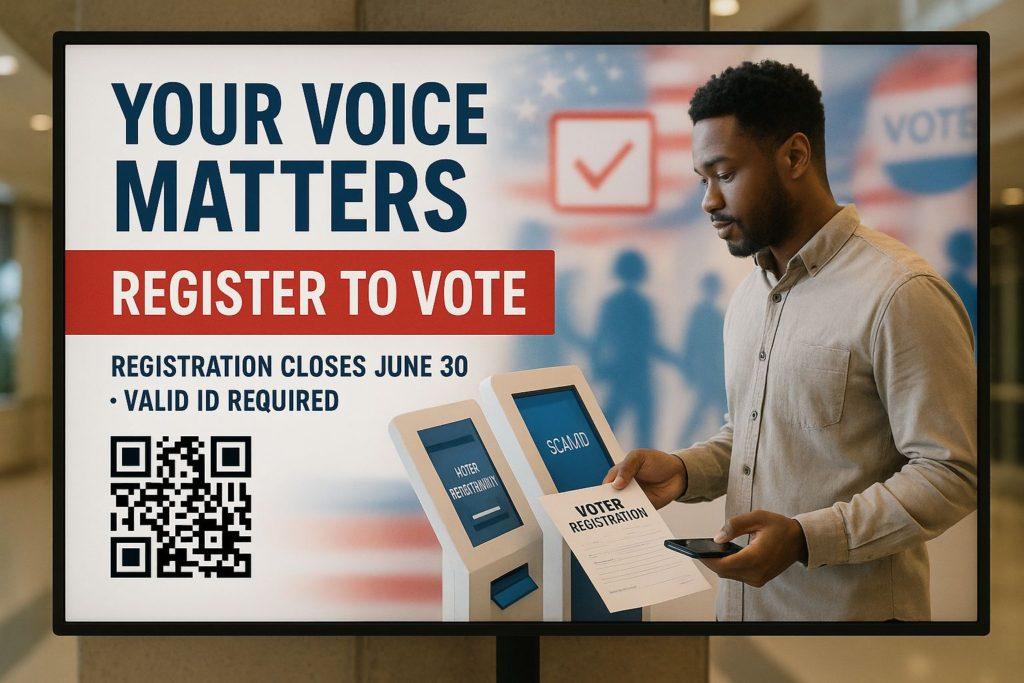
Broadcast emergency alerts, policy updates, weather warnings, and public notices in real-time across government buildings, transit stations, and city centers, ensuring citizens stay informed and safe.
Transparent and Accessible Communication
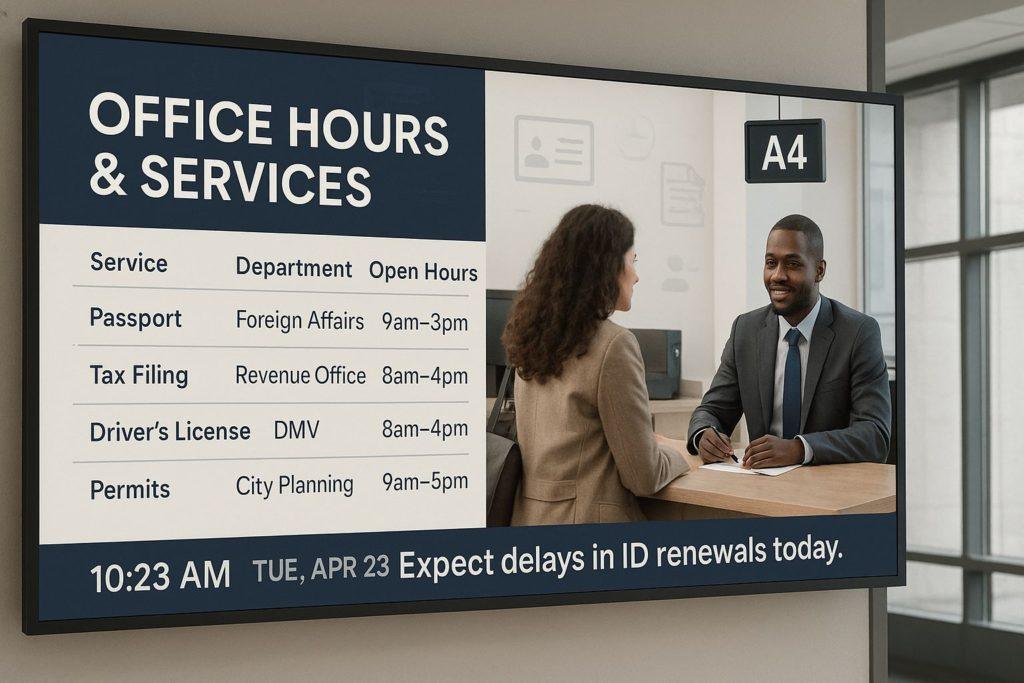
Use digital screens to display service wait times, citizen rights, scheduled hearings, or budget reports. This promotes trust, reduces confusion, and improves accessibility for diverse communities.
Reduced Operational Costs and Paper Waste
Replace static bulletin boards and printed signage with remotely managed digital screens. Cut printing costs, streamline message updates, and support sustainability goals across departments.
Supercharge Your Public Space With Digital Signage
Showcase public notices, promote community programs in real-time, and give your facility a modern, professional edge, all with just a screen.
One Free Platform, Countless Use Cases
Public Announcements
Introduce new meals or seasonal items across all locations with just one click from your dashboard.
Queue Management
Display ticket numbers and counter assignments to streamline public service operations and reduce wait time confusion.
Emergency Alerts
Broadcast safety warnings, weather updates, and crisis instructions instantly across all government buildings.
Civic Education
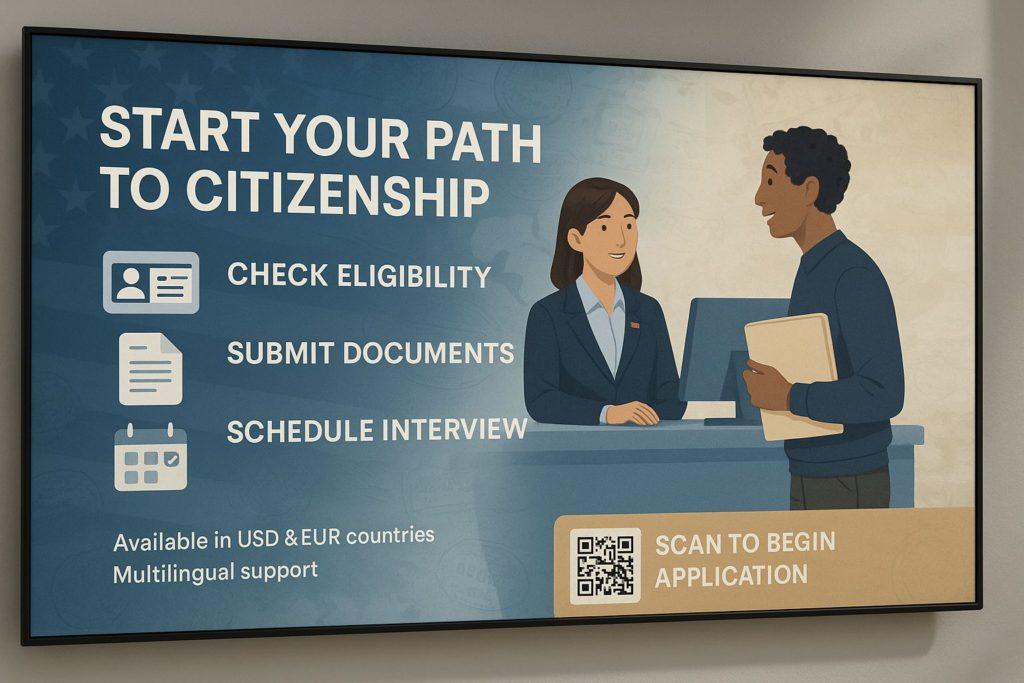
Promote awareness on voter registration, tax deadlines, and public health campaigns with dynamic visuals.
Wayfinding Assistance
Guide visitors through large complexes like ministries, courts, and municipal offices with directional signage.
Event Promotion
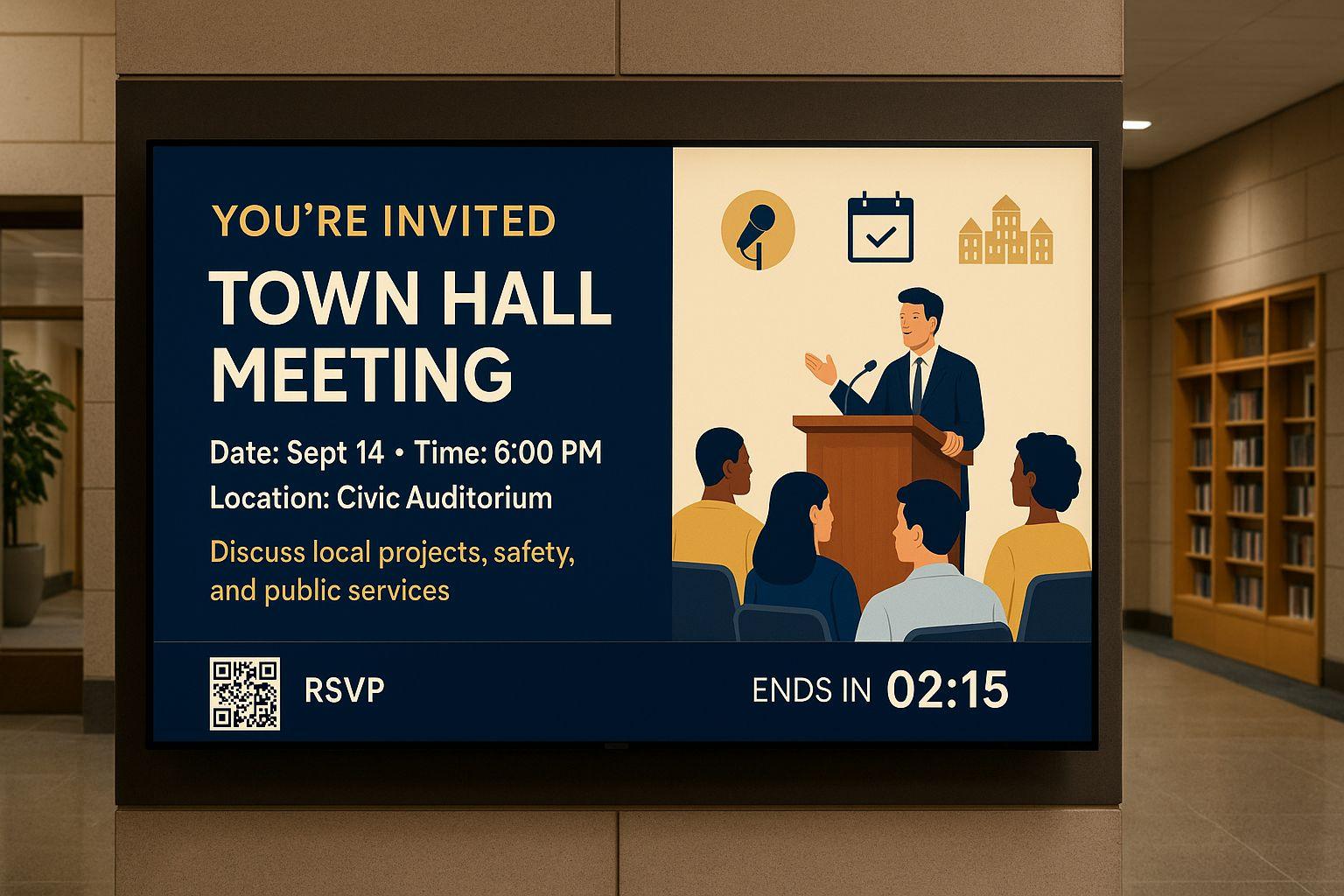
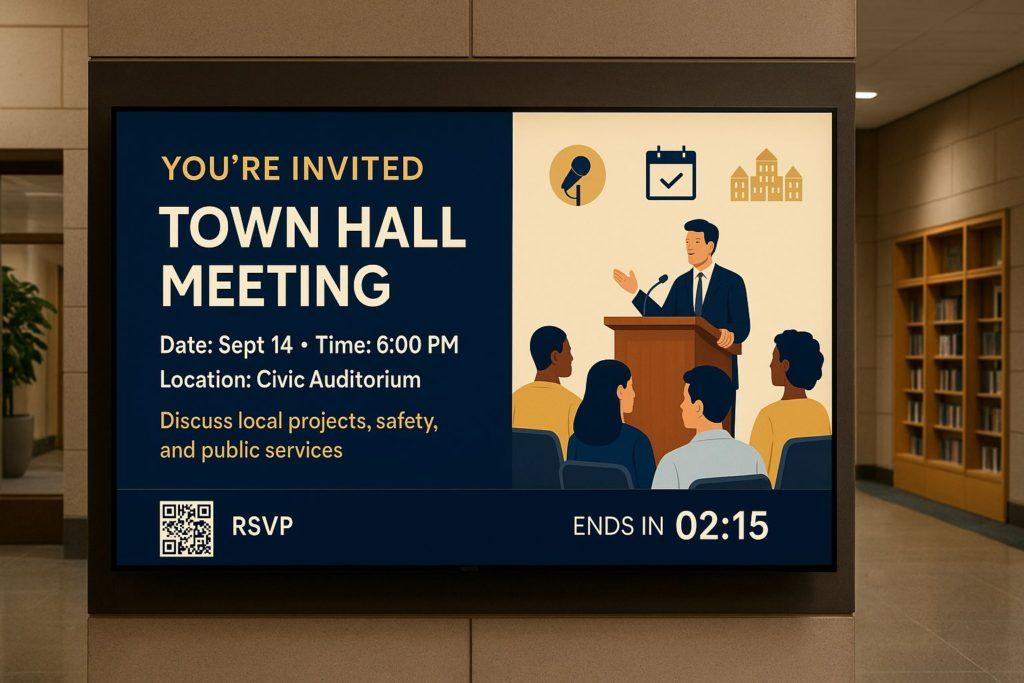
Advertise town halls, community meetings, and national celebrations to boost civic engagement.
How to Set Up in Minutes
Step 1
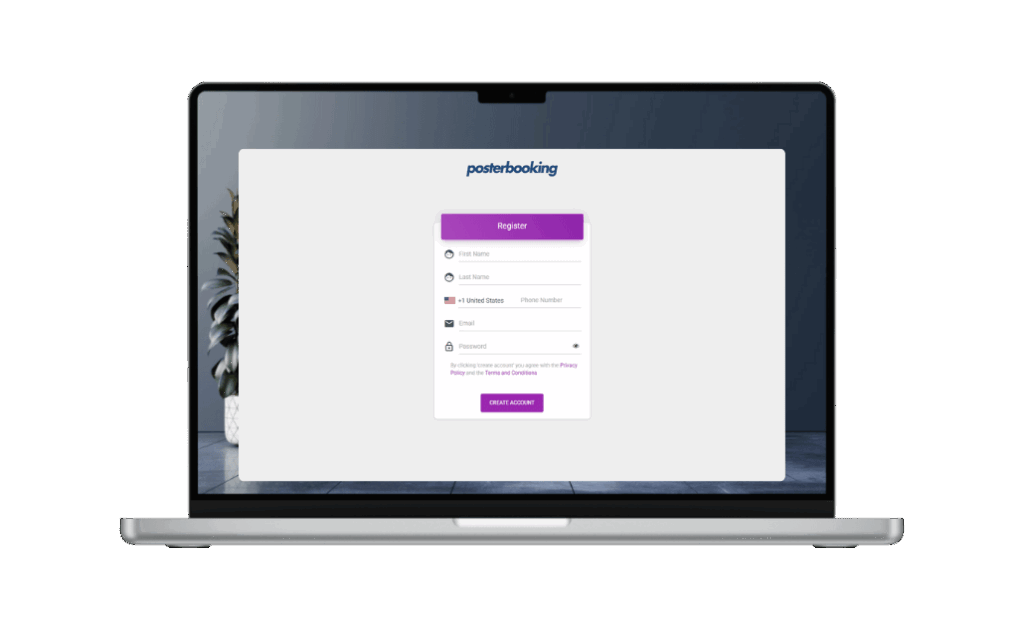
Create a Free Account
Sign up on PosterBooking signage platform. It takes 1 minute.
Step 2
Connect Public Screens or Kiosks
Use existing lobby TVs, hallway monitors, or outdoor displays. Just plug in a FireStick, Android box, or compatible media device.
Step 3
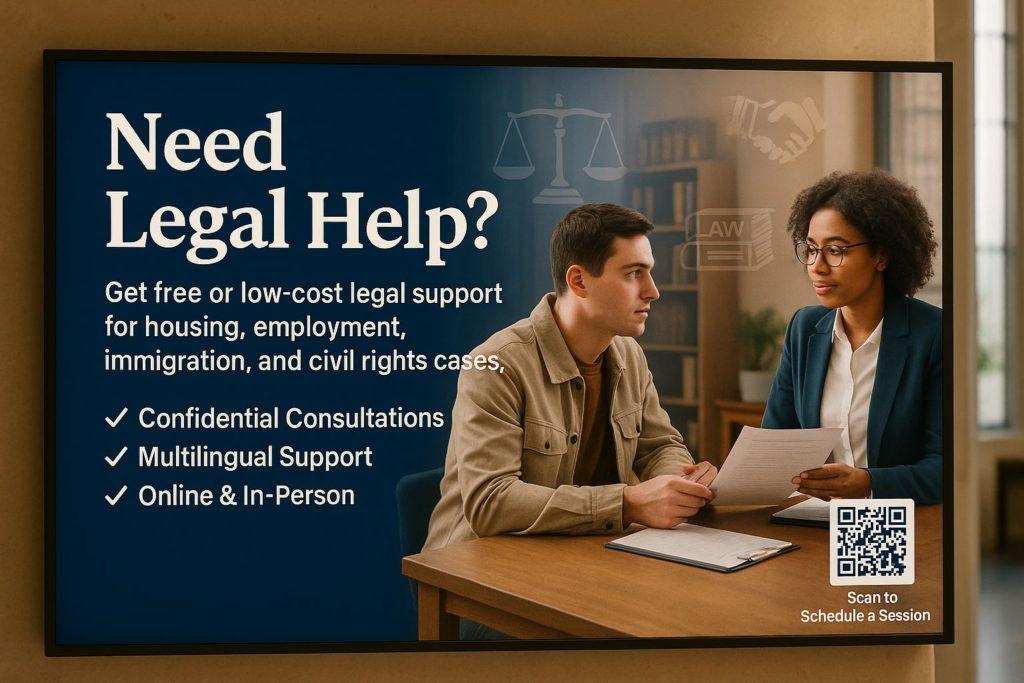
Upload Government Messages
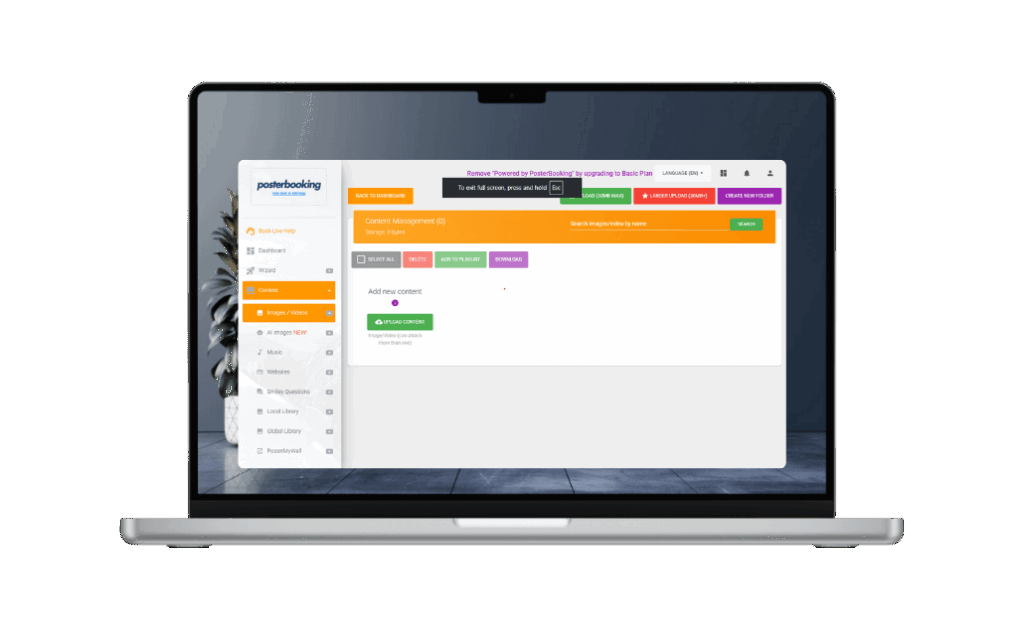
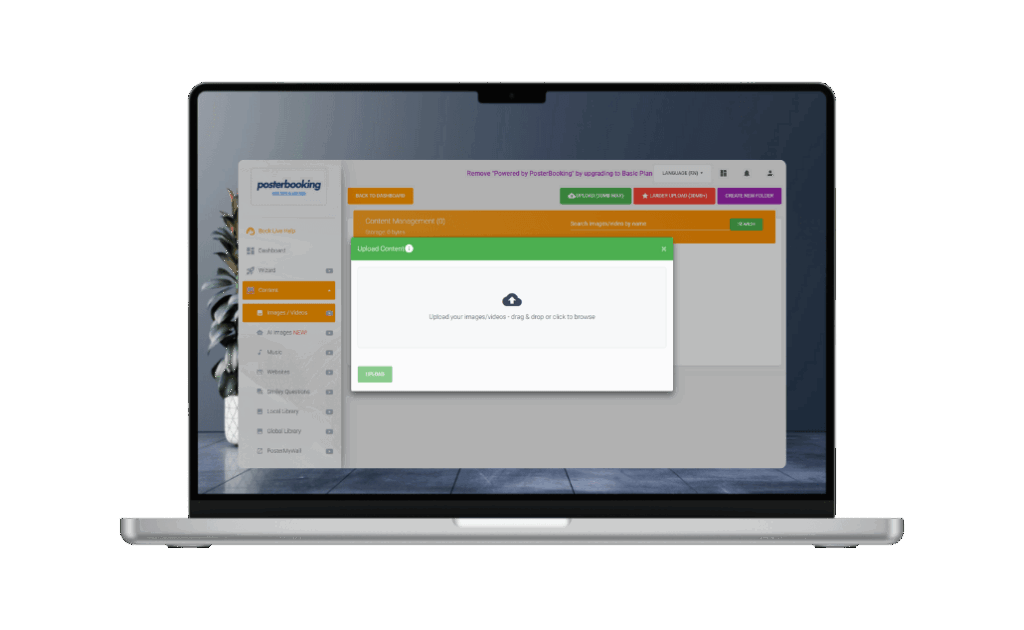
Display public notices, service hours, ID renewal steps, voter registration info, safety protocols, and more using images or MP4 videos.
Step 4
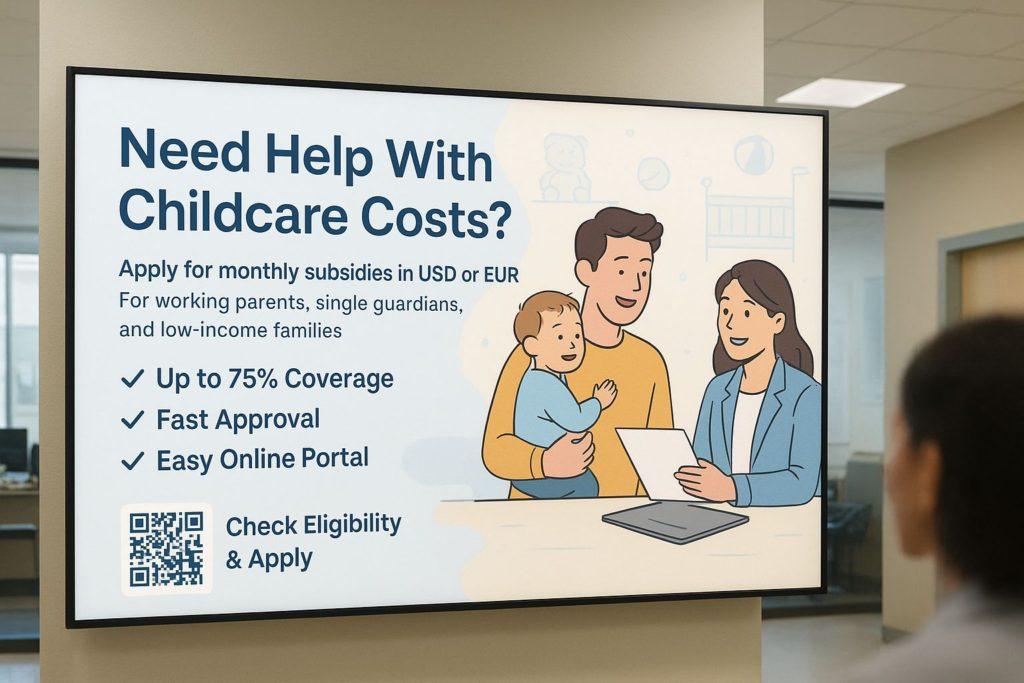
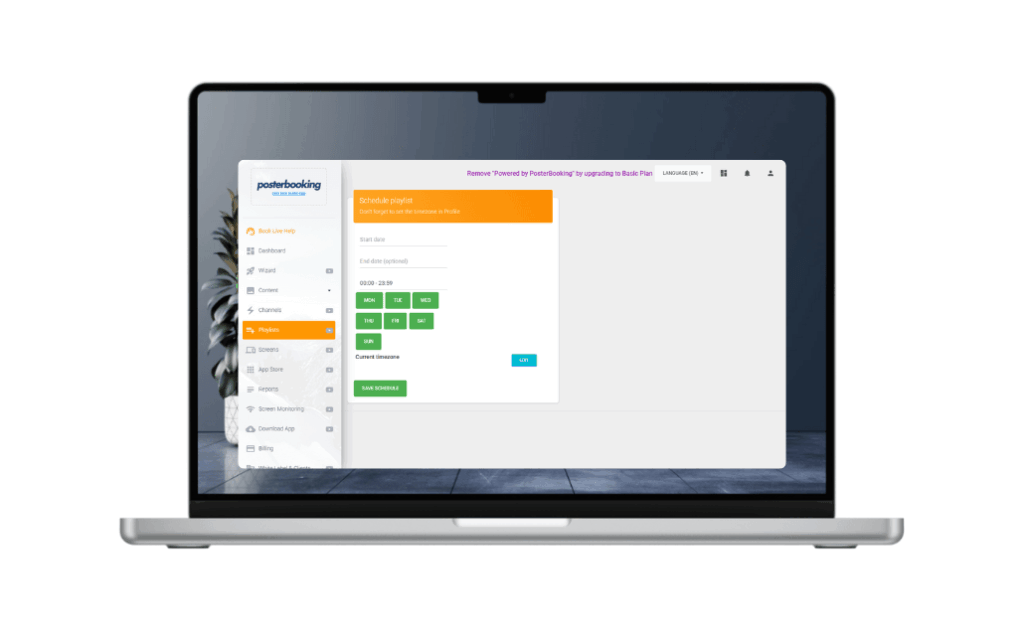
Schedule by Department, Location, or Time
Set specific content for each office or agency, whether it’s daily citizen reminders, weekly policy updates, or urgent alerts by time of day.
Step 5
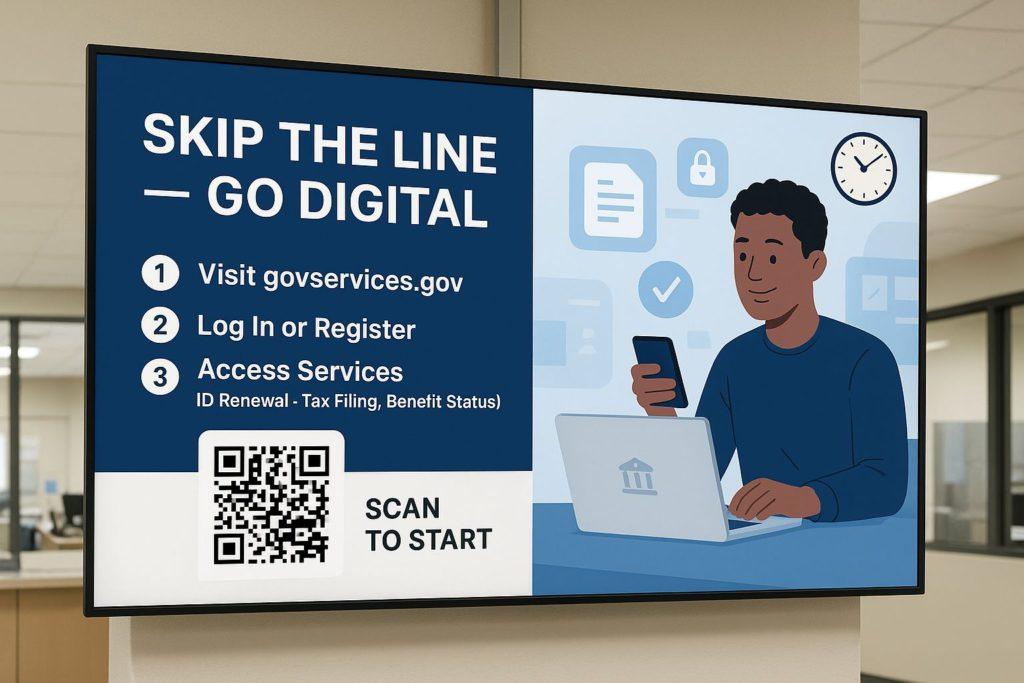
Add Campaigns & Community Outreach
Promote local events, health drives, digital literacy programs, or national campaigns with pre-scheduled content.
Step 6
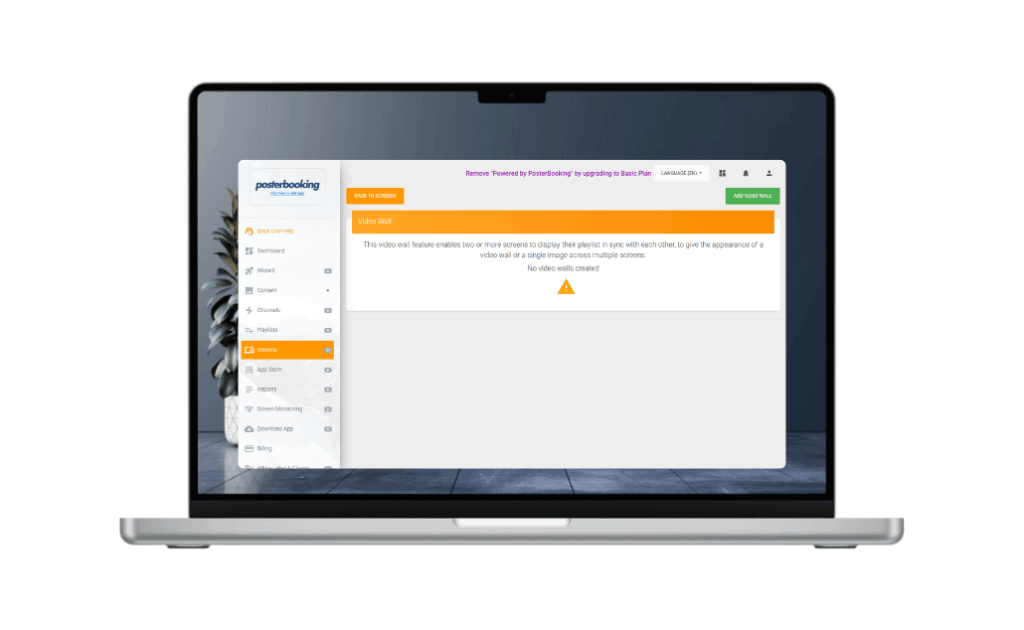
Control All Screens Across Offices
Manage screens in city halls, DMVs, immigration offices, or ministries from one secure dashboard—instant updates, zero delay.
Why Governments and Public Offices Use PosterBooking
Join government agencies and public institutions worldwide who trust PosterBooking to power their digital communication.
- 10 Free Screens – No Contracts, No Credit Card
- Works on Any Screen You Already Own
- Trusted Globally – 60,000+ Screens Online
- Remote Control from Anywhere
- Schedule Menus by Time of Day
- Sync Across Multiple Locations
Why Government Institutions Uses PosterBooking
Real stories from smart business owners who made the switch.
I’ve used PosterBooking for a year now and haven’t paid a single penny. It’s really simple and easy to use and am thinking of upgrading my package to a paid option because I need the pro-services. I highly recommend anyone looking for digital signage to use PosterBooking, its super simple to use..
Five Star Pizzas
Poster Booking is by far the best digital signage solution out there. Realiable, easy to use and with a lot of different resources
T. Fonseca
I’ve been looking for a service like this for years, easy to use and setup, great support team and great plans! I would totally recommend it!
Jimmy Rivera
By far the best cloud digital signage out there. Unlike others who provide only 1 trial screens with limited options, poster booking provides 10 free screens which makes it very convenient for small business like. They are way ahead of other signage brands in the market. Will definately recommend everyone to give them a try and I can assure it won’t disappoint.
Also the features are laid in a very practical and very easy to use USER INTERFACE.
Ozaki Kaji Me
A very good inexpensive solution for small as well as large businesses. The software is ever evolving and new features and guesses are added regularly and the best part, The customer support is really awesome!
Muhammad Fayyaz
I have been using PosterBooking for one of my customers for over 2 months now and it has not faltered at all.
It continuously displays my clients marketing media in a shop window on two monitor screens.
You will soon understand why so many big brands have adopted this as their choice of media display system.
Matt Carroll
Frequently Asked Questions
Do I need to buy any special hardware?
Not at all. You can use any standard TV screen and plug in a FireStick, Android Box, or even use a Smart TV with a web browser. No expensive signage hardware needed.
What kind of content can I show on the screens?
You can upload menus, videos, images, slideshows, and promotions anything in JPG, PNG, or MP4 format. Your content auto-plays and switches based on your schedule.
Can I manage multiple screens or locations?
Yes. Whether you have 1 screen or 100, everything is managed from a single online dashboard. You can group screens, set user permissions, and schedule content per location.
I don’t have a tech team. Can I really do this myself?
Absolutely. The setup is beginner-friendly. Just plug in, connect, upload, and schedule. Most users go live in under 15 minutes, no technical skills required.
Is this really free to start? What's the catch?
Yes, your first 10 screens are completely free, no credit card needed. If you want more screens or advanced features later, you can upgrade anytime.
Join PosterBooking for FREE
Get a free 1:1 PosterBooking demo and see how to unlock 10 free screens with zero setup headaches.
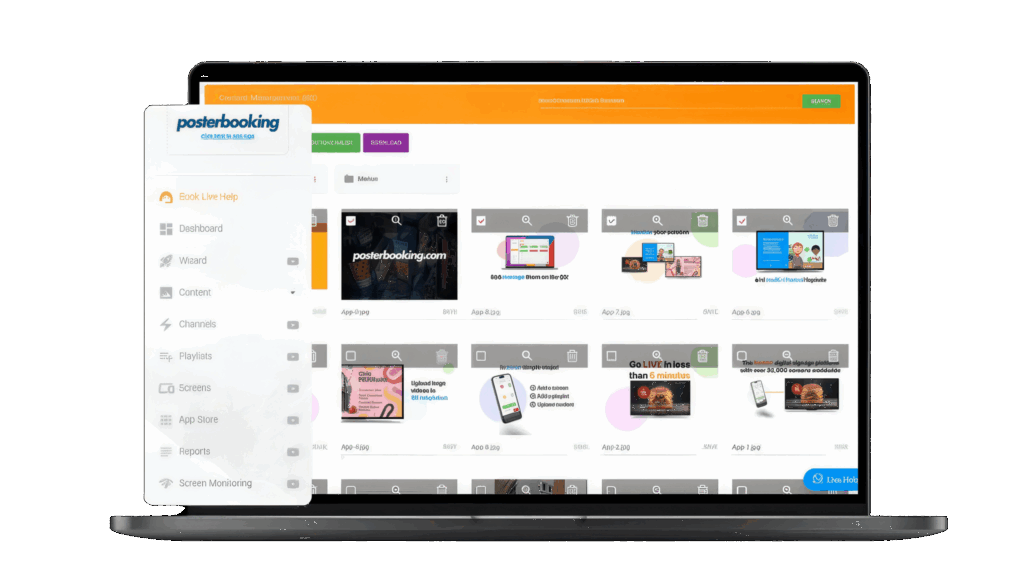
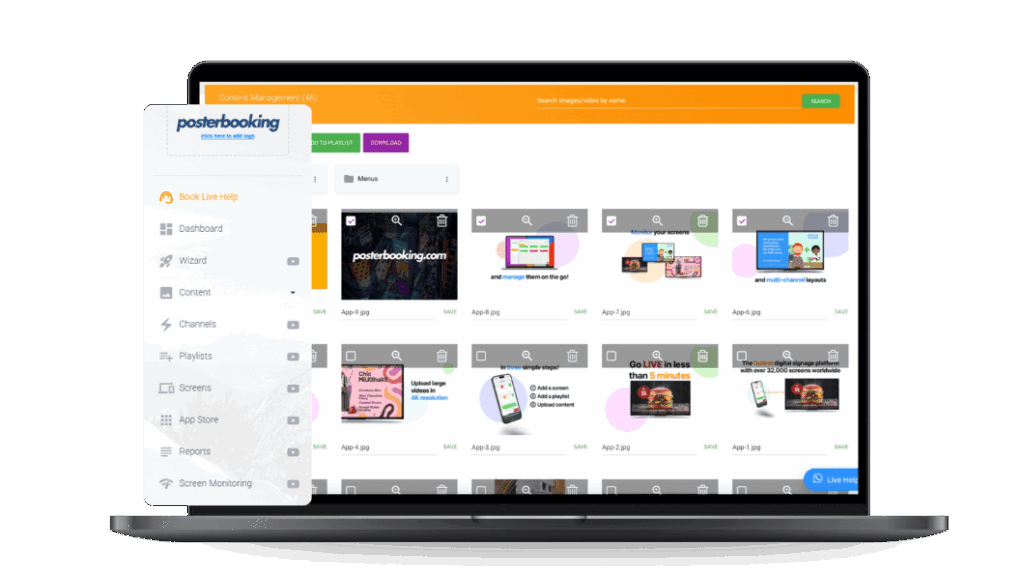
Display signage live in less than 2 minutes
Seconds to sign up. Seconds to add a screen. Seconds to add content and go live!