
Digital signage can prevent accidents by reinforcing situational awareness, guiding safe behavior, and delivering urgent alerts where people face the highest risks.
By combining well-placed screens, accessible design, real-time triggers, and governance, signage becomes a frontline safety communication tool that complements engineering controls and personal protective equipment without replacing them.
Table Of Contents
- What Does “Accident Prevention With Digital Signage” Actually Mean?
- Which Accident Types Can Signage Influence Most?
- Where Should Digital Signage Be Placed to Reduce Risk Effectively?
- How Do You Decide the Right Screen Type for Safety Contexts?
- What About Mobile, Temporary, and Evacuation Use?
- What Safety Content Should You Publish and When?
- How Should You Design Safety Messages for Readability and Comprehension?
- How Do Triggers, Sensors, and Data Feeds Make Safety Signage Proactive?
- How Do You Build a Safety Signage Program That People Actually Follow?
- What Is the Right Loop Length and Refresh Cadence for Safety Content?
- What Standards, Rules, and Ethics Guide Safety Signage?
- How Do You Avoid Causing Accidents With the Signage Itself?
- How Will You Measure if Signage Is Reducing Accidents?
- What Does a Simple ROI/Impact Model Look Like for Safety?
- What Common Mistakes Undermine Safety Signage and How Do You Fix Them?
- How Do You Roll Out a Safety Signage Program in 90 Days?
- What FAQs Do Safety and Operations Teams Ask?
- How large should text be at 10 m?
- Can alerts override all screens?
- How do we support multiple languages?
- What if WAN fails?
- How bright for sunlit areas?
- How to prevent distraction near forklifts/roads?
- How often to re-torque mounts?
- How do we avoid LED/panel color mismatches?
What Does “Accident Prevention With Digital Signage” Actually Mean?

Accident prevention with digital signage means using networked displays as an administrative control to raise awareness, reinforce safety procedures, and deliver live alerts. Within the Hierarchy of Controls, signage falls under administrative/awareness measures, not as a substitute for engineering fixes or PPE. It is most useful in industrial facilities, warehouses, construction zones, hospitals, campuses, transit hubs, hospitality venues, and retail spaces where hazards and crowds converge.
Prevention Objectives of Safety-Focused Digital Signage include:
- reduce slips, trips, and falls through timely reminders
- prevent struck-by and crush injuries at intersections and docks
- reinforce PPE compliance with visual cues
- provide rapid emergency alerts and evacuation routes
- lower confusion during wayfinding and crowding events
- support ergonomic awareness and fatigue reduction
Table: Control Type, Example, and Where Signage Helps
| Control Type | Example | Where Signage Helps |
|---|---|---|
| Engineering | Guard rails | Displays show access restrictions |
| Administrative | SOP posters | Displays reinforce LOTO/PPE steps |
| PPE | Hard hats, masks | Displays remind at entry points |
| Awareness | Toolbox talks | Displays deliver micro-trainings |
Which Accident Types Can Signage Influence Most?
Digital signage influences accidents that hinge on human awareness, decision timing, or wayfinding. It is less effective for hazards that require engineering redesign but highly effective for reinforcing vigilance and compliance.
Table: Hazard, Example Location, and Signage Intervention
| Hazard | Example Location | Signage Intervention |
|---|---|---|
| Slips/Trips/Falls | Wet corridors, icy ramps | Real-time hazard alerts |
| Struck-By/Crush | Forklift aisles, loading bays | Motion-triggered stop warnings |
| Burns/Thermal | Kitchens, foundries | PPE reminders, heat alerts |
| Chemical Exposure | Labs, cleaning zones | Spill alerts, MSDS QR access |
| Electrical | Panels, substations | Lockout/tagout prompts |
| Ergonomic Strain | Packing stations | Micro-break and posture cues |
| Crowd Crush | Stadium exits | Flow guidance and muster routing |
| Wayfinding Confusion | Hospitals, campuses | Dynamic arrows and codes |
| Photo-Sensitive Risk | Event halls | Motion moderation warnings |
Where Should Digital Signage Be Placed to Reduce Risk Effectively?

Effective signage placement requires mapping hotspots where hazards intersect with human movement, ensuring screens remain visible, readable, and compliant with accessibility codes.
Placement Do’s and Don’ts for Safety Digital Signage include:
- place at intersections and forklift aisles
- mount near ramps, stairwells, and ladders
- install at entrances with PPE reminders
- locate at muster points for evacuations
- avoid glare-prone walls or sun-facing glass
- do not block egress paths or safety equipment
- ensure ADA protrusion clearance under 4 inches
Table: Location Type, Mounting Height, and Minimum Brightness
| Location | Height (to screen center) | Brightness (nits) |
|---|---|---|
| Indoor Hallway | 1.5–1.7 m | 500–700 |
| Warehouse Bay | 2–3 m | 700–1,000 |
| Window-Facing | 2–2.5 m | 2,500–3,500 |
| Outdoor Muster Point | 2.5–3 m | 3,500–5,000 |
How Do You Decide the Right Screen Type for Safety Contexts?
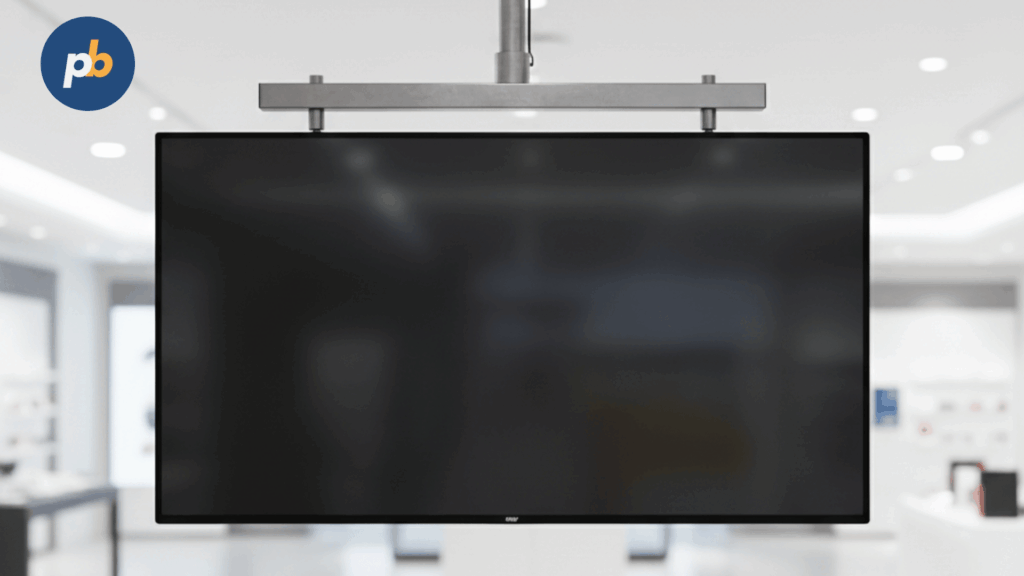
The right signage display type depends on venue, lighting, and durability. Standard LCD suits indoor safety loops, while high-bright LCD or LED boards support warehouses and outdoor areas. Ruggedized enclosures with IP/IK ratings protect equipment, and ePaper works for static checklists or door signs.
Table: Environment, Display Type, and Reason
| Environment | Display Type | Reason |
|---|---|---|
| Indoor Corridor | Commercial LCD | Reliable 24/7 runtime |
| Loading Dock | High-Bright LCD | Counteracts daylight glare |
| Large Bay | LED Board | Long-distance legibility |
| Outdoor Muster | IP65 Enclosed LCD | Weather/vandal resistance |
| Meeting Room | ePaper | Ultra-low power static SOPs |
What About Mobile, Temporary, and Evacuation Use?
Portable signage is essential for shutdowns, construction phases, or evacuation muster points. Battery carts and totems allow quick deployment without wiring, while pop-up displays support training or emergency briefings.
Portable Kit Checklist for Safety Digital Signage include:
- battery cart with 6–10 hr runtime
- fold-flat stand or rugged totem
- daylight-readable LCD/LED panel
- integrated UPS for failover
- quick-mount brackets and wheels
- wireless network with LTE failover
What Safety Content Should You Publish and When?
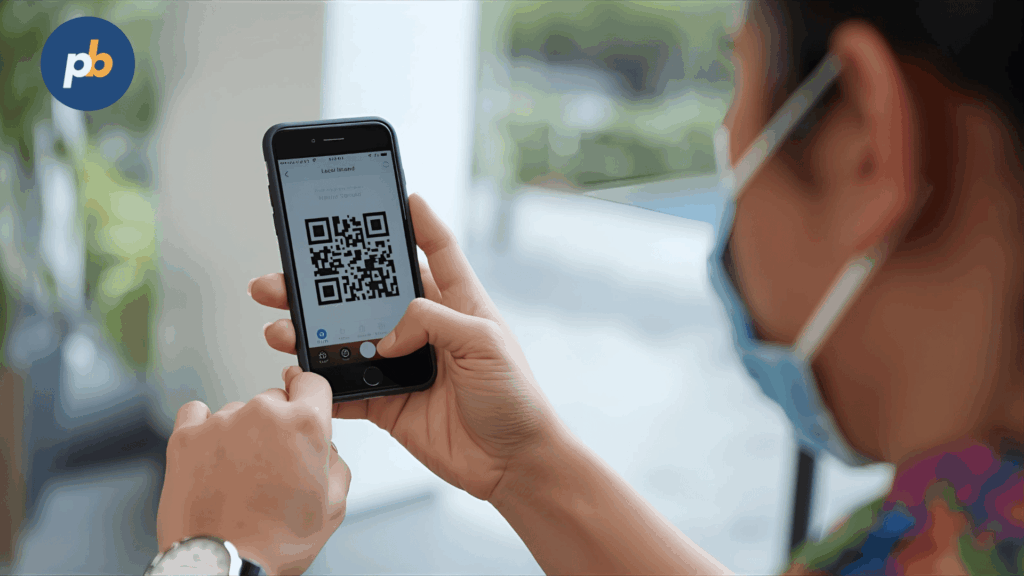
Content should follow a safety taxonomy, prioritizing critical alerts first and complementing with time-sensitive warnings, procedural steps, behavioral nudges, wayfinding, training, and dashboards.
Table: Content Type, Trigger, and Duration
| Content Type | Trigger | On-Screen Duration |
|---|---|---|
| Critical Alerts | CAP feed, fire alarm | Until cleared |
| Warnings | Weather/air sensor | 5–30 min |
| Procedural Prompts | Shift start | 30–60 sec |
| Behavioral Nudges | Entry zone | 10–15 sec |
| Wayfinding/Egress | Evacuation | Until all clear |
| Training Micro-Bursts | Shift toolbox | 1–2 min |
| Dashboards | Daily | Persistent rotation |
Editorial Calendar Slots for Safety Content include:
- start-of-shift PPE reminders
- mid-shift hydration prompts
- pre-lunch ergonomic nudges
- seasonal hazard inserts (heat/ice)
- weekly dashboard updates
- post-incident debrief highlights
How Should You Design Safety Messages for Readability and Comprehension?
Messages must be instantly legible with large fonts, high contrast, clear icons, and plain language. Avoid complex animations or strobes, and always support multiple languages.
Table: Distance, Minimum Text Size, and Icon Size
| Viewing Distance | Text Size | Icon Size |
|---|---|---|
| 2 m | 20 pt | 48 px |
| 5 m | 40 pt | 96 px |
| 10 m | 72 pt | 160 px |
Copywriting Patterns for Safety Messages include:
- “Do: Wear PPE / Don’t: Enter Without Helmet”
- “If Spill → Then Evacuate to Zone C”
- “Stop: Check Lockout Before Work”
- “Caution: 3 Points of Contact Required”
How Do You Ensure Accessibility and Inclusivity?
Accessibility requires captions for motion/audio, color-blind-friendly palettes, simple pictograms, multiple language support, and compliant mounting.
Accessibility Checklist for Safety Signage include:
- captions enabled for any video/audio
- color palettes tested for color blindness
- bilingual or multilingual translations
- pictograms aligned with ISO standards
- placement at 1.2–1.5 m for readability
- tactile and auditory pairing where needed
Table: Requirement, Test, and Pass Criteria
| Requirement | Test | Pass Criteria |
|---|---|---|
| Contrast | Contrast checker | 4.5:1 minimum |
| Captioning | Playback test | 100% captioned |
| Multilingual | Language switch test | All primary languages present |
How Do Triggers, Sensors, and Data Feeds Make Safety Signage Proactive?
Triggers from IoT sensors, CAP feeds, and APIs allow signage to change content instantly when conditions shift, creating real-time awareness rather than static reminders.
Examples of Signals Driving Safety Digital Signage include:
- forklift proximity sensor → stop warning
- SCADA machine state → lockout prompt
- air particulate sensor → mask reminder
- CAP feed → evacuation takeover
- weather API → heat stress warning
- occupancy sensor → crowd control nudge
Table: Signal, Condition, Message, Failover
| Signal | Condition | Message | Failover |
|---|---|---|---|
| Forklift beacon | within 5 m | “Yield - Vehicle Crossing” | Static caution slide |
| Air quality sensor | PM2.5 > threshold | “Mask Required” | Preloaded poster |
| CAP alert | Fire drill | “Evacuate → Zone B” | Local cache slide |
Privacy & Rate-Limit Tips for Safety Signage include:
- anonymize occupancy counts
- limit frame-rate for camera analytics
- store only aggregates, not personal IDs
How Do You Build a Safety Signage Program That People Actually Follow?
A safety signage program works when ownership is clear, content is timely, and workers trust the system as part of daily routines. Governance must involve EHS leads, IT/OT, facilities, and front-line teams so signage reinforces, not distracts.
Table: Governance RACI for Safety Signage
| Task | Responsible | Accountable | Consulted | Informed |
|---|---|---|---|---|
| Content creation & updates | EHS team | EHS Director | Legal, Union reps | Site workers |
| Network/device health | IT/OT | CIO | AV integrator | Supervisors |
| Placement & maintenance | Facilities | Ops Manager | Safety Engineer | Workforce |
| Incident tie-in | Safety Manager | COO | First responders | All staff |
Content Approval Flow for Safety Signage include:
- draft content by EHS or communications
- legal and compliance review for accuracy
- IT validation for trigger/data security
- union or workforce reps consulted
- final approval logged with timestamp
What Is the Right Loop Length and Refresh Cadence for Safety Content?
The right signage loop length balances message visibility with cognitive load, typically 3–7 minutes in dwell zones and 30–60 seconds in pass-through areas. Refresh cadence depends on shifts, seasons, and hazards.
Table: Venue/Zone, Loop Length, and Refresh Target
| Venue/Zone | Loop Length | Refresh Cadence |
|---|---|---|
| Warehouse Floor | 5 minutes | Weekly + seasonal |
| Corridor/Pass-Through | 60 seconds | Monthly |
| Control Room | 7 minutes | Daily |
| Break Rooms | 10 minutes | Weekly |
| Outdoor Dock | 3 minutes | Seasonal + event-driven |
Rotation Heuristics for Safety Signage include:
- update safety tips with each new season
- change alert examples every quarter
- insert emergency procedure refresh monthly
- adjust by incident/near-miss reports
- vary visual assets to fight message fatigue
How Do You Train Teams to Watch and Act on Signage?
Teams learn to act when signage is linked to toolbox talks, SOPs, and feedback loops. QR codes and micro-quizzes connect screens to procedures and reinforce learning.
Training Micro-Modules for Safety Signage include:
- daily toolbox talk referencing one slide
- QR codes to PPE or LOTO SOPs
- gamified micro-quiz with shift prizes
- hazard reporting prompt with reward loop
- refresher modules after incidents
What Standards, Rules, and Ethics Guide Safety Signage?
Safety signage must comply with building codes, electrical safety, accessibility, egress laws, emergency alert standards, and ethical communication practices. Ethical use ensures trust and avoids stigma.
Compliance Checklist for Safety Digital Signage include:
- mount height & protrusion under ADA 4” limit
- brightness capped near roadways to prevent driver distraction
- emergency alert precedence over routine content
- all messages captioned and language-accessible
- compliance with local building/electrical codes
- ethical review: no shaming, no personal data misuse
Table: Requirement, Why It Matters, and Verification
| Requirement | Why It Matters | Verify With |
|---|---|---|
| ADA Protrusion | Prevent injury & obstruction | Site survey measurement |
| CAP Emergency Compliance | Legal emergency override | Mock drills |
| Contrast Ratio | Readability & accessibility | WCAG contrast checker |
| Roadside Brightness Cap | Avoid driver distraction | Light meter test |
How Do You Avoid Causing Accidents With the Signage Itself?
Signage itself must not create new risks. Screens must be securely mounted, cable-managed, glare-free, and never obscure critical static safety signs or sightlines.
Anti-Pattern Checks for Safety Signage include:
- avoid trailing cables across walkways
- never mount above critical static safety signs
- prohibit high-flash animations (risk for epilepsy)
- keep viewing angle free of glare/reflection
- re-torque mounts on schedule
- use secondary retention for ceiling mounts
How Will You Measure if Signage Is Reducing Accidents?
Effectiveness is measured through leading indicators (engagement, PPE compliance, near-miss reports) and lagging indicators (incident rate, lost-time accidents). Data must be tracked against baselines and control zones.
Table: Metric, Data Source, Cadence, and Owner
| Metric | Data Source | Cadence | Owner |
|---|---|---|---|
| PPE Compliance | Camera scan (privacy-safe) | Weekly | EHS |
| SOP Access | QR scans, logins | Weekly | IT/EHS |
| Near-Miss Reports | Digital forms | Monthly | Supervisors |
| Recordable Incident Rate | HR/EHS logs | Monthly | EHS Director |
Experiment Ideas for Safety Signage Evaluation include:
- A/B testing messages across zones
- baseline vs post-rollout comparisons
- SPC charting near-miss trends
- incident post-mortems mapped to displayed content
What Does a Simple ROI/Impact Model Look Like for Safety?
A simple ROI model compares avoided incident costs to program costs. Even conservative attribution shows strong financial and cultural benefits.
Table: Cost Factor, Value, and Data Source
| Cost Factor | Value | Data Source |
|---|---|---|
| Average Recordable Incident | $40,000 | OSHA/Insurance data |
| Lost-Time Downtime | $10,000/day | Ops Finance |
| Insurance Premium Reduction | 5–10% | Broker data |
| Safety Program Cost | $100,000 | Internal budget |
What Common Mistakes Undermine Safety Signage and How Do You Fix Them?
The most common mistakes are poor design, stale content, bad placement, lack of fallback, and ignoring inclusivity. Fixes involve design standards, refresh workflows, proper mounting, offline policies, and accessibility.
Top 12 Mistakes and Fixes for Safety Signage include:
- tiny text → enforce minimum font sizes
- low contrast → apply WCAG AA contrast
- stale loops → refresh weekly or seasonally
- over-animation → limit to <3 motion zones
- buried alerts → prioritize takeovers
- poor placement → hotspot map before install
- English-only → add multilingual templates
- no offline fallback → cache safety slides
- ignoring night shift → ensure 24/7 loops
- not measuring → add QR and survey prompts
- glare problems → apply AR coatings
- blocking sightlines → validate with floor plan
Table: Symptom, Likely Cause, and Correction
| Symptom | Likely Cause | Correction |
|---|---|---|
| Screen unreadable in sun | Low nit rating | Upgrade to high-bright LCD |
| Alerts missed | Content buried | Add takeover priority |
| Workers ignore loops | Stale/repetitive content | Increase refresh cadence |
How Do You Roll Out a Safety Signage Program in 90 Days?
A 90-day rollout requires structured phases: assess, pilot, expand, and standardize. Each week has milestones tied to risks and owners.
Milestone Checklist for a 90-Day Rollout include:
- Week 0–2: risk hotspot mapping and baseline KPIs
- Week 3–4: pilot signage in 2–3 priority zones
- Week 5–6: integrate CAP/emergency triggers
- Week 7–10: expand to high-risk zones
- Week 11–12: review incident data and standardize workflows
Table: Risk, Mitigation, and Owner
| Risk | Mitigation | Owner |
|---|---|---|
| Poor adoption | Worker training | Supervisors |
| Tech failure | Redundant triggers, UPS | IT |
| Compliance gap | Legal review | EHS |
What FAQs Do Safety and Operations Teams Ask?
The most common FAQs focus on design parameters, overrides, language, and fail-safes.
FAQs for Safety Digital Signage include:
How large should text be at 10 m?
At least 72 pt font size
Can alerts override all screens?
Yes, critical alerts must take full priority
How do we support multiple languages?
Use bilingual templates with auto-rotation
What if WAN fails?
Local caches and CAP parsing keep content alive
How bright for sunlit areas?
At least 3,500–5,000 nits
How to prevent distraction near forklifts/roads?
Use high-contrast static icons, avoid motion
How often to re-torque mounts?
Every 6 months or per manufacturer
How do we avoid LED/panel color mismatches?
Annual calibration with a colorimeter