
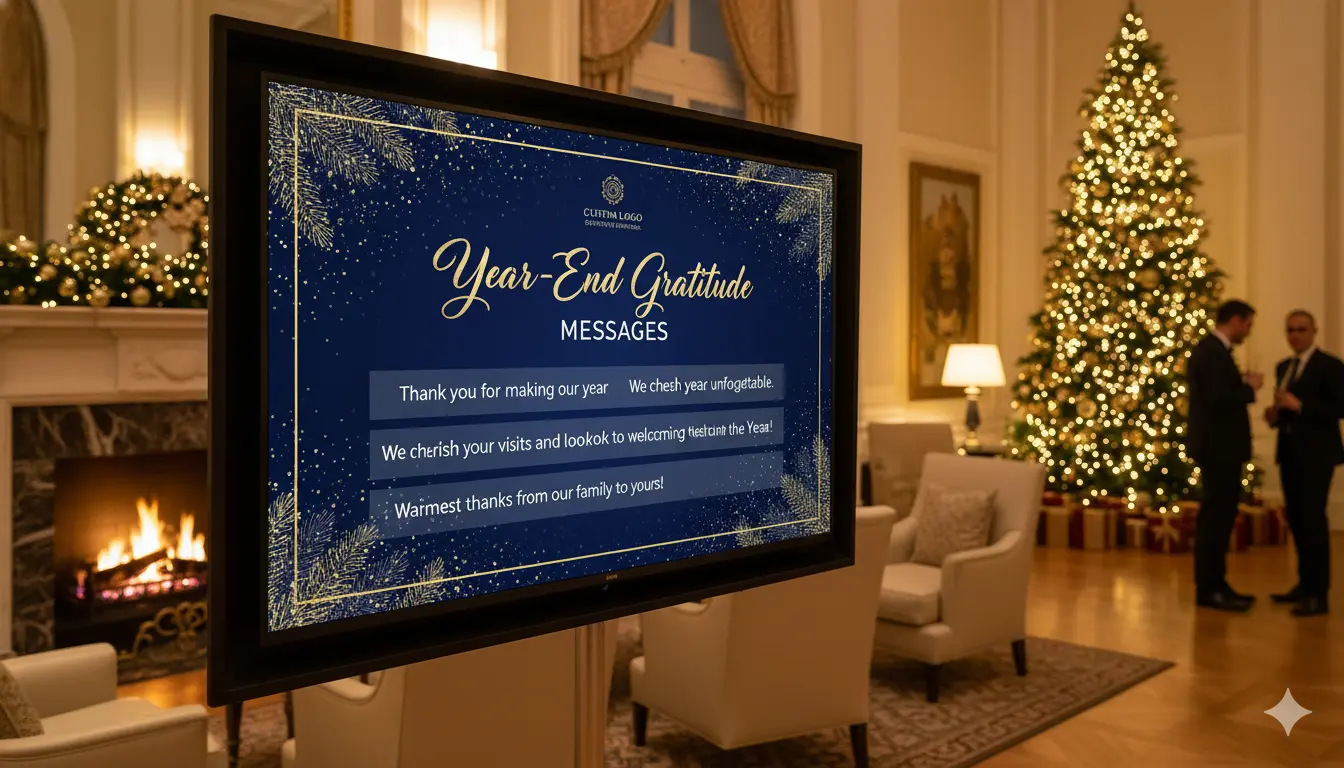
You turn a TV into a New Year greeting board by connecting it to a media player, installing a digital signage app, uploading your New Year graphics or videos, creating a playlist, and assigning it to the TV so it displays your greeting continuously. A New Year greeting board helps you welcome customers, decorate your space, highlight promotions, and create a festive atmosphere without printing any physical signs.
Below is a complete, detailed, step by step guide that teaches you exactly how to set up a New Year greeting display on any TV.
Table Of Contents
- Step 1: Prepare the Requirements
- Step 2: Create Your New Year Greeting Content
- Step 3: Connect Your Media Player to the TV
- Step 4: Install a Digital Signage App on the Media Player
- Step 5: Add the TV to Your Digital Signage Dashboard
- Step 6: Upload Your New Year Greeting Files
- Step 7: Create a New Year Greeting Playlist
- Step 8: Assign the Playlist to the TV
- Step 9: Adjust Brightness, Orientation, and Audio Settings
- Step 10: Add Motion Effects or Additional New Year Slides
- Step 11: Schedule Your New Year Greeting Automatically
- Step 12: Test the Display in Your Space
- Final Thoughts
Step 1: Prepare the Requirements
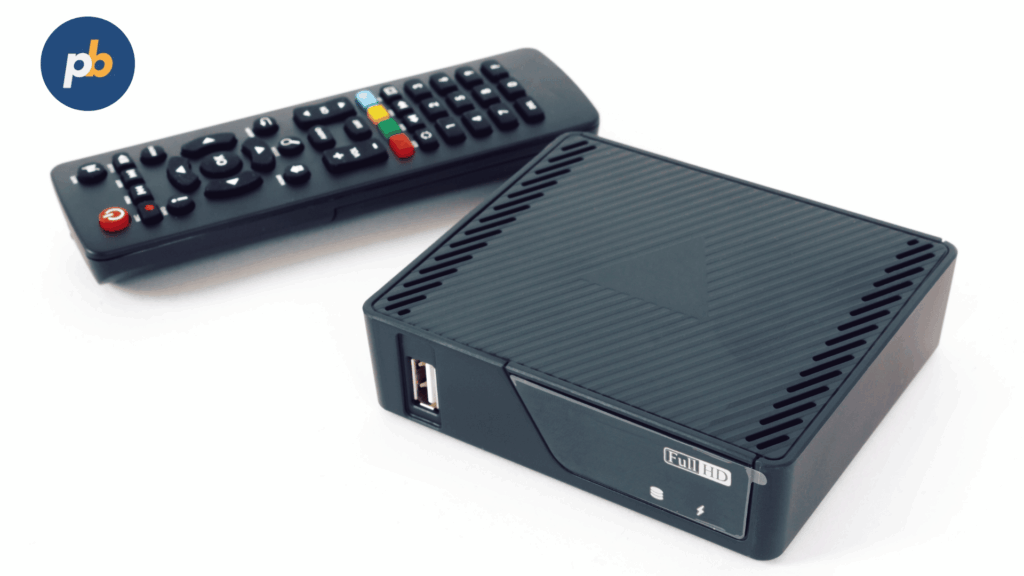
Before you begin, gather everything necessary to transform your TV into a digital greeting board. Preparing these items in advance ensures a smooth and efficient setup process.
You will need:
• A TV with an HDMI port.
• A media player such as a Fire TV Stick, Android TV device, Raspberry Pi, or Amazon Signage Stick.
• A digital signage software account. PosterBooking is recommended because it offers 10 free screens and unlimited uploads in 2025.
• New Year themed images or videos in JPG, PNG, or MP4 format.
• A reliable internet connection.
• Optional promotional graphics if you want to highlight New Year offers.
Once everything is ready, you can begin setting up your digital greeting board.
Step 2: Create Your New Year Greeting Content
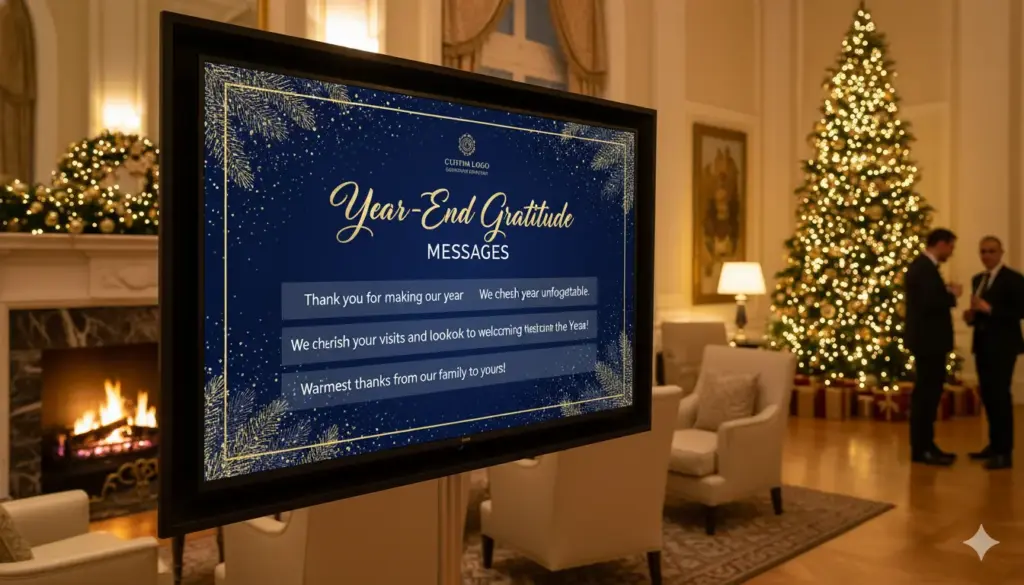
You need visually appealing New Year content to display on the TV. You can create these designs using tools such as Canva, Photoshop, Adobe Express, or any design platform.
When creating your New Year greeting content, keep these guidelines in mind:
• Use celebratory colors such as gold, black, silver, red, and white.
• Include New Year elements such as fireworks, confetti, champagne glasses, clocks, or bold typography.
• Use clear text such as Happy New Year, Welcome 2025, or Thank You for Your Support.
• Make sure your text is readable from 8 to 15 feet away.
• Save your design in 1920 x 1080 resolution for HD TVs or 3840 x 2160 for 4 K TVs.
• Export MP4 versions if you want animated greetings or fireworks loops.
Once your content is prepared, you are ready to upload it.
Step 3: Connect Your Media Player to the TV
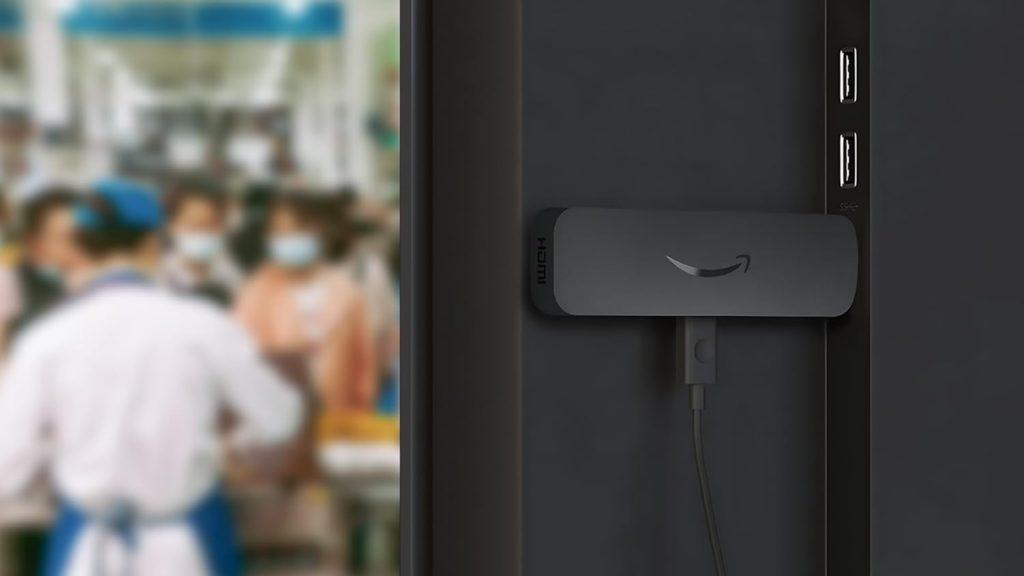
Your TV needs a smart device that can run digital signage software.
To connect:
- Plug your media player into the TV’s HDMI port.
- Connect the power cable for the media player.
- Switch the TV’s input to the correct HDMI source.
- Connect the media player to your Wi Fi network.
Your TV is now ready to display digital New Year content.
Step 4: Install a Digital Signage App on the Media Player
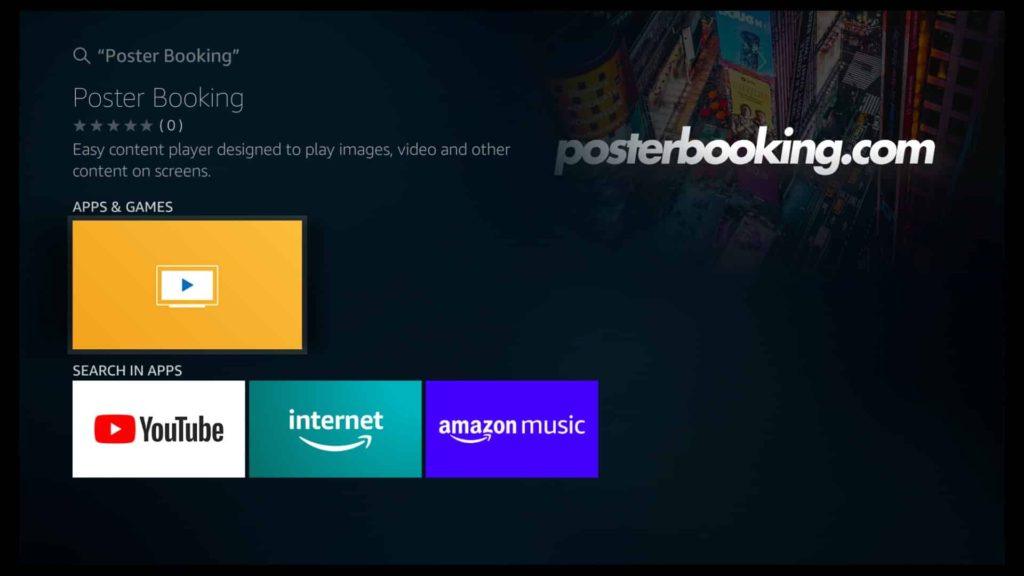
To display and loop your New Year greeting, install a signage app on your media player.
- Open the app store on your media player.
- Search for PosterBooking.
- Install the application.
- Launch it on the TV.
Once the app opens, your TV will display a connection code. You will use this in the next step.
Step 5: Add the TV to Your Digital Signage Dashboard
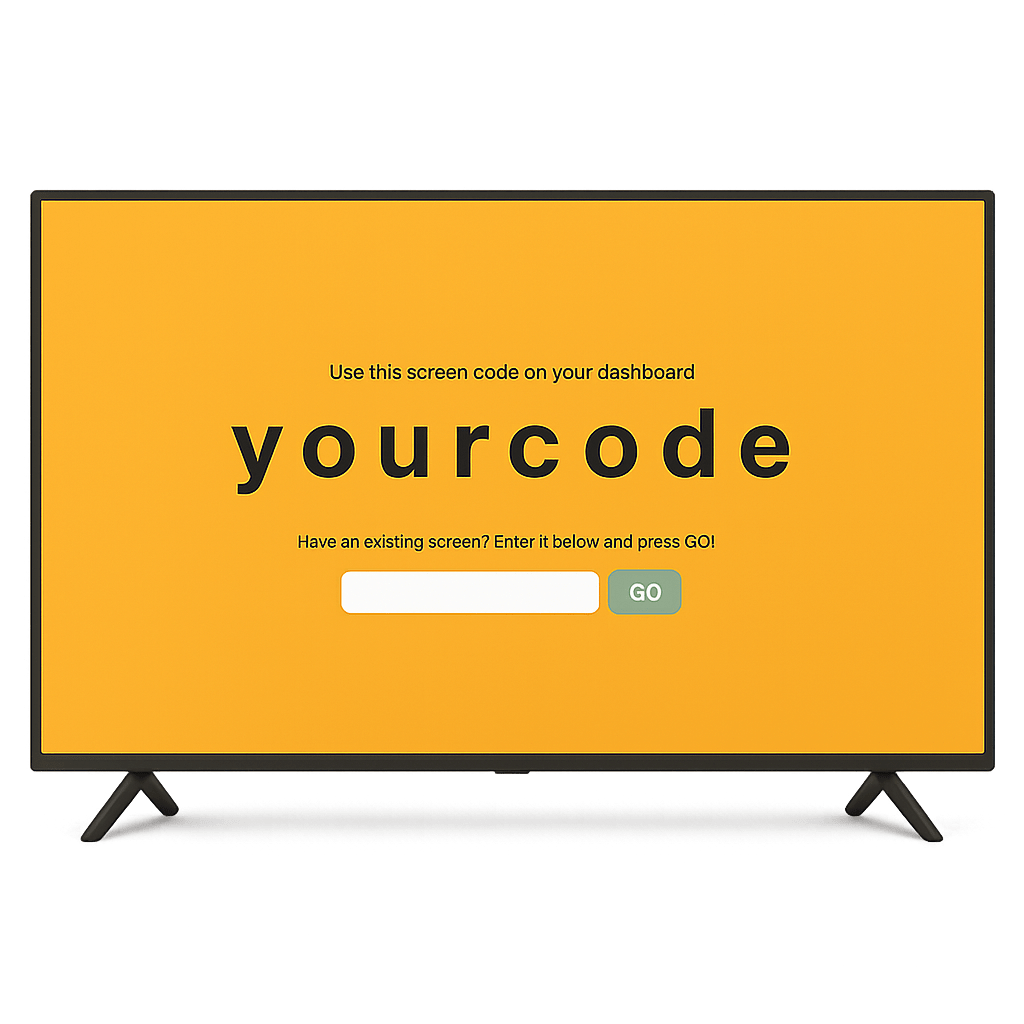
Connecting the TV allows you to assign New Year content remotely.
To register the TV:
- Log in to your PosterBooking dashboard.
- Click Add Screen.
- Enter the pairing code shown on the TV.
- Give the screen a name such as New Year Board or Celebration Screen.
- Save the screen.
Your TV is now linked and ready to receive your New Year greeting.
Step 6: Upload Your New Year Greeting Files
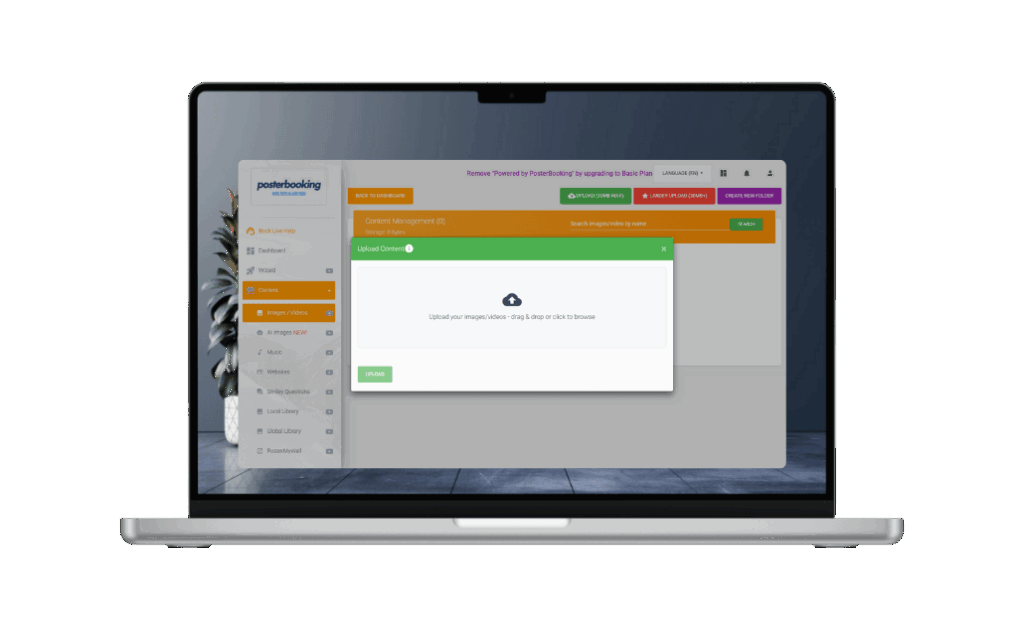
Next, upload your greeting designs or animation files.
- Go to the Content section.
- Click Images Videos.
- Select Upload.
- Choose your JPG, PNG, or MP4 New Year graphics.
- Wait for the upload to finish.
- Confirm the files appear correctly in your content library.
You can upload multiple greeting slides if you want a rotating or animated display.
Step 7: Create a New Year Greeting Playlist
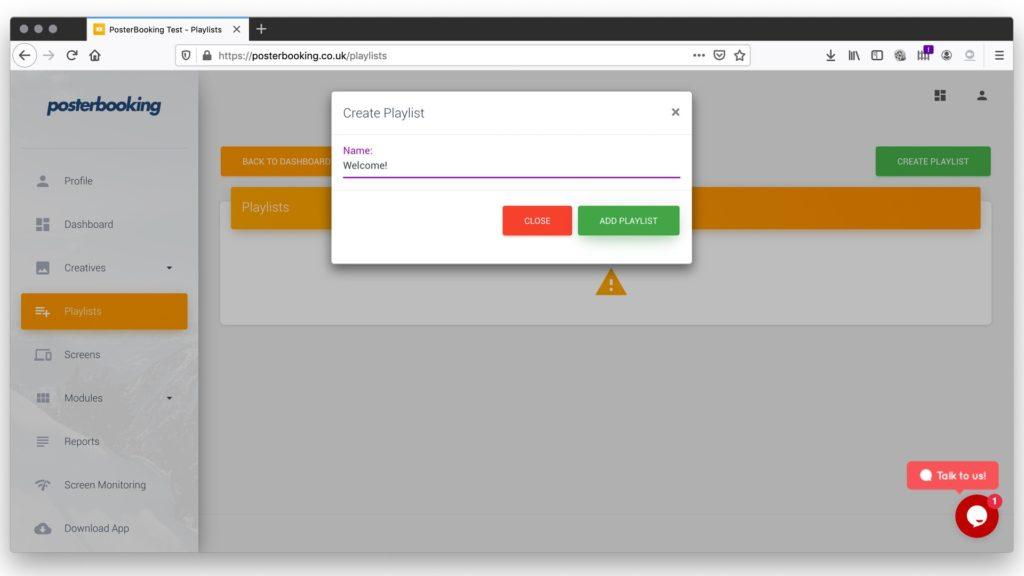
A playlist controls what the TV displays and in what order. This is essential for looping your New Year greeting.
To create your playlist:
- Go to the Playlists section.
- Click Create Playlist.
- Name it New Year Greeting or 2025 Celebration.
- Click Add Content.
- Select your uploaded New Year visuals.
- Arrange them in sequence.
- Set the duration for each slide if you are using multiple images.
- Save the playlist.
PosterBooking automatically loops playlists, so your greeting will repeat continuously.
Step 8: Assign the Playlist to the TV
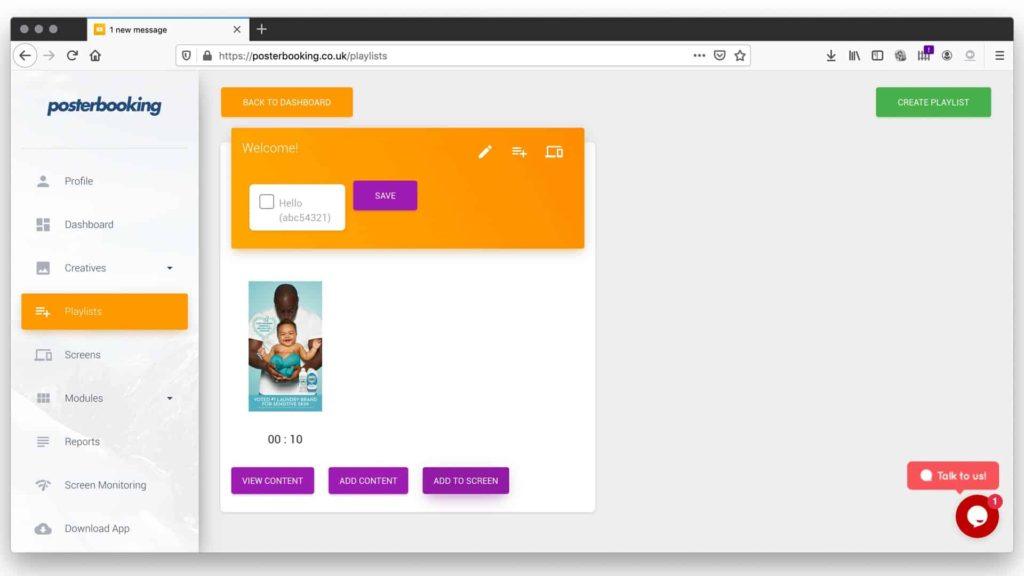
To display your New Year greeting on the TV:
- Go to the Screens section.
- Select the TV you connected earlier.
- Click Add or Edit Playlist.
- Choose the playlist you created.
- Save your changes.
Within seconds, your TV will begin showing your New Year greeting.
Step 9: Adjust Brightness, Orientation, and Audio Settings
To achieve the best visual result, adjust the TV settings.
• Set brightness to a comfortable level so the colors appear vibrant but not harsh.
• If your display is vertical, rotate the screen through the signage software.
• Adjust contrast for sharp text and bright fireworks.
• If your greeting includes music or countdown sound effects, set the volume appropriately.
These adjustments help your display achieve a polished and celebratory finish.
Step 10: Add Motion Effects or Additional New Year Slides
To make the greeting more festive, consider adding:
• Fireworks animations
• Countdown timers
• Happy New Year videos
• Celebration themed backgrounds
• Animated confetti overlays
• New Year promotional slides
Mixing static and animated content can create a more dynamic display that captures attention.
Step 11: Schedule Your New Year Greeting Automatically
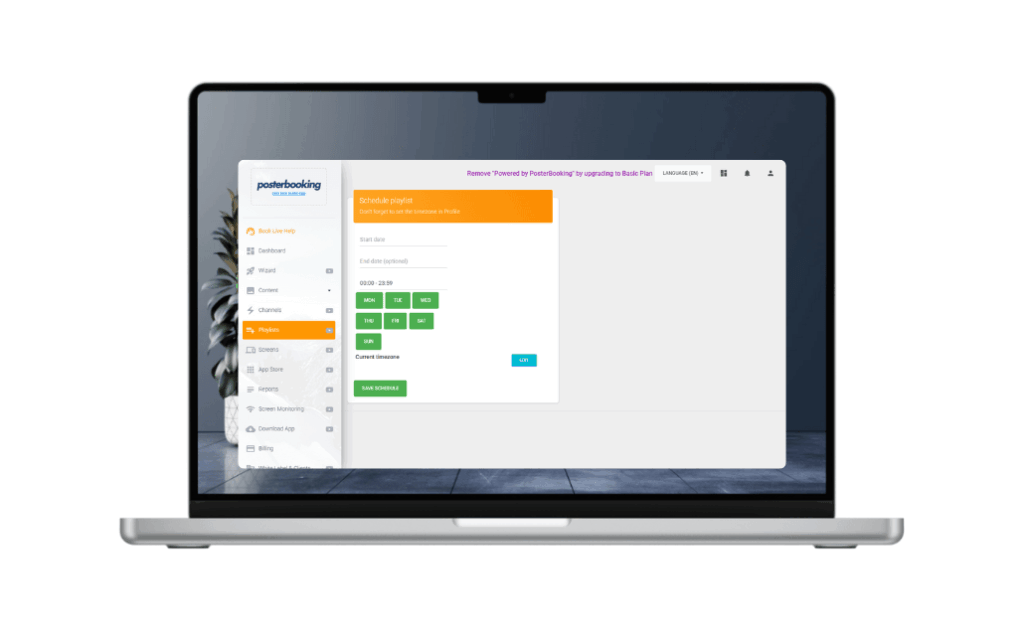
You can schedule the greeting to appear at specific times.
For example:
• Show the New Year greeting from December 30 to January 2.
• Run countdown slides only on New Year’s Eve.
• Switch to a Thank You message on January 1.
• Display normal content before and after the holiday window.
Scheduling removes the need to manually update the display.
Step 12: Test the Display in Your Space

Before letting customers or guests see your greeting, test it properly.
Verify that:
• The greeting loops smoothly.
• The colors appear bright and festive.
• The text is visible from a distance.
• The animations run without lag.
• The volume is set correctly.
• The screen fills the display without borders or cropping.
Once everything looks polished, your New Year greeting board is ready for use.
Final Thoughts
You turn a TV into a New Year greeting board by connecting a media player, installing a digital signage app, uploading your greeting images or videos, creating a playlist, assigning it to the screen, and customizing the display to match the holiday atmosphere. This creates an inviting, celebratory environment that enhances your space during the New Year season.
You can also run a New Year’s countdown using PosterBooking too.
PosterBooking remains one of the best signage tools in 2025 for New Year greetings because it offers 10 free screens, unlimited uploads, automated looping, and simple scheduling. This makes it ideal for restaurants, retail stores, offices, schools, hotels, and any environment that wants to celebrate the New Year with a bright digital display.