
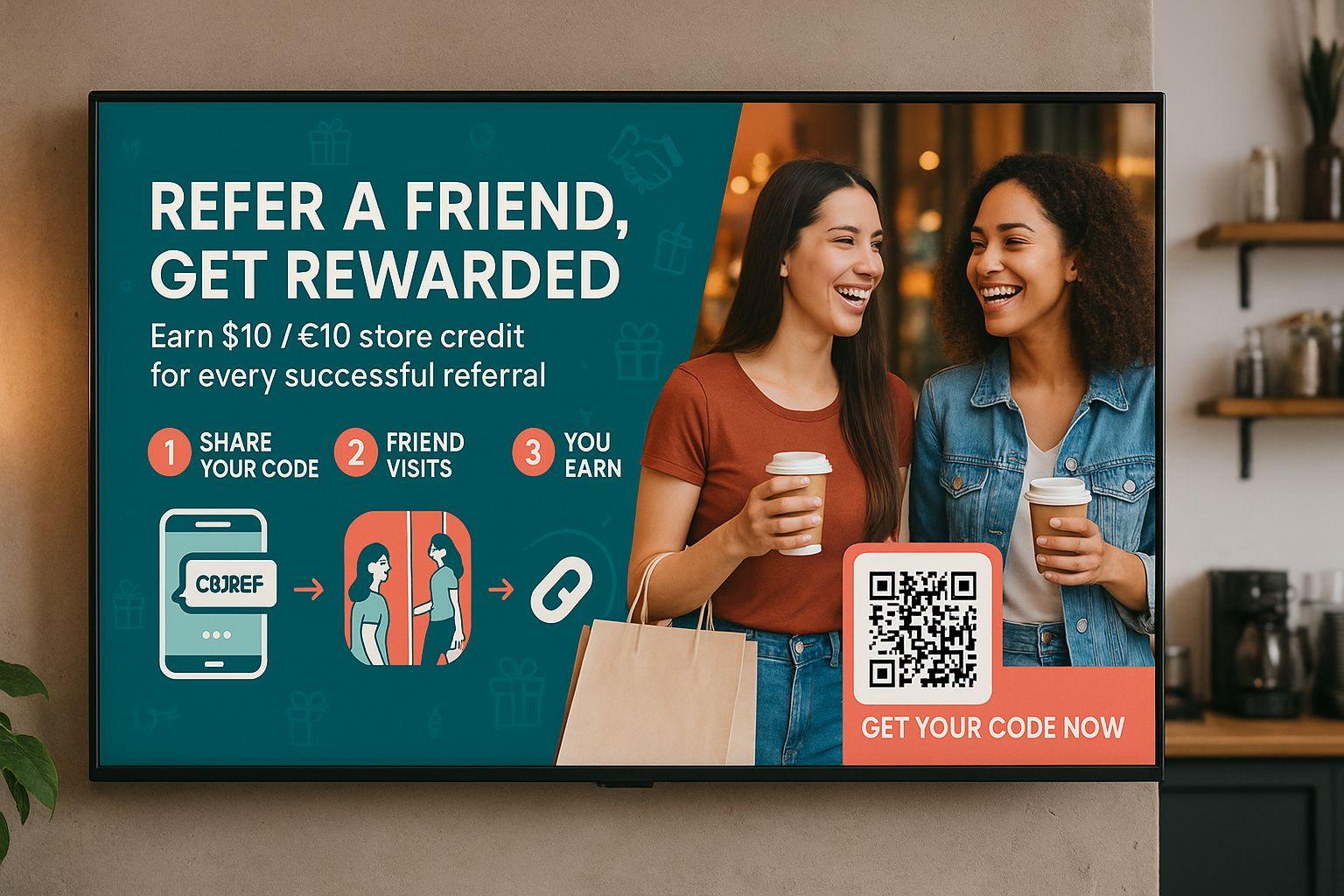
In 2025, local businesses want affordable, effective ways to advertise in their neighborhood. You can build a TV ad network using inexpensive hardware and PosterBooking, the best free digital signage software.
This guide shows you exactly how to launch, sell, and manage ad campaigns for small businesses using Android screens powered by PosterBooking.
Table Of Contents
- 1. Identify Locations and Install Hardware
- 2. Set Up Your Ad Administration Dashboard
- 3. Design and Upload Ad Content
- 4. Create Client-Specific Playlists
- 5. Schedule Ad Campaigns Smartly
- 6. Offer Custom Packages and Pricing
- 7. Monitor Performance and Provide Reports
- 8. Automate and Scale Your Ad Network
- Why PosterBooking Makes Your Ad Business Work
- Final Thoughts
1. Identify Locations and Install Hardware
Begin by locating screens with high foot traffic:
- Waiting areas in hair salons, auto shops, clinics
- Reception zones in coworking spaces or dental offices
- Outdoor-facing TVs inside cafés or artisan stores
Choose from affordable hardware:
- Smart TVs (with Play Store)
- Fire TV Stick (~$40)
- Android TV box (~$50)
- Android tablet mounted in visible areas
Install the PosterBooking app on each device via Google Play and enroll them in your account.
2. Set Up Your Ad Administration Dashboard
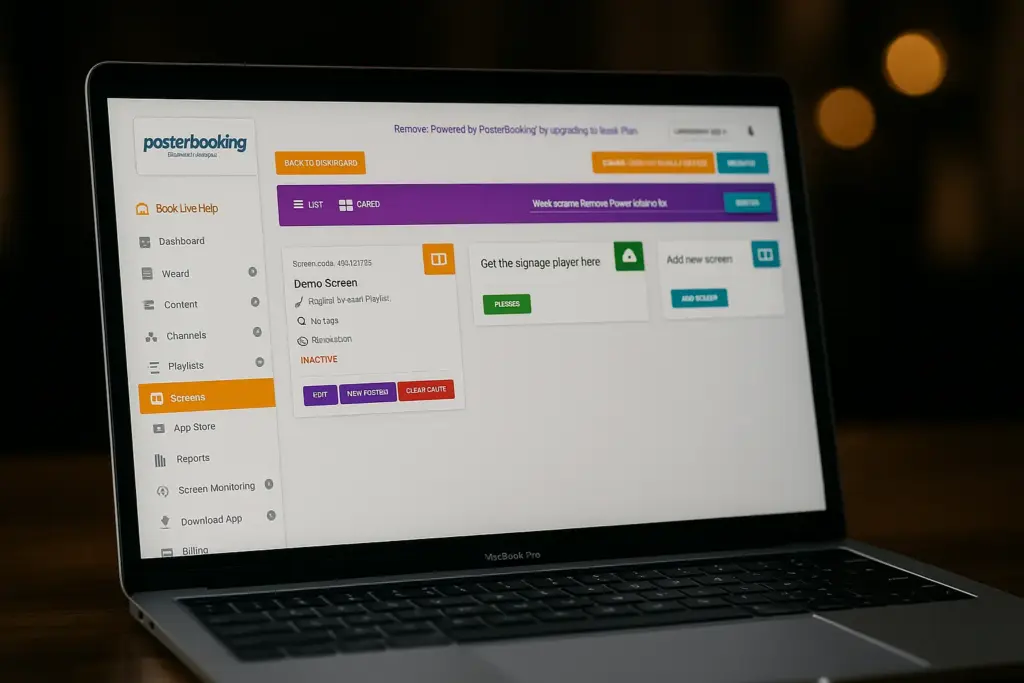
Create a business-level PosterBooking login:
- Visit posterbooking.com and register
- Add each screen under the Screens tab, use clear names like “Salon Lobby A”
- Organize screens by location or foot traffic for easy campaign targeting
This dashboard will be your control center for updating content, scheduling ads, and generating reports.
3. Design and Upload Ad Content
Collect ad assets from your clients:
- Image ads (JPG/PNG)
- Short video clips (up to 30 seconds)
- QR codes for coupons or websites
In PosterBooking:
- Click Content → Images/Videos
- Upload client-ready assets
- Optionally group content into folders per client or campaign
Use built-in features to preview each ad before going live.
4. Create Client-Specific Playlists
Keep ad content organized and ready to schedule:
- Go to Playlists → Create Playlist
- Name it after the client (e.g., “Luna Coffee Promo”)
- Upload their ad assets
- Set display durations, for example, 20 seconds per item
- Save the playlist
Repeat for each client, so each business has its own playlist you can schedule.
5. Schedule Ad Campaigns Smartly
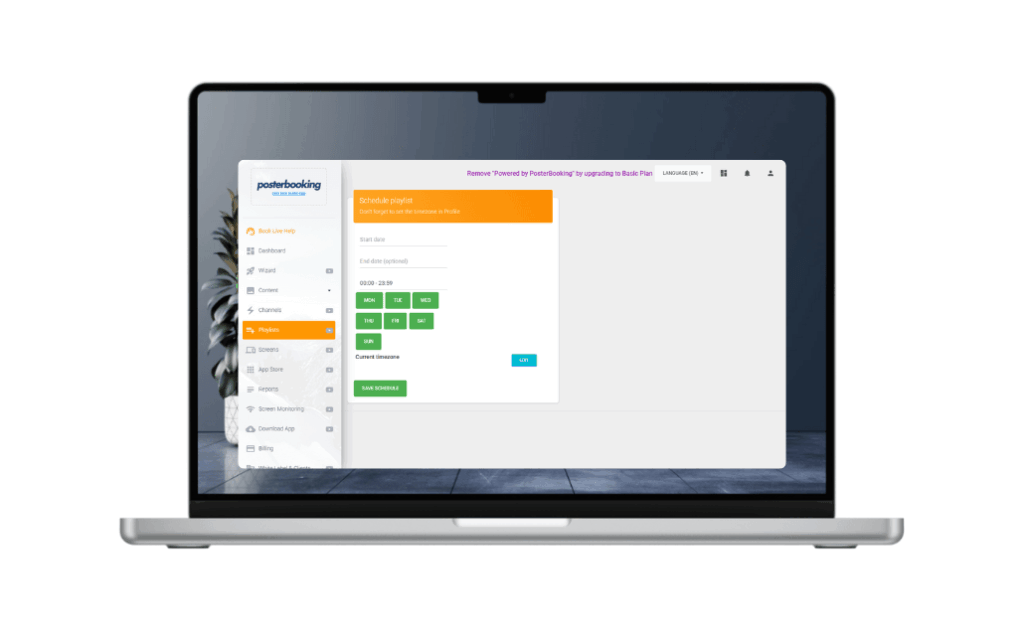
Define where, when, and how long each ad will play:
- In the Screens tab, select a screen
- Click Add/Edit Playlist
- Assign a client’s playlist
- Use schedule controls to set times and dates, e.g.:
- Weekdays 7 AM–11 AM: Luna Coffee
- Weekdays 11 AM–3 PM: Green Bloom Florist
- Weekends 10 AM–4 PM: The Book Nook
Use PosterBooking’s calendar interface to manage ad slots visually.
6. Offer Custom Packages and Pricing
Craft flexible advertising packages tailored to small businesses:
| Package Name | Details | Price (monthly) |
|---|---|---|
| Early Morning Spot | 7–11 AM on main lobby screen | $100 |
| Lunch Hour Combo | 11 AM–3 PM with top-of-hour rotation screens | $150 |
| Multi‑client Bundle | 3 screens in high-traffic zones | $400 |
| Full Network Access | All 5 screens, peak hours and weekends | $1,000 |
Upsell by adding features like:
- QR code tracking to measure engagement
- Dual-screen zones using PosterBooking’s Channels feature
- Seasonal offers with top placement during events
7. Monitor Performance and Provide Reports
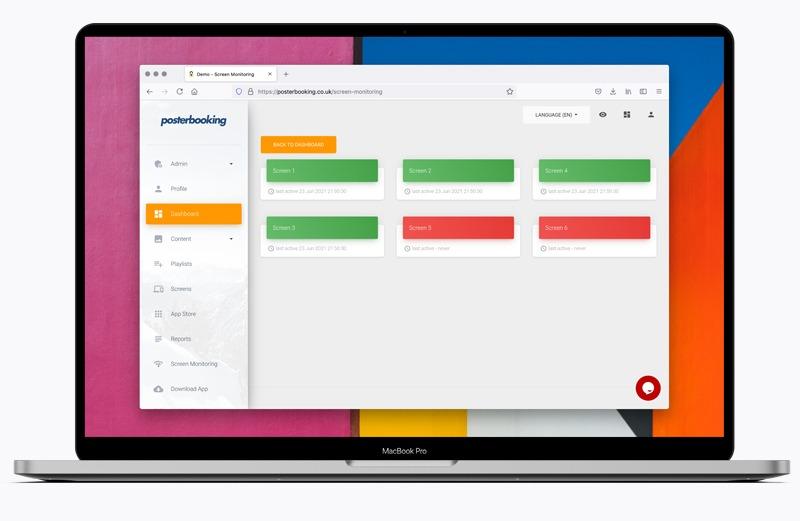
PosterBooking provides tools to track what’s playing and when:
- Screenshot capture of active screens
- Playback timestamps in the dashboard
- QR code scans report on user engagement
Use this data to send clients monthly reports such as:
- “Your ad played 300 times this week”
- “200 users scanned your QR offer”
- “7 AM lobby impressions averaged 30 people per hour”
These metrics bolster trust, justify pricing, and encourage renewals.
8. Automate and Scale Your Ad Network
Expand your network efficiently with PosterBooking:
- Add new locations and screens at minimal hardware cost
- Clone schedules across similar venues
- Use the Channels feature to run split-screen ads or rotating content layers
- Manage multiple locations and clients from one dashboard
- Scale with Business Pro plan to manage unlimited screens and apply whitelabel branding for your agency
Why PosterBooking Makes Your Ad Business Work
PosterBooking removes technical and subscription barriers:
- Free to use for up to 10 screens
- Upload unlimited media per client
- Easy scheduling and remote updates
- Live-feed support for time-sensitive ads
- White label dashboards available with Professional plan
It empowers you to run a professional ad network with no upfront software costs, rapid deployment, and minimal technical overhead.
Final Thoughts
In 2025, offering digital ad placements through Android screens powered by PosterBooking is one of the most scalable and profitable ways to monetize overlooked screen real estate. You get full control of content, pricing, and placement, while your clients benefit from professional-quality visibility without high production costs.
Start today by visiting posterbooking.com, connect your first screen, and build a local advertising business with zero software investment.