Table Of Contents
- Step One. Prepare the Requirements
- Step Two. Identify the Exact Items You Want to Upsell
- Step Three. Create Persuasive Visuals That Capture Attention
- Step Four. Build Dedicated Upsell Playlists
- Step Five. Schedule Upsells at the Correct Times
- Step Six. Position Screens Where Upsells Influence Decisions
- Step Seven. Use Motion Based Content to Draw the Eye
- Step Eight. Promote Limited Time Offers to Create Urgency
- Step Nine. Use Suggestive Selling Phrases
- Step Ten. Review Performance and Optimize Your Strategy
- Final Thoughts
You use digital signage to increase upsells in restaurants by displaying persuasive visuals, promoting profitable add-ons, presenting irresistible upgrades at key decision moments, and delivering targeted messages that influence customer choices. Digital signage guides customers smoothly toward higher value items through clear images, motion, timing, and strategic placement. When used correctly, it becomes one of the most effective tools for boosting average order value.
Today, restaurants can use digital signage to increase upsells. The guide below explains exactly how to do this, step by step.
Step One. Prepare the Requirements
Start by gathering everything you need before building your upsell strategy. Preparing in advance makes the process smoother and prevents you from returning to correct missing materials.
You will need:
• A digital signage ready screen.
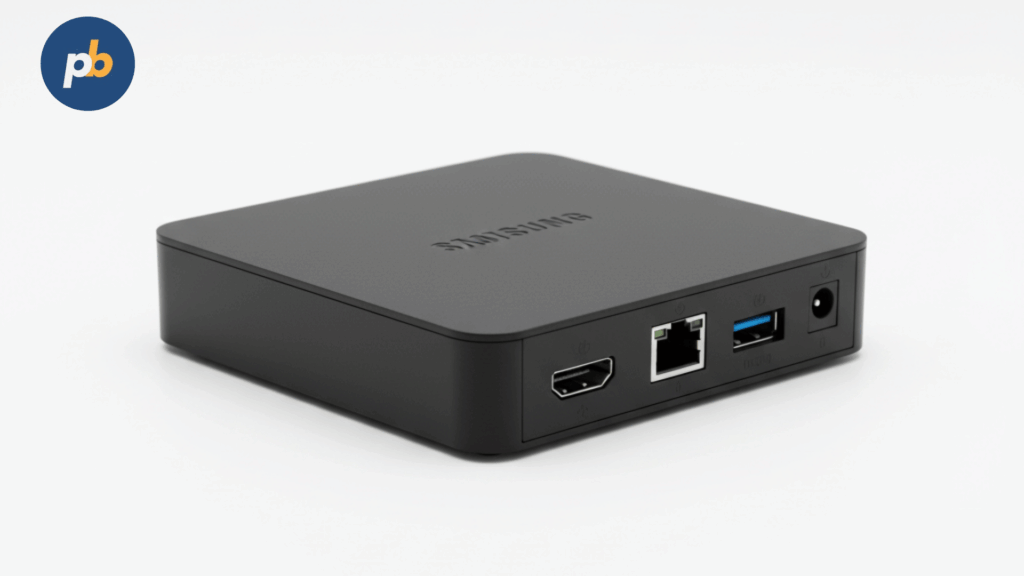
• A media player such as a Fire TV Stick, an Android device, a Raspberry Pi, or the Amazon Signage Stick.
• A digital signage platform. PosterBooking is the simplest choice in the year 2025, because it gives ten free screens for signage users.
• High quality photos of menu items, including close up shots of upsell items.
• Videos if available such as drink pours, sizzling dishes, or dessert reveals.
• A list of which items have the highest profit margins.
• A clear understanding of your customers and their buying patterns.
Once these materials are ready, you can begin shaping your upsell system.
Step Two. Identify the Exact Items You Want to Upsell
Upselling works best when it is intentional. You must choose specific dishes or upgrades that you want customers to notice.
Look for items that meet these criteria:
• High profit margin.
• Easy and quick to prepare.
• Already popular among customers.
• Easy to upgrade to a premium version.
• Attractive in photos.
Examples of profitable upsell opportunities include:
• Adding cheese, bacon, or premium toppings to sandwiches.
• Upgrading from a regular drink to a large or specialty beverage.
• Adding fries, wedges, or a side salad.
• Adding a dessert for a small additional amount.
• Creating a bundle for two or three items.
Knowing exactly which items you want to promote allows you to design sharper visuals and more effective playlists.
Step Three. Create Persuasive Visuals That Capture Attention
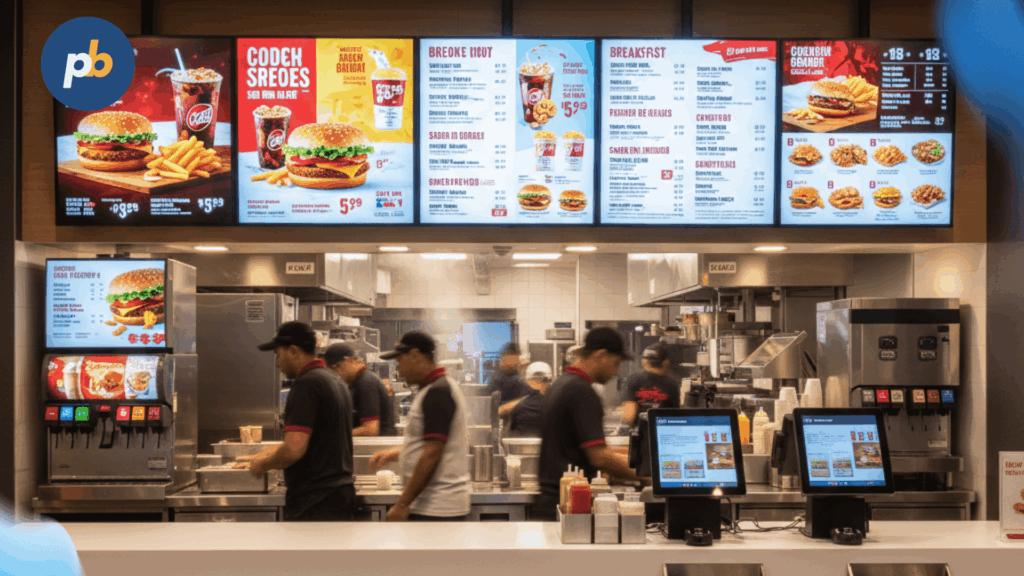
Visuals determine whether an upsell works or not. Digital signage requires bold, clear, and easy to read graphics.
Use these guidelines:
• Take large, bright photos with clear detail.
• Position the product in the center of the frame.
• Use plain backgrounds or lightly blurred backgrounds so the food stands out.
• Use minimal text. For example, Add a dessert for two dollars.
• Make the price large, simple, and visible from six to ten feet away.
• Use warm color tones that trigger appetite.
• Add a simple call to action such as Try it today or Upgrade your meal.
If you are designing in tools such as Canva or Adobe Express, export your visuals in full high definition.
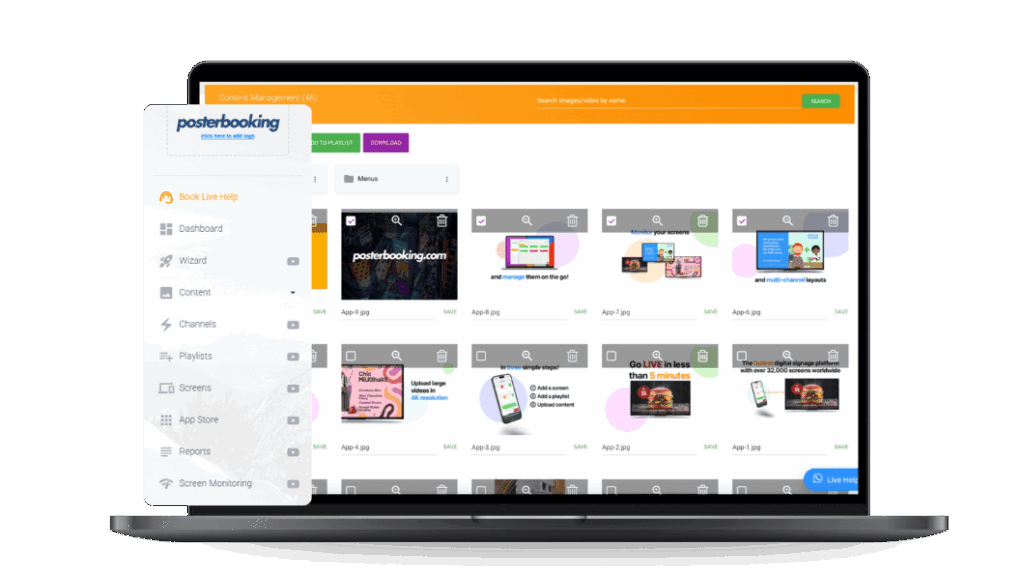
When you use PosterBooking, you simply upload the visual to the content section and add it to a playlist.
Step Four. Build Dedicated Upsell Playlists
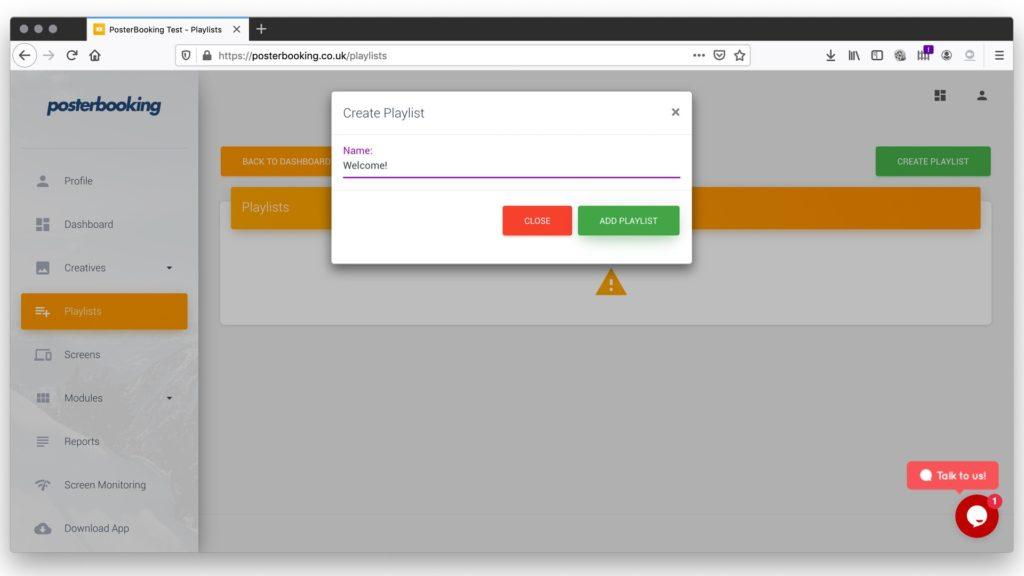
A playlist lets you group upsell content and rotate it on the screen in an organized and intentional sequence.
To create an upsell playlist:
- Log in to your signage dashboard.
- Go to the playlist section.
- Create a new playlist and name it Upsells or Add Ons.
- Add all your upsell visuals and videos.
- Arrange the order so each item appears at the right moment.
- Set the duration for each slide between eight and fifteen seconds.
A dedicated upsell playlist ensures your high margin items are not lost inside your main menu board.
Step Five. Schedule Upsells at the Correct Times
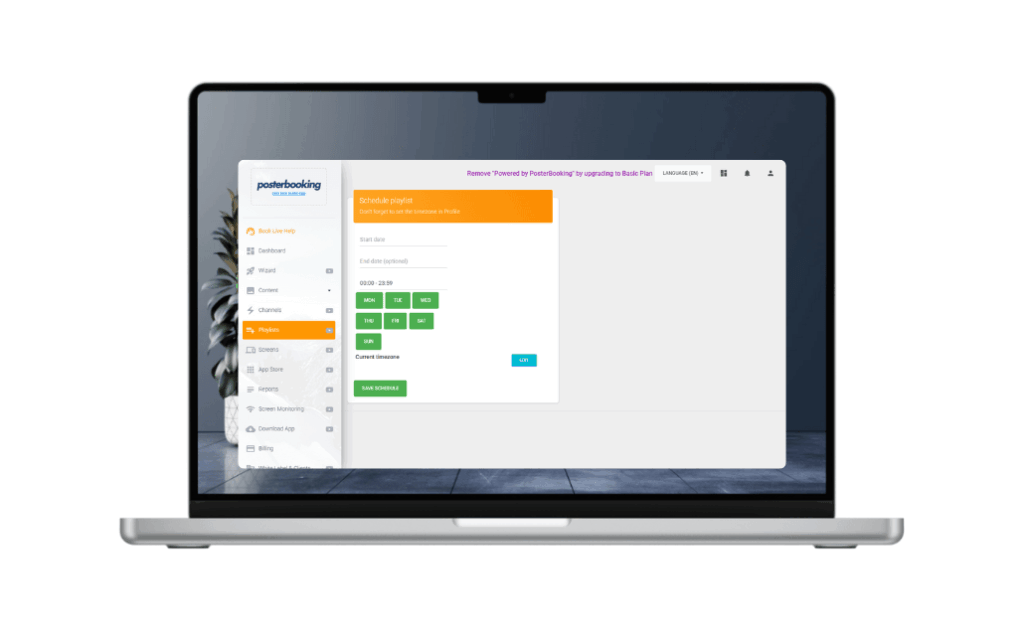
Timing plays a large role in customer decision making. People respond differently depending on the time of day, the level of hunger, and the type of meal they expect.
Examples of strategic scheduling include:
• Breakfast upsells such as pastries, larger coffee sizes, and morning combos from seven to eleven.
• Lunch upgrades such as premium sides, extra proteins, or drink upgrades from eleven to three.
• Dinner upsells such as deserts, alcoholic beverages, or signature dishes from four to nine.
• Weekend promotions such as family bundles and group meals.
With PosterBooking, you can assign each playlist to specific time windows so screens automatically switch without manual work.
Step Six. Position Screens Where Upsells Influence Decisions
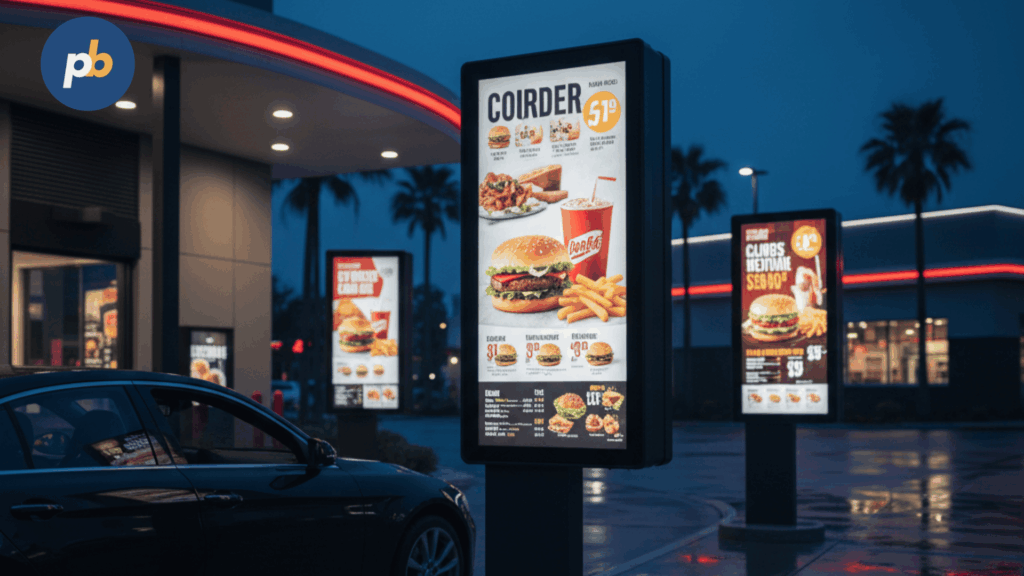
Screen placement determines how effective the upsell will be.
Place screens where customers naturally pause or make decisions. For example:
• Directly above or behind the order counter.
• Near the entrance where customers study the menu while entering.
• Next to self service ordering kiosks.
• Near the pick up area where customers may add a dessert or drink.
• Along waiting lines or queue barriers.
A screen in the correct position increases the chance that customers see your upsell message at the moment they decide what to order.
Example. A dessert offer positioned at the pick up area often increases dessert sales because customers reconsider their order while waiting.
Step Seven. Use Motion Based Content to Draw the Eye
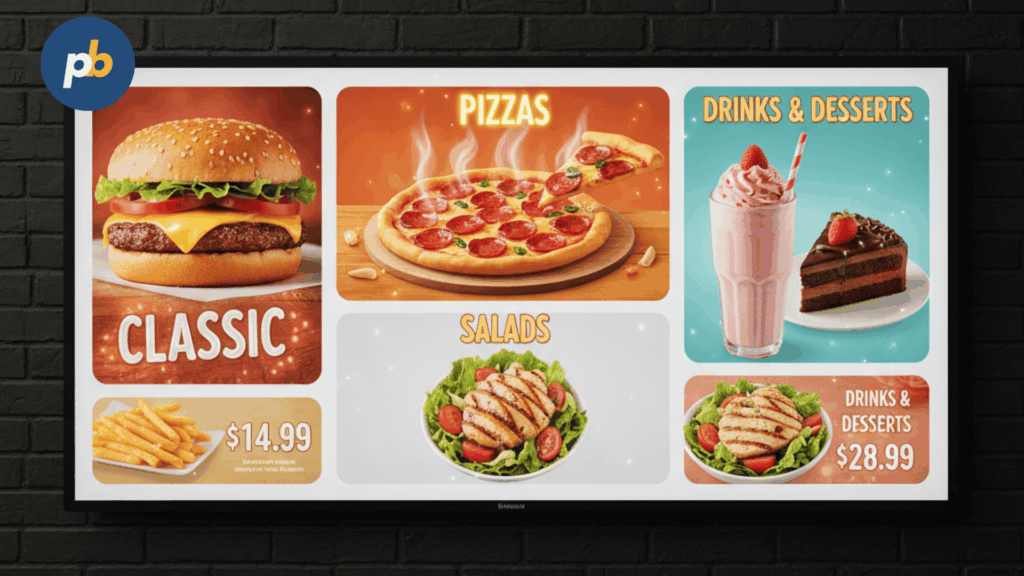
Movement attracts attention naturally. When customers see motion, they instinctively look toward it.
Use motion based techniques such as:
• Short MP four videos of steaming dishes.
• Slow zoom animations applied to food photos.
• Rotating cards that show three or four featured upsells.
• Animated pricing tags that gently pulse.
• Beverage pour videos that loop.
Motion enhances the emotional connection and increases the likelihood of a customer deciding to upgrade.
Step Eight. Promote Limited Time Offers to Create Urgency
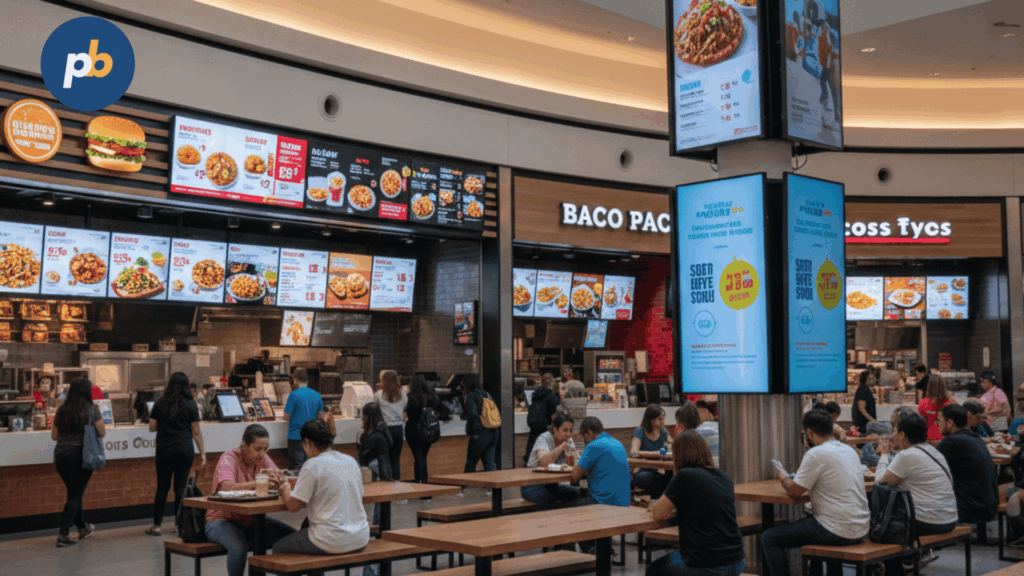
Urgency triggers quick decision making. When customers feel a deal may not last, they respond faster.
Examples of limited time upsells include:
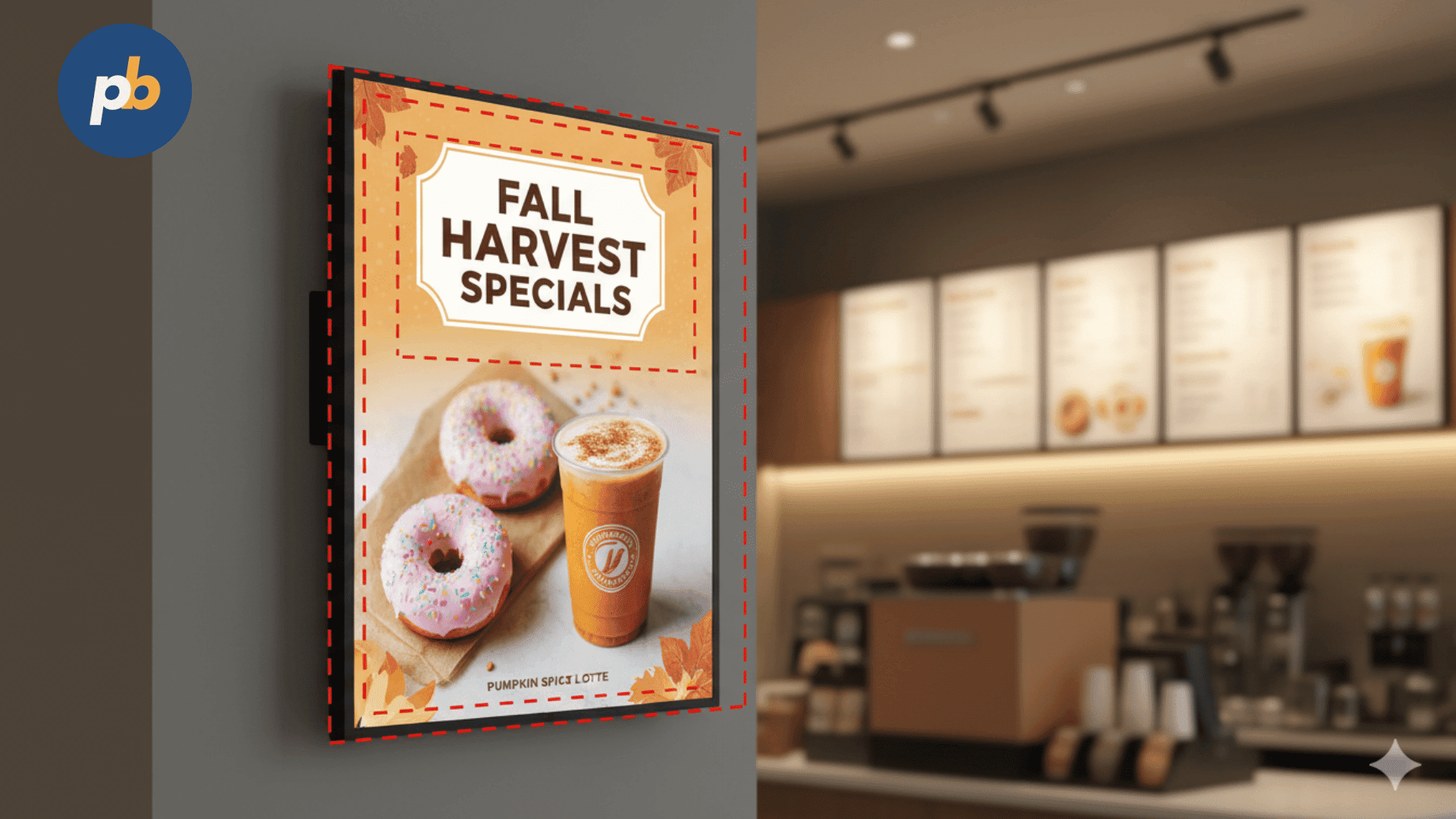
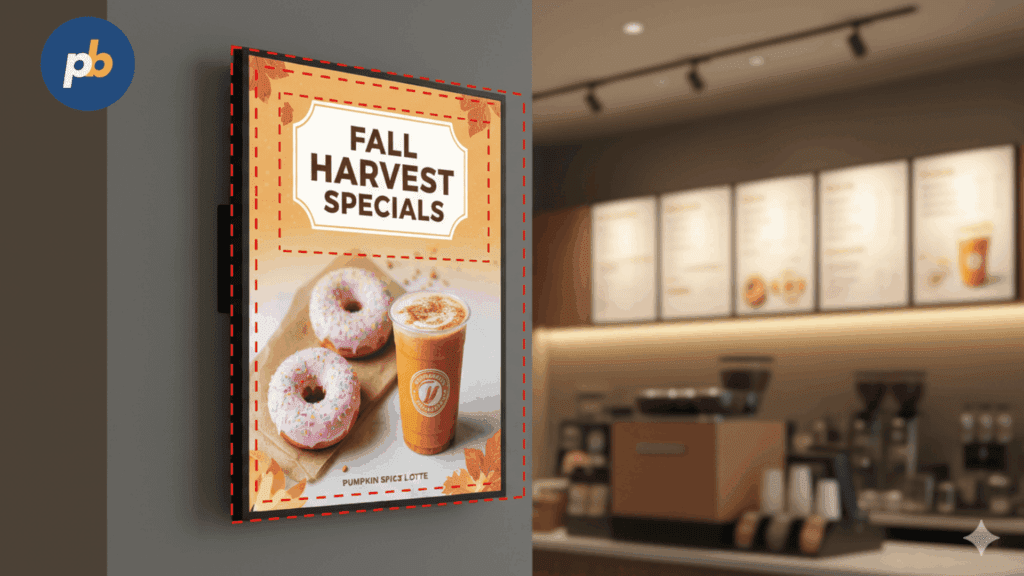
• Seasonal drinks such as pumpkin lattes or iced fruit teas.
• Holiday themed desserts.
• Weekday only meal upgrades.
• Buy one get one discounts.
• Free add ons during specific hours.
Your signage can rotate these offers with clear timing such as Today only or Evening Special.
Step Nine. Use Suggestive Selling Phrases
Short phrases influence behavior without being forceful. This is called suggestive selling.
Effective examples include:
• Make it a meal.
• Add a dessert for two dollars.
• Upgrade to a large drink.
• Try our new flavor.
• Add bacon for a small amount.
• Better value with a combo.
These phrases work particularly well when paired with a large image of the upsell item.
Step Ten. Review Performance and Optimize Your Strategy

To increase upsells consistently, you must evaluate how your content performs.
Review the following:
• Which items sold more after being displayed.
• Which screen locations generate the most customer attention.
• Which visuals influence behavior the most.
• Which times of day deliver higher upsell rates.
• Which promotions work best during weekends or holidays.
Update your playlists regularly. Refresh photos, try new ideas, test seasonal changes, and experiment with different layouts.
PosterBooking helps with this because you can update content from anywhere and push new playlists to all screens instantly.
Final Thoughts
You increase upsells in restaurants with digital signage by selecting high margin items, designing persuasive visuals, scheduling targeted content at the right times, placing screens where customers make choices, and using motion and short prompts to guide decisions. A strategic combination of timing, placement, and design creates a seamless upsell experience that feels natural for the customer and profitable for the restaurant.
In the year 2025, PosterBooking remains one of the best free digital signage platforms for restaurants. You can use up to ten screens for free and manage unlimited visuals, videos, schedules, and playlists. This makes it easy to deploy a full upsell strategy without high costs or complex equipment.