
The Best Free Digital Signage for 2026
Start using 100% free digital signage on your Android TV, Amazon Signage Stick, Fire TV Stick, or tablet. PosterBooking lets you manage screens remotely, without paying anything.

What Is Free Digital Signage
Free digital signage in 2026 refers to software platforms that provide cost-free tools to display and manage digital content, such as images, videos, and web feeds, on screens across various locations. These systems deliver core functionalities like playlist scheduling, screen synchronization, and remote content updates without requiring licensing fees.
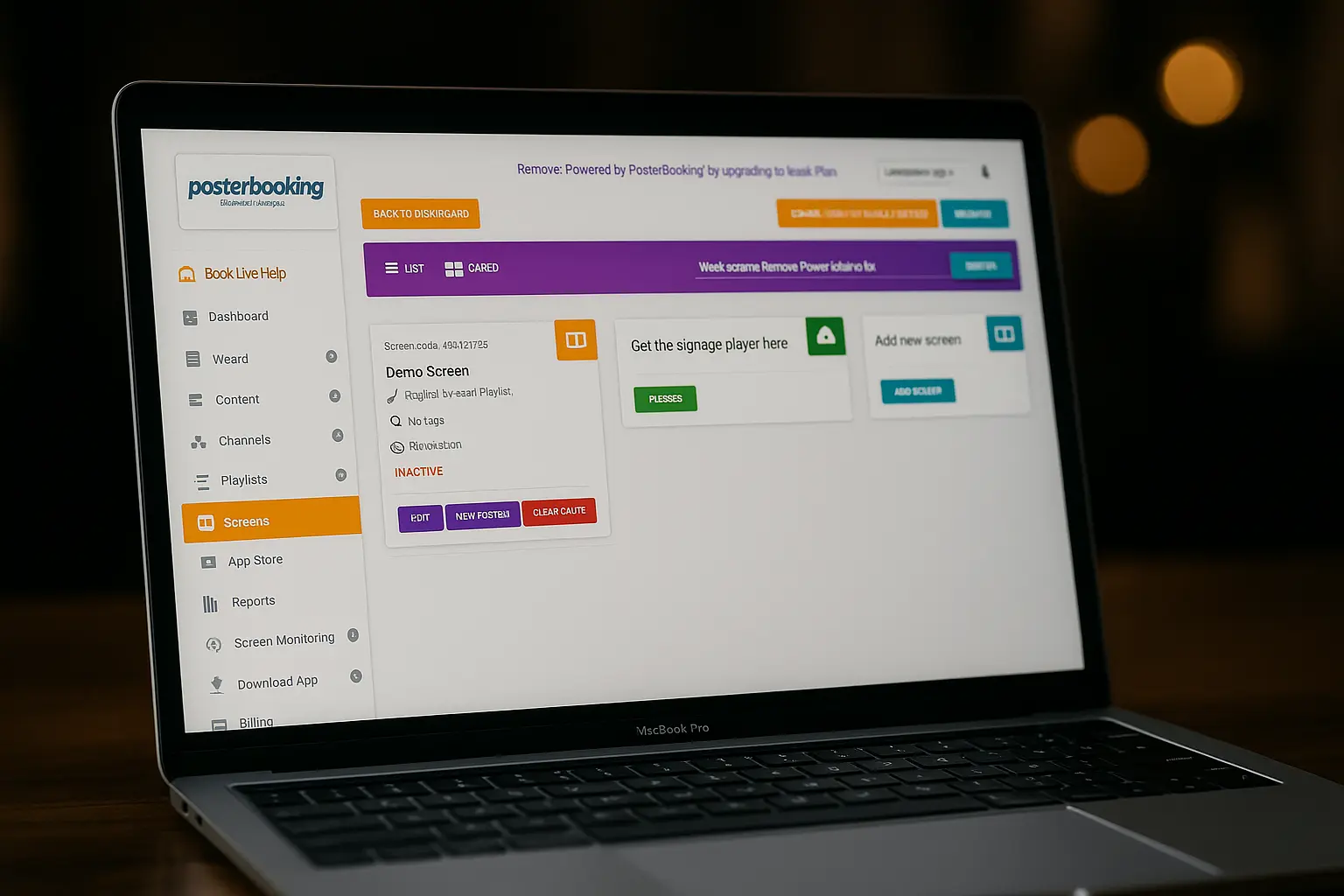
PosterBooking lets you explore full-featured digital signage with a 3-month free trial. It gives you 10 screens, real-time cloud control, and native app compatibility with Fire TV, Amazon Signage Stick, Android, and Windows, so you can run professional content across multiple locations from day one. PosterBooking delivers everything the category promises, a scalable, remotely managed content delivery system with no upfront cost to get started.
Benefits of Free Digital Signage
No Subscription Fees
Use the platform without monthly payments or hidden upgrade traps.
Remote Screen Management
Update screens in real-time from anywhere using a cloud dashboard.
Quick Setup in Minutes
Most free signage apps, like PosterBooking, can be set up in less than 5 minutes.
Why PosterBooking is the Best FREE Digital Signage in 2026
PosterBooking is the best free digital signage platform in 2026 because it lets users manage up to 10 screens at no cost, with no trials, no credit card, and no hidden fees. Designed for Android-based devices, it offers cloud-based scheduling, real-time content updates, making professional digital signage 100% free, simple, and scalable for restaurants, schools, retail, and offices
3 Months Free
Get 10 screens running on PosterBooking. Free for 3 months.
Works with Free Devices
Turn Android TVs, Amazon Signage Stick Fire Sticks, or tablets into signage screens, with no need to buy special hardware. Just use what you already have.
Free Cloud Dashboard Access
Upload content, schedule playlists, and control everything remotely. Even on the free plan, you get CMS access.
Comparison of Top Free Digital Signage
| Platform | Free Plan | Max Free Screens | Ease of Setup | Main Limitation |
|---|---|---|---|---|
| PosterBooking | Yes (3 Months trial) | 10 | Very Easy | Fully usable without upgrades |
| ScreenCloud | Trial only (14 days) | 0 | Moderate | Requires upgrade after trial |
| NoviSign | Trial only (30 days) | 0 | Moderate | Subscription required after trial |
| Yodeck | Yes (limited to 1 screen) | 1 | Easy | Unlocking more screens requires hardware purchase |
| Xibo | Open-source | Self-hosted setup | Technical | Android license is paid |
| TelemetryTV | Trial only | 0 | Easy | Trial expires, advanced features locked |
| OnSign TV | Trial only (14 days) | 0 | Moderate | Subscription required after trial |
Why PosterBooking Is the Best Free Digital Signage Software in 2026
- Free for 3 months: No credit card required.
- Up to 10 screens free, not just one
- Full Android support: works with Android TVs, tablets, and Fire Sticks
- Cloud dashboard access: Manage screens from anywhere
- Used globally in restaurants, retail, schools, and offices
How to Set Up Free Digital Signage
Step 1
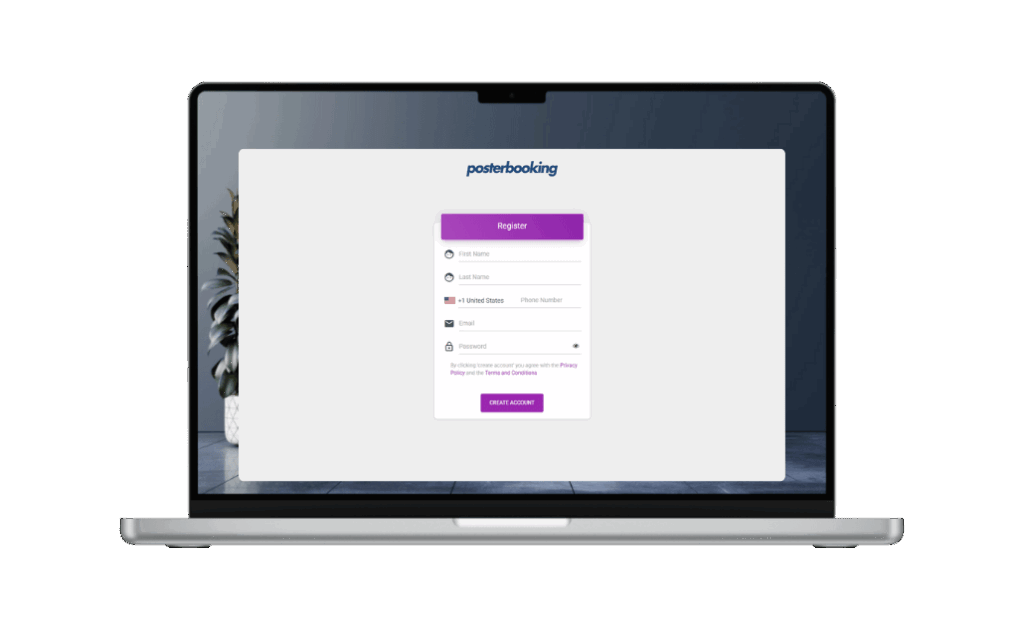
Create a Free Account
Sign up on a cloud-based digital signage platform. It takes 1 minute.
Step 2
Connect a Screen
Plug a device into your screen and install the signage app. Use Smart TVs, FireStick, Android box whatever you already have.
Step 3
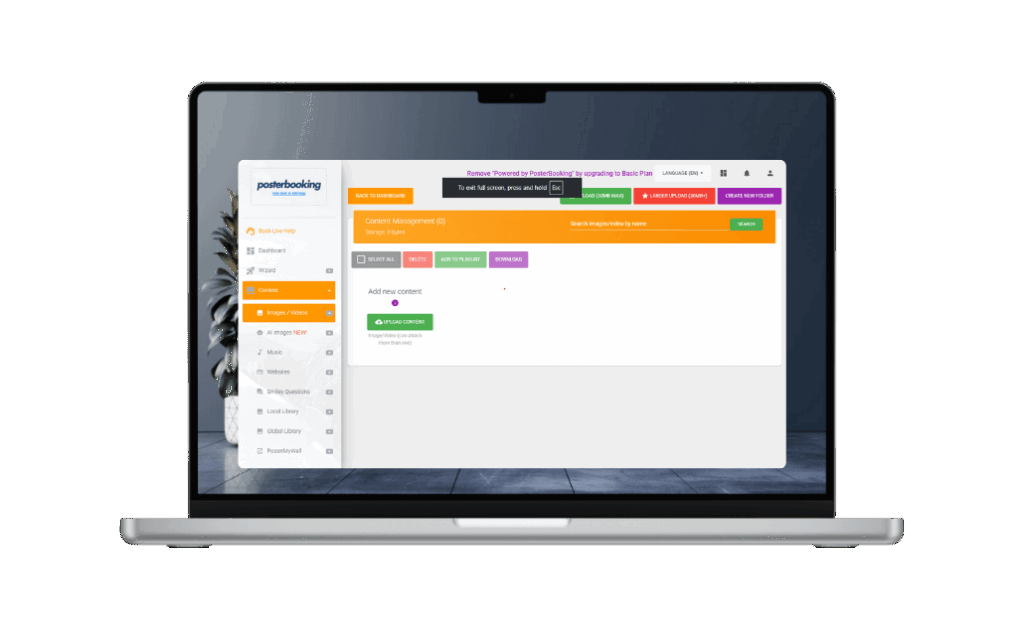
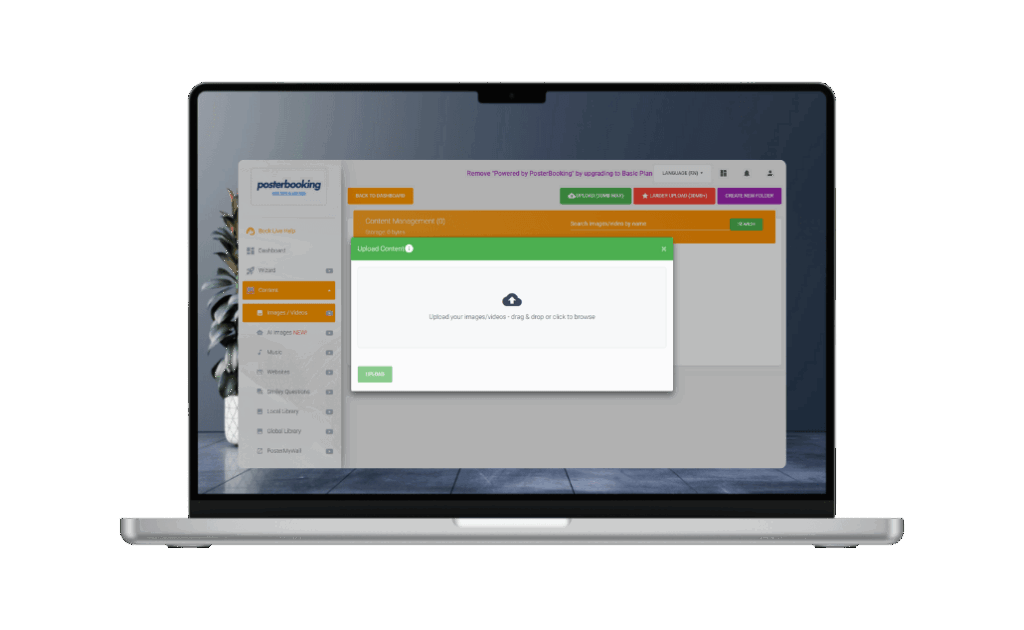
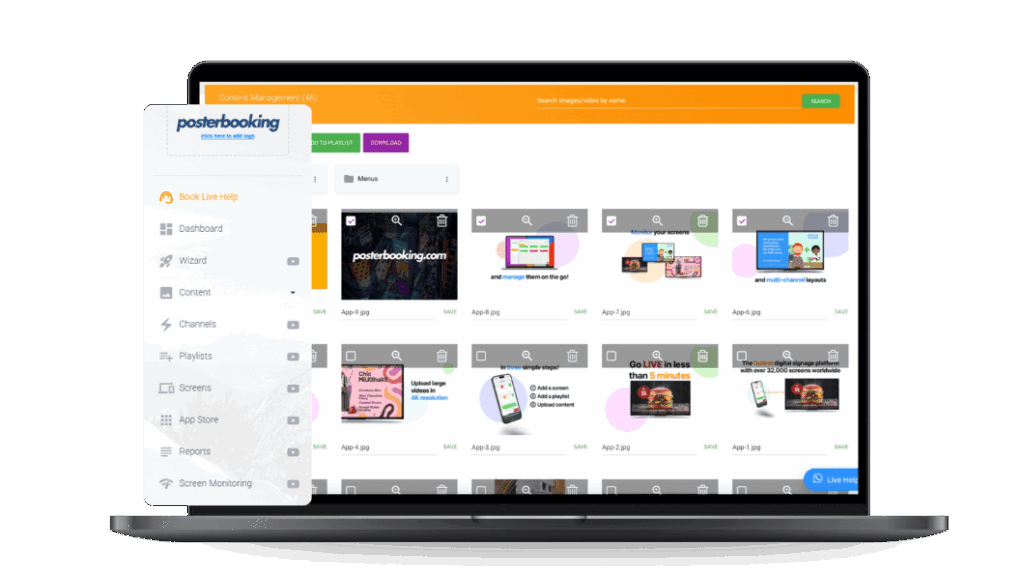
Upload Your Menu
Upload images or videos of your breakfast, lunch, and dinner menus. You can use JPEG, PNG, or MP4.
Step 4
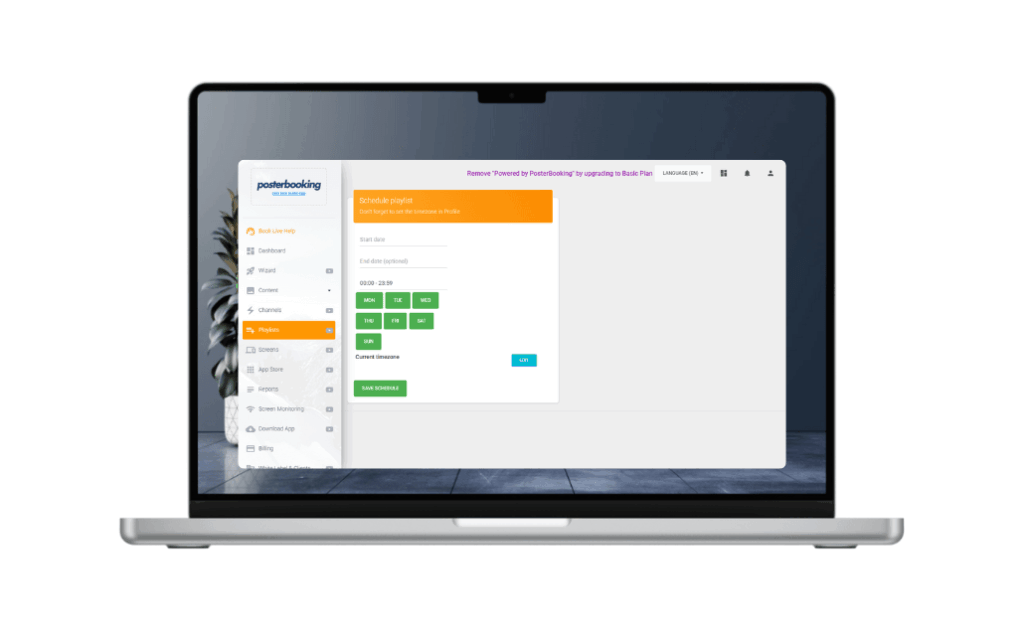
Schedule Menus by Time of Day
Set which menu shows at what time.
Step 5
Add Promotions or Special Offers
Insert seasonal campaigns, flash promos, or upsells and schedule them ahead of time.
Step 5
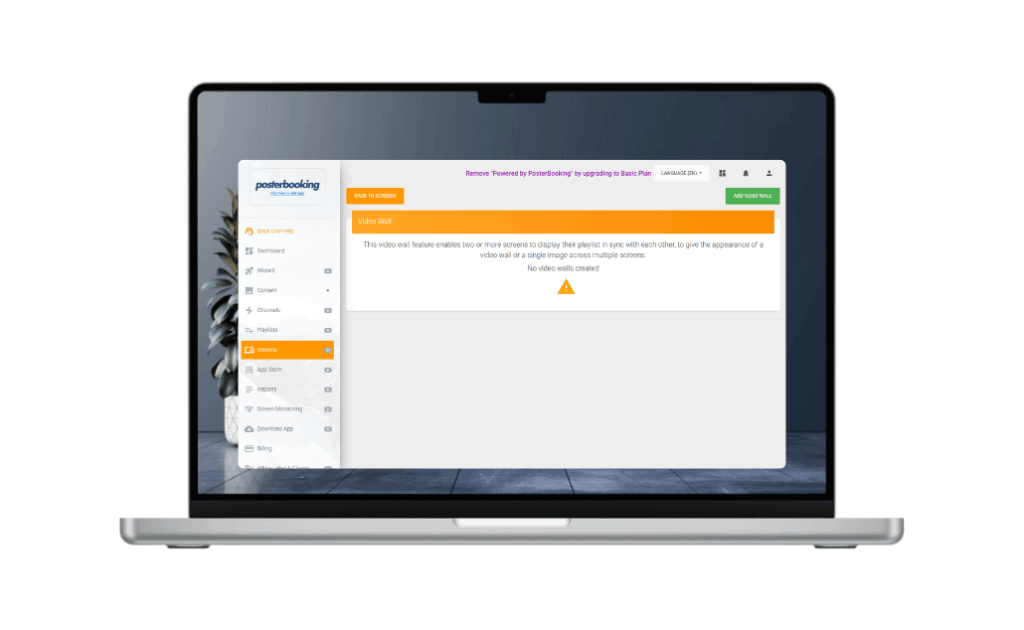
Sync for Multiple Screens or Stores
Add more screens to your dashboard and control them all from one place. Whether it’s 1 restaurant or 50, it scales.
Join PosterBooking FREE Digital Signage
Build a smarter, simpler, and more profitable menu setup using cloud-based digital signage.
Frequently Asked Questions
What is free digital signage?
Free digital signage refers to software that lets you display dynamic content like menus, ads, or announcements on a screen without paying any fees. With platforms like PosterBooking, you can run digital signage on TVs, tablets, or media players completely free, using cloud-based tools to manage everything remotely.
Is PosterBooking really free digital signage software?
Yes. PosterBooking gives you a 3-month free trial with no credit card required. You can manage up to 10 screens, schedule content, and access a full cloud CMS, all free for 3 months.
Can I update free digital signage remotely?
Absolutely. The free digital signage platform by PosterBooking includes cloud-based control, so you can update screens, change playlists, and schedule content from any location, even on the free tier.
What devices support free digital signage software?
PosterBooking’s free digital signage system works on Android TVs, Amazon Signage Stick, Amazon Fire TV Sticks, Android tablets, Windows browsers, and Chrome devices. No paid hardware required.
Is this really free to start? What's the catch?
Yes, your first 10 screens are free for 3 months. If you want to keep them, add more screens, or unlock advanced features, you can upgrade anytime.