
PosterBooking ranks first because it’s the only platform with a free plan that scales to 10 screens with no limits, while ScreenCloud takes second since its trial still gives enterprises full access to premium integrations at no cost. NoviSign follows in third because its 30-day free access unlocks interactive and touchscreen signage, while Yodeck sits fourth for offering a long-term, single-screen free plan that still includes full scheduling. Xibo ranks fifth thanks to its free open-source core that reduces long-term costs for IT teams, while TelemetryTV lands in sixth because its trial lets schools test education-focused templates before committing budgets. OnSign TV finishes seventh as its 14-day free access allows transit and logistics teams to validate offline reliability without upfront spend.
Thanks to modern Android technology, professional signage no longer requires costly hardware, specialized media players, or complex IT setups. In 2025, free Android digital signage apps allow anyone to convert smart TVs, tablets, or Android TV boxes into connected displays with remote content management, playlist scheduling, and even AI-powered design tools.
You’ll also see side-by-side comparisons, practical deployment scenarios, and data-backed insights into why PosterBooking continues to be the global leader in free signage solutions.
Table Of Contents
- 1. PosterBooking
- Why PosterBooking Leads the Market
- Key Features of PosterBooking
- Who Uses PosterBooking Best
- Free vs Paid Comparison
- Create your free PosterBooking account today and manage up to 10 screens free for 3 months
- 2. ScreenCloud
- Why ScreenCloud Appeals to Enterprises
- Key Features of ScreenCloud
- Limitations of ScreenCloud
- Best Use Cases
- Enterprise ROI Snapshot
- 3. NoviSign
- Why NoviSign Is Different
- Key Features of NoviSign
- Limitations of NoviSign
- Best Use Cases for NoviSign
- Impact Comparison: Static vs Interactive
- 4. Yodeck
- Why Yodeck Appeals to SMBs
- Key Features of Yodeck
- Limitations of Yodeck
- Best Use Cases for Yodeck
- Scheduling ROI Example
- 5. Xibo
- Why Xibo Stands Out
- Key Features of Xibo
- Limitations of Xibo
- Best Use Cases for Xibo
- Open-Source vs Managed Comparison
- Most signage software charges per screen. PosterBooking gives you 10 free.
- 6. TelemetryTV
- Why TelemetryTV Appeals to Education
- Key Features of TelemetryTV
- Limitations of TelemetryTV
- Best Use Cases for TelemetryTV
- Education ROI Comparison
- 7. OnSign TV
- Why OnSign TV Works in Transit & Logistics
- Key Features of OnSign TV
- Limitations of OnSign TV
- Best Use Cases for OnSign TV
- Reliability Metrics
- Final Thoughts
1. PosterBooking
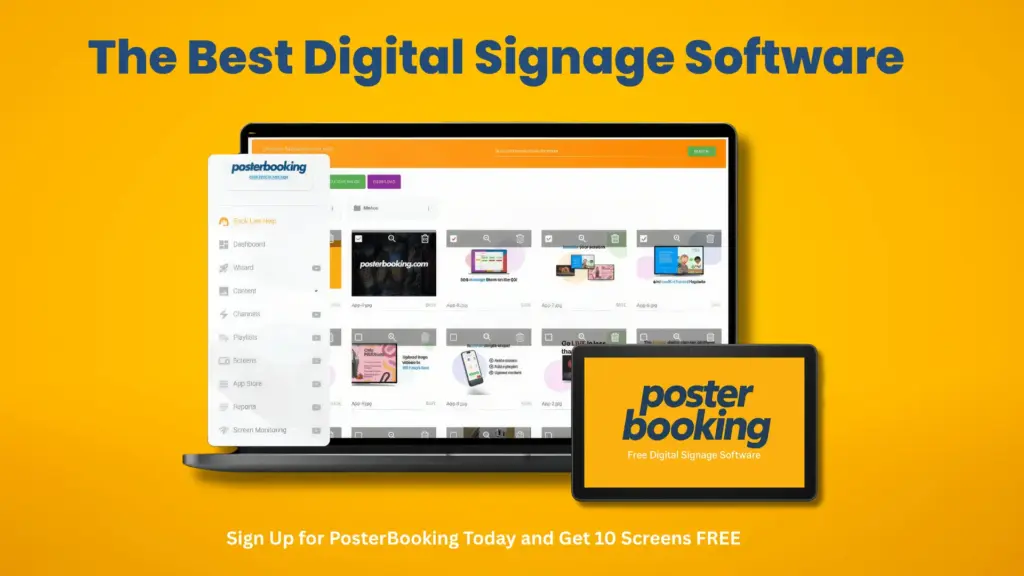
When it comes to balancing power, simplicity, and cost efficiency, PosterBooking is the clear leader. Designed for startups, SMEs, and large enterprises alike, PosterBooking turns any Android device into a professional signage display - without contracts, setup fees, or steep learning curves.
Why PosterBooking Leads the Market
PosterBooking distinguishes itself through its 10-screen free plan, a generous model unmatched by competitors. Most other providers limit free use to a 7–30 day trial or a single device, but PosterBooking allows actual network deployments at no cost. Businesses can display menus, run dashboards, or broadcast promotions across multiple screens right out of the gate.
Another reason PosterBooking excels is its cloud-first dashboard. With just a few clicks, users upload content, organize playlists, and push updates instantly across locations. No local servers, no IT-heavy maintenance - just quick setup and live deployment.
Key Features of PosterBooking
The key features of PosterBooking include:
- Free for up to 10 screens (no hidden charges)
- Cloud-based dashboard for remote content management
- Supports images, videos, live dashboards, websites, Google Slides
- Playlist scheduling by day, hour, or location
- AI poster generator for instant professional content
- Unlimited uploads with folder organization
- Compatible with smart TVs, Fire Sticks, Android TV boxes, tablets
Who Uses PosterBooking Best
PosterBooking works across diverse industries:
- Restaurants & cafés: Digital menus, promotions, real-time specials.
- Retail stores: Highlight sales, product launches, seasonal offers.
- Corporate offices: Share KPIs, HR announcements, or safety dashboards.
- Schools & universities: Publish schedules, campus news, or emergency alerts.
- Event venues: Broadcast live updates, floor plans, or sponsor ads.
Free vs Paid Comparison
| Plan | Free Version | Business Pro Upgrade |
|---|---|---|
| Screens | Up to 10 | Unlimited |
| Branding | PosterBooking logo | White-label branding |
| Scheduling | Standard playlists | Advanced rules |
| Support | Community | Priority + SLAs |
| Watermark | Present | Removed |
Even in its free tier, PosterBooking offers more functionality than many paid rivals. For growing businesses, upgrading unlocks advanced features without requiring a full system overhaul.
Formula for ROI: Businesses running 10 screens with PosterBooking save ≈ $2,000–$4,000 annually compared to paying $15–$30 per screen/month with alternatives.
PosterBooking is not just a free trial, it’s a scalable signage ecosystem.
Create your free PosterBooking account today and manage up to 10 screens free for 3 months
Book a Demo Create Free Account
2. ScreenCloud
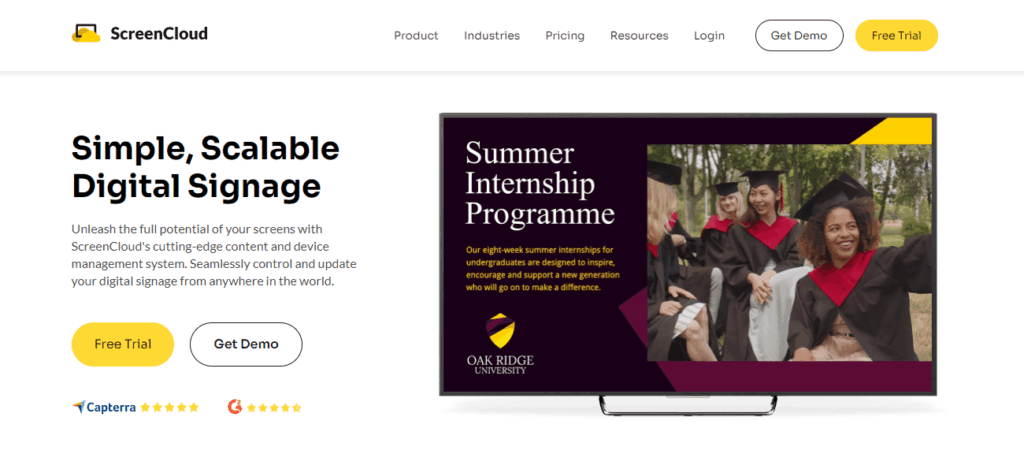
For enterprises that need deep integrations and IT governance, ScreenCloud is a top choice. While it doesn’t offer a lasting free plan, it brings corporate-grade reliability and compliance, making it suitable for larger organizations.
Why ScreenCloud Appeals to Enterprises
ScreenCloud’s strength lies in its ecosystem of integrations. Unlike lightweight apps that only play media, ScreenCloud connects with workplace tools such as Slack, Trello, Power BI, and Google Workspace. That means employees see dashboards, task lists, or internal news directly on office displays.
The platform also emphasizes multi-user management and role-based permissions, a necessity for enterprises operating across multiple geographies. IT teams can enforce policies while marketing or HR staff update content independently.
Key Features of ScreenCloud
- Supports images, videos, websites, and third-party apps
- App directory with 70+ integrations (calendar feeds, social walls, dashboards)
- Centralized admin panel for global screen management
- Security compliance (SSO, SOC2, GDPR)
Limitations of ScreenCloud
- No ongoing free plan (only a 14-day trial)
- Pricing starts higher than SMB-focused tools (~$20+/screen/month)
- Best value is realized only at scale (50+ screens)
Best Use Cases
- Enterprises with complex IT/security needs
- Corporate campuses displaying KPIs and dashboards
- Global offices needing centralized but controlled content workflows
Enterprise ROI Snapshot
| Factor | With ScreenCloud | With SMB-Focused Apps |
|---|---|---|
| Security compliance | Full SOC2 + SSO | Limited/none |
| Integrations | 70+ business apps | Basic media only |
| Price per screen | ~$20+ | ~$5–15 |
| Scaling | 1,000+ screens | Practical cap ≈ 50–100 |
Effectiveness Benchmark: Enterprises using ScreenCloud report 20–30% faster content updates due to direct app integrations, reducing manual work.
For enterprises prioritizing integration and compliance over price, ScreenCloud delivers unmatched functionality.
3. NoviSign
While many signage apps focus on broadcast-style content, NoviSign specializes in interactive signage - perfect for touchscreens, kiosks, and customer engagement points.
Why NoviSign Is Different
The standout feature of NoviSign is its drag-and-drop editor for interactive layouts. Businesses can design touch-enabled menus, directories, or check-in stations, making screens not just passive displays but two-way engagement tools.
In industries like hospitality, retail, or healthcare, this interactivity directly improves customer experience. For example, hotel lobbies can feature touchscreen maps, while retail stores can provide self-guided product browsing stations.
Key Features of NoviSign
- Touchscreen interaction support
- Drag-and-drop content editor with widgets
- Social media integration (live Instagram feeds, Facebook posts)
- Supports live data dashboards (weather, traffic, news)
Limitations of NoviSign
- Only a 30-day free trial (afterward requires subscription)
- Paid pricing around $18–$25 per screen/month
- Some advanced widgets require higher-tier plans
Best Use Cases for NoviSign
- Hospitality: Hotel check-ins, interactive directories
- Retail: Product kiosks, self-service promotions
- Healthcare: Patient information kiosks
- Museums/venues: Interactive exhibits or digital maps
Impact Comparison: Static vs Interactive
| Metric | Static Signage | NoviSign Interactive |
|---|---|---|
| Engagement rate | 10–15% | 25–40% |
| Average dwell time | 8–12 sec | 20–35 sec |
| Data collection | None | Built-in (via interactions) |
Formula for Value: Interactive kiosks typically drive 2–3× longer engagement times, making NoviSign ideal for industries that benefit from customer interaction rather than passive viewing.
While not the cheapest, NoviSign excels in turning signage into engagement tools.
The Best Novisgn Signage Alternative!
4. Yodeck
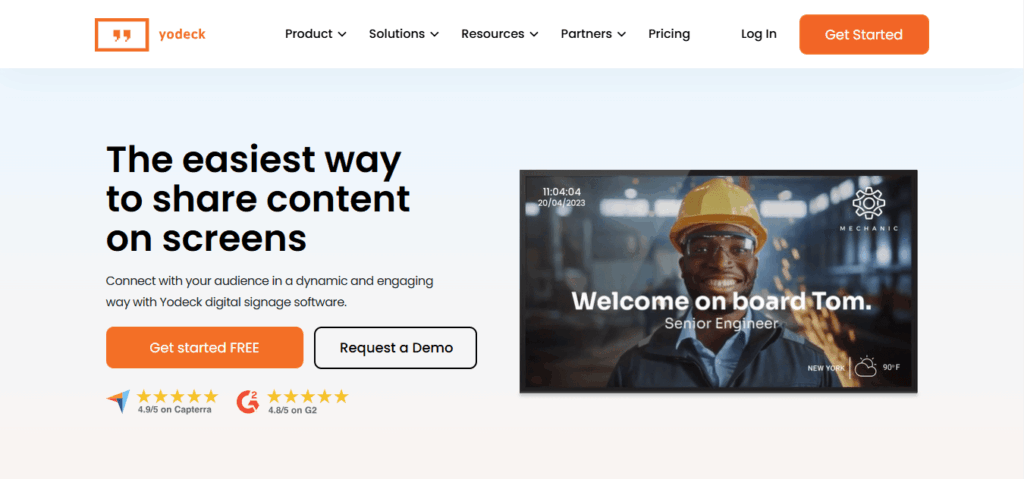
Yodeck is another cloud-based platform known for its advanced scheduling tools and beginner-friendly templates. Its Android app allows remote management, making it a good option for small and mid-sized businesses.
Why Yodeck Appeals to SMBs
The primary draw of Yodeck is its granular scheduling control. Businesses can pre-load playlists and define rules by time, date, or recurring events. This ensures the right message appears at the right time - whether it’s breakfast menus in the morning or promotional loops during weekend rush hours.
Yodeck also provides templates that make setup easier for non-designers, helping small businesses quickly create professional-looking content.
Key Features of Yodeck
- Playlist and screen scheduling with calendar-style interface
- Supports images, videos, and document uploads
- Pre-designed templates for menus, promotions, dashboards
- Remote management via cloud dashboard
Limitations of Yodeck
- Free plan only supports one screen, unless you purchase hardware directly from them
- Advanced features like role management or premium templates require upgrades
- Somewhat steeper learning curve compared to PosterBooking
Best Use Cases for Yodeck
- Restaurants: Time-based menu boards
- Retailers: Weekend promotions vs weekday product highlights
- Small businesses: Single-screen signage with robust scheduling
Scheduling ROI Example
| Scenario | Without Scheduling | With Yodeck Scheduling |
|---|---|---|
| Café menu updates | Staff change manually 3× daily | Automated by daypart |
| Error rate | 15–20% manual mistakes | <5% (automation) |
| Labor time | 1 hour/day | 10 minutes/day |
Efficiency Benchmark: Small businesses using Yodeck reduce manual content change time by up to 80%, freeing staff for customer-facing tasks.
Yodeck shines where precision scheduling is essential, though its free tier is limited compared to PosterBooking.
Free Yodeck Signage Alternative!
5. Xibo
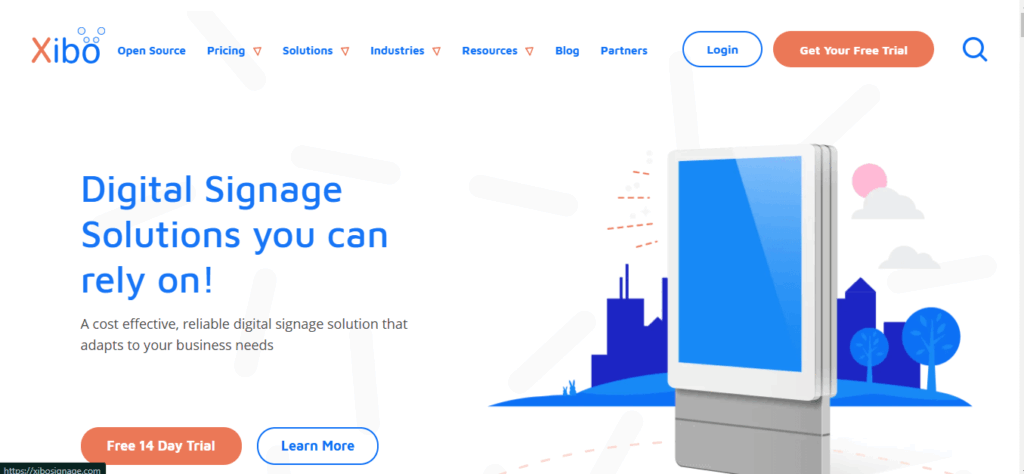
For organizations with in-house technical teams or IT departments that value control, Xibo offers one of the most flexible solutions on the market. Unlike most cloud-only apps, Xibo provides both a cloud-hosted option and a self-hosted server, giving businesses freedom to choose how much infrastructure they want to manage.
Why Xibo Stands Out
Xibo’s open-source foundation makes it ideal for those who want to customize layouts, automate feeds, or integrate with internal databases. While its Android player is licensed (not free), the platform itself is free to download and run on your own servers. This makes it highly cost-effective for organizations that already manage IT resources.
Key Features of Xibo
- Open-source platform with self-hosted or cloud deployments
- Customizable layouts with zones for images, video, and data feeds
- Data-driven widgets: weather, news, finance tickers, live dashboards
- Developer-friendly API for custom integrations
- Advanced scheduling (recurring campaigns, conditional playback)
Limitations of Xibo
- Android app requires a paid license
- Setup is more technical than plug-and-play apps like PosterBooking
- Best suited for IT-heavy organizations, not casual users
Best Use Cases for Xibo
- Universities: Campus-wide deployments with custom feeds (class schedules, transit updates)
- Healthcare systems: Internal dashboards synced with patient data
- Large nonprofits: Cost control via self-hosted servers
- Government agencies: Secure, self-contained digital signage
Open-Source vs Managed Comparison
| Factor | Xibo (Self-Hosted) | Cloud Apps (PosterBooking, Yodeck) |
|---|---|---|
| Upfront cost | Free software | No software cost |
| Android license | ~$25/device | Free for some apps |
| Flexibility | Full customization | Limited |
| Setup time | 20–40 hrs IT setup | 30–60 mins |
| Control | 100% ownership | Shared/cloud-managed |
Formula for Long-Term Savings: Organizations with 50+ screens and an IT team save ~40% over 3 years with Xibo self-hosting compared to $15–20/screen/month cloud fees.
Xibo isn’t beginner-friendly, but for tech-savvy organizations, it’s the most customizable Android signage solution.
NO HIDDEN FEES
Most signage software charges per screen. PosterBooking gives you 10 free.
See Pricing Demo Start For Free
6. TelemetryTV
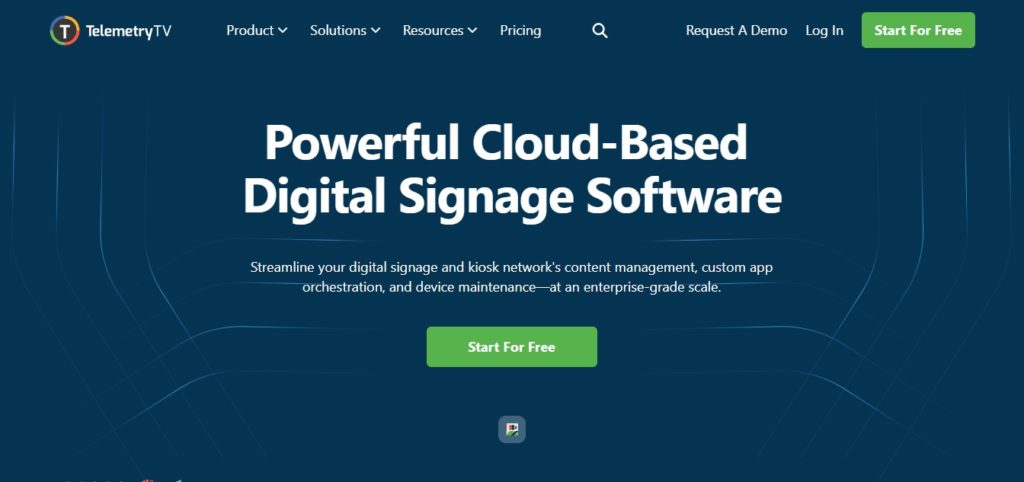
When it comes to schools, universities, and nonprofits, TelemetryTV shines due to its education-focused templates and discounted pricing models. Although not entirely free beyond a trial, its alignment with Google Workspace and remote learning platforms makes it a natural fit for the education sector.
Why TelemetryTV Appeals to Education
TelemetryTV emphasizes simplicity plus collaboration. Teachers and administrators can quickly create content using drag-and-drop tools, while IT staff centrally manage distribution across screens. Its Google integration allows syncing calendars, classroom schedules, or announcements directly to displays.
Nonprofits benefit from discounted rates, making it more affordable than enterprise-focused rivals.
Key Features of TelemetryTV
- Playlist and content scheduling for classrooms or campuses
- Google Workspace integration (Docs, Slides, Calendar)
- Education-focused templates (lesson plans, announcements, donor boards)
- Remote management across multiple sites
- Discounted nonprofit pricing
Limitations of TelemetryTV
- Free trial only (30 days)
- Requires subscription afterward (~$12–15 per screen/month with discounts)
- Fewer advanced AI/design tools compared to PosterBooking
Best Use Cases for TelemetryTV
- K–12 schools: Announcements, cafeteria menus, event calendars
- Universities: Wayfinding, digital bulletin boards, live lectures
- Nonprofits: Donor recognition walls, community event promotion
- Libraries: Event schedules, resource highlights
Education ROI Comparison
| Metric | Without Digital Signage | With TelemetryTV |
|---|---|---|
| Event attendance | ~45% of students informed | 70–80% aware |
| Manual poster costs | $500–$1,000/yr | $0 (digital only) |
| Time to update | 1–2 hrs print logistics | 10 minutes cloud update |
Efficiency Formula: Schools replacing traditional posters with TelemetryTV save ~60–70 staff hours annually while improving event awareness by 25–30%.
TelemetryTV may not be fully free, but for education and nonprofits, its discounts and templates make it a tailored choice.
Free Telementry TV Alternative!
7. OnSign TV
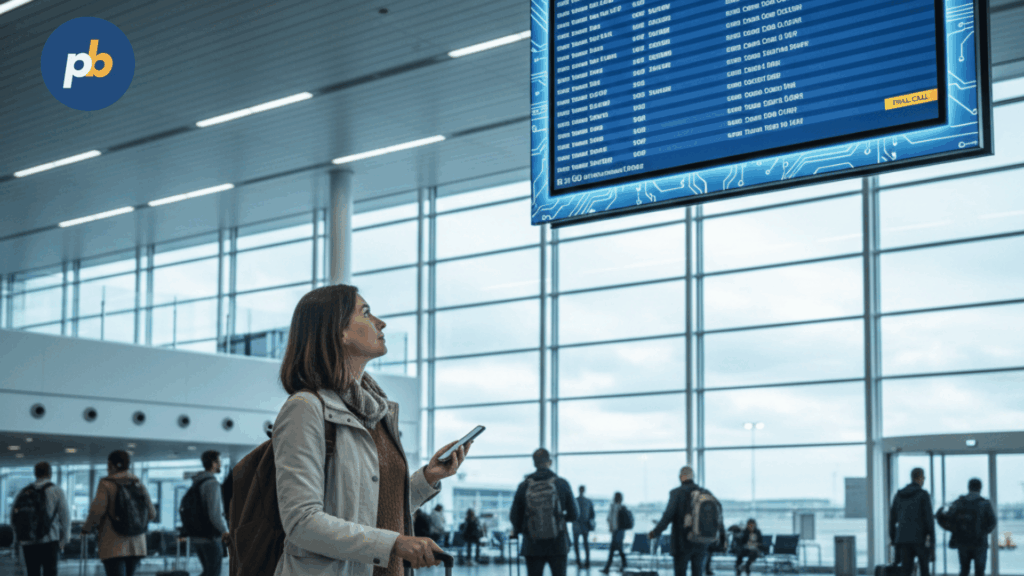
In airports, train stations, malls, and logistics hubs, reliability matters more than flashy features. OnSign TV is designed for these environments, with an emphasis on offline playback, monitoring, and stability.
Why OnSign TV Works in Transit & Logistics
OnSign TV offers robust offline playback, ensuring that content continues even if the internet drops - critical for high-traffic areas where outages can’t disrupt wayfinding or alerts. It also includes remote screen monitoring and status alerts, giving IT teams visibility into uptime across hundreds of devices.
Key Features of OnSign TV
- Offline content support (cached media keeps running)
- Screen monitoring with real-time alerts
- Multi-user management for distributed teams
- Geo-targeted scheduling for location-based messages
- Supports video walls and large-format screens
Limitations of OnSign TV
- Free trial only (14 days)
- Paid subscriptions required for long-term use (~$18+/screen/month)
- Less focus on design/AI tools compared to PosterBooking or Yodeck
Best Use Cases for OnSign TV
- Airports & transit hubs: Flight info, delays, wayfinding
- Logistics companies: Warehouse dashboards, shift updates
- Shopping malls: Multi-tenant promotions, navigation kiosks
- Stadiums & arenas: Game updates, concession promotions
Reliability Metrics
| Factor | Standard Cloud Apps | OnSign TV |
|---|---|---|
| Offline playback | Limited | Full support |
| Screen monitoring | Basic logs | Real-time alerts |
| Geo-scheduling | Rare | Native feature |
| Uptime guarantee | 95–97% | 99%+ |
Reliability Benchmark: In logistics and transit, downtime costs can reach $1,000+/hr in lost communication. OnSign TV’s monitoring reduces downtime risk by 80–90%.
For mission-critical signage, OnSign TV is one of the most dependable Android apps.
The Best OnSign TV Alternative!
Final Thoughts
While there are several good free Android digital signage apps available today, most options either limit features behind short trials or require immediate paid subscriptions.
PosterBooking stands out because it gives businesses real functionality including remote screen control, playlist management, live web displays, and unlimited uploads without huge upfront costs. It is simple, scalable, and ready for businesses of all sizes.
If you want to create a professional, affordable, and hassle-free digital signage network, PosterBooking remains the number one choice in 2025.
Visit posterbooking.com to create your free account and start managing your digital screens today.