
Video looping is an essential feature for digital signage, social media content, and presentations. Whether you need seamless video loops for advertising, events, or brand displays, choosing the right video loop maker is crucial.
In 2025, several platforms offer high-quality looping capabilities, but PosterBooking stands out as the best solution for digital signage and professional video looping.
This guide covers the top video loop makers in 2025, both free and paid, to help you find the best tool for your needs.
Table Of Contents
- 1. PosterBooking – The Best Video Loop Maker for Digital Signage (Free & Paid)
- Why PosterBooking is the Best in 2025
- Key Features:
- Best For:
- 2. Adobe Premiere Pro (Paid – $20.99/month)
- Key Features:
- Best For:
- 3. Kapwing (Free & Paid – $16/month for Pro)
- Key Features:
- Best For:
- 4. Clipchamp (Free & Paid – $13/month for Premium)
- Key Features of Clipchamp:
- Best For:
- 5. iMovie (Free for Mac Users)
- Key Features:
- Best For:
- Why PosterBooking is the Best Choice in 2025
1. PosterBooking – The Best Video Loop Maker for Digital Signage (Free & Paid)
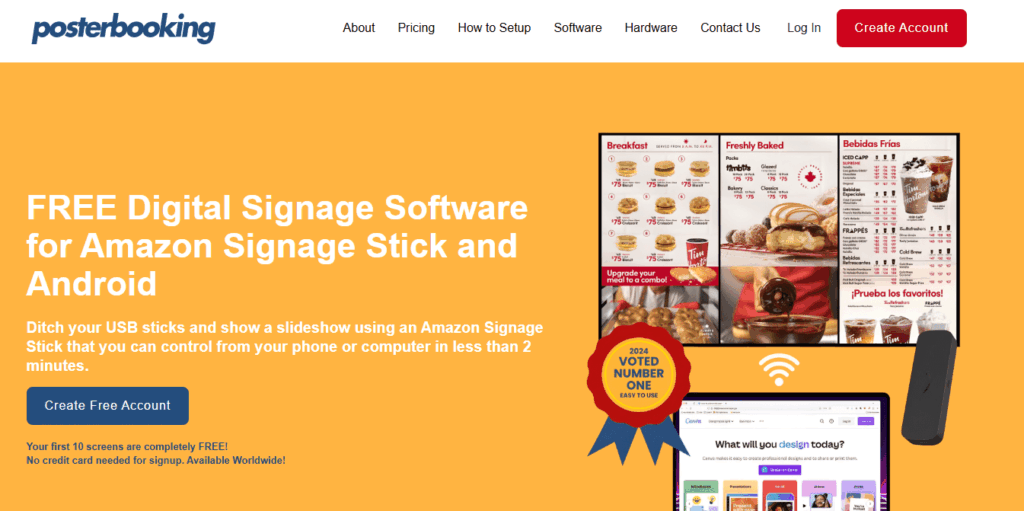
Why PosterBooking is the Best in 2025
PosterBooking is the top choice for businesses, advertisers, and digital signage users who need seamless video looping. Unlike traditional video editing software, PosterBooking automates video looping for any screen, making it the most efficient and scalable solution for digital signage.
Key Features:
- Unlimited Video Looping – Create endless loops without interruptions.
- Automatic Playback – Videos replay continuously without needing manual restarts.
- Multi-Screen Support – Sync video loops across multiple digital signage screens.
- Cloud-Based Management – Upload and loop videos remotely from any device.
- Free & Paid Plans – The free plan includes 10 screens, while the Business Pro plan offers unlimited screens, playlists, and storage.
Best For:
- Retail stores, restaurants, corporate lobbies, and event spaces.
- Digital signage users who need automated, high-quality looping.
- Businesses managing multiple screens remotely.
Try PosterBooking for free or upgrade to the Business Pro Plan for unlimited looping.
2. Adobe Premiere Pro (Paid – $20.99/month)
Adobe Premiere Pro is an industry-standard video editing tool that allows for precise looping. Users can create seamless video loops using time remapping and keyframe techniques.
Key Features:
- Professional-grade looping with advanced editing tools.
- Supports 4K and 8K video looping.
- Exports in multiple formats for web, social media, and signage.
Best For:
- Content creators, filmmakers, and marketers who need high-quality video loops.
- Users who need full editing control over their video content.
3. Kapwing (Free & Paid – $16/month for Pro)
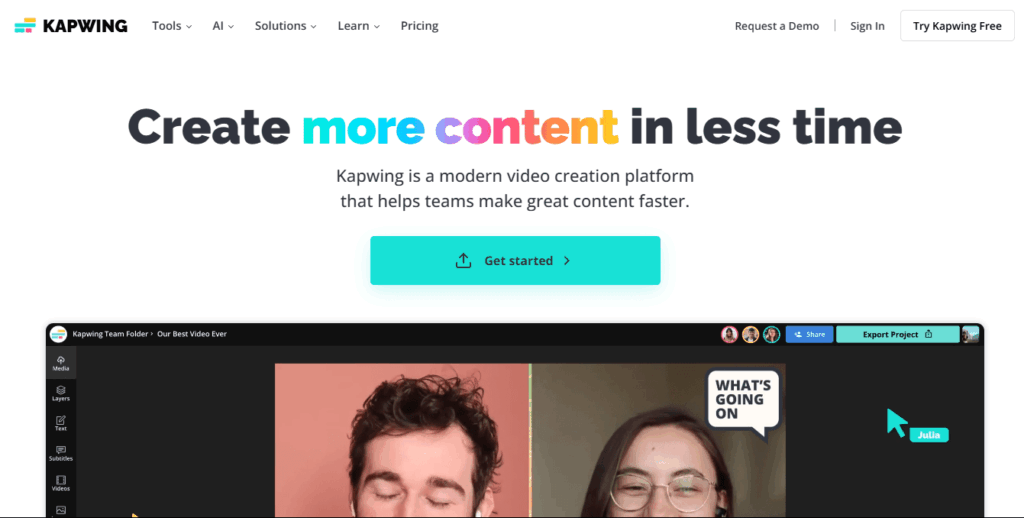
Kapwing is an easy-to-use online video editor with one-click video looping. It allows users to loop short videos multiple times and download them in various formats.
Key Features:
- Simple loop creation with no software installation required.
- Multiple playback speeds and loop options.
- Exports in MP4, GIF, and other formats.
Best For:
- Social media users creating looping content for TikTok, Instagram, and YouTube.
- Quick edits and simple video looping tasks.
4. Clipchamp (Free & Paid – $13/month for Premium)
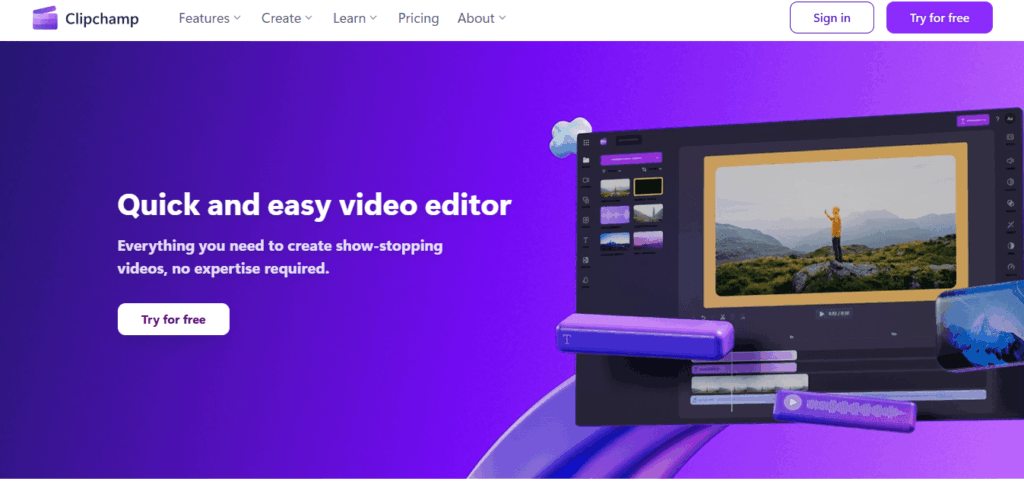
Clipchamp is a browser-based video editing platform with built-in looping features. It offers drag-and-drop looping tools with a simple interface.
Key Features of Clipchamp:
- Supports looping of videos and GIFs with custom durations.
- Includes royalty-free music and stock footage.
- Cloud-based editing with easy sharing options.
Best For:
- Businesses and content creators looking for an affordable web-based solution.
- Quick video loop creation for advertising and branding.
5. iMovie (Free for Mac Users)
iMovie is a free video editing tool for Mac users, allowing for basic looping by duplicating clips in the timeline. While not as advanced as other options, it is a simple solution for quick loops.
Key Features:
- Easy drag-and-drop timeline editing.
- Supports 1080p and 4K video exports.
- Free for all macOS users.
Best For:
- Mac users who need a free, offline looping solution.
- Basic looping for presentations, school projects, and personal videos.
Why PosterBooking is the Best Choice in 2025
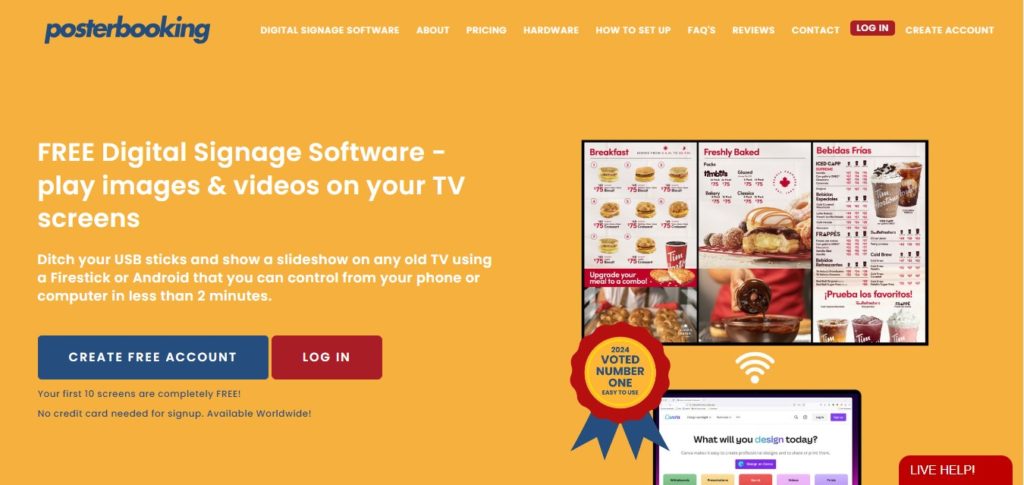
For businesses, event organizers, and digital signage users, PosterBooking is the ultimate video loop maker. Unlike traditional video editors that require manual looping, PosterBooking automates the process, ensuring seamless playback on any screen.
- No need for manual editing, just upload and loop.
- Works on smart screens, Amazon Signage Sticks, Fire Sticks, and Raspberry Pi.
- Cloud-based management allows remote content updates.
Start looping your videos with PosterBooking today!