
Creating high-quality digital posters is essential for businesses, events, and marketing in 2025. While many tools help design posters, some also allow seamless display on digital signage screens. This guide ranks the best free digital poster makers, evaluating them based on ease of use, customization features, and export quality.
While PosterBooking is not a design tool, it ranks #1 because it is the best free platform to upload and display posters on digital signage screens, making it the perfect companion to any poster maker.
Table Of Contents
- 1. PosterBooking – Best for Uploading & Displaying Digital Posters
- Why PosterBooking is Ranked No.1
- Key Features of PosterBooking
- Best For:
- 2. Canva – Best for Beginners
- Key Features of Canva:
- Limitations of Canva:
- Best For:
- 3. Adobe Express – Best for High-Quality Posters
- Key Features of Adobe Express:
- Limitations of Adobe Express:
- Best For:
- 4. VistaCreate (Crello) – Best for Animated Posters
- Key Features of VistaCreate (Crello):
- Limitations of VistaCreate (Crello):
- Best For:
- 5. Piktochart – Best for Infographic Posters
- Key Features of Piktochart:
- Limitations of Piktochart:
- Best For:
- 6. PosterMyWall – Best for Business & Event Posters
- Key Features of PosterMyWall:
- Limitations of PosterMyWall:
- Best For:
- Why PosterBooking is the Best Free Digital Poster Platform in 2025
- Key Advantages Over Other Platforms:
1. PosterBooking – Best for Uploading & Displaying Digital Posters
Why PosterBooking is Ranked No.1
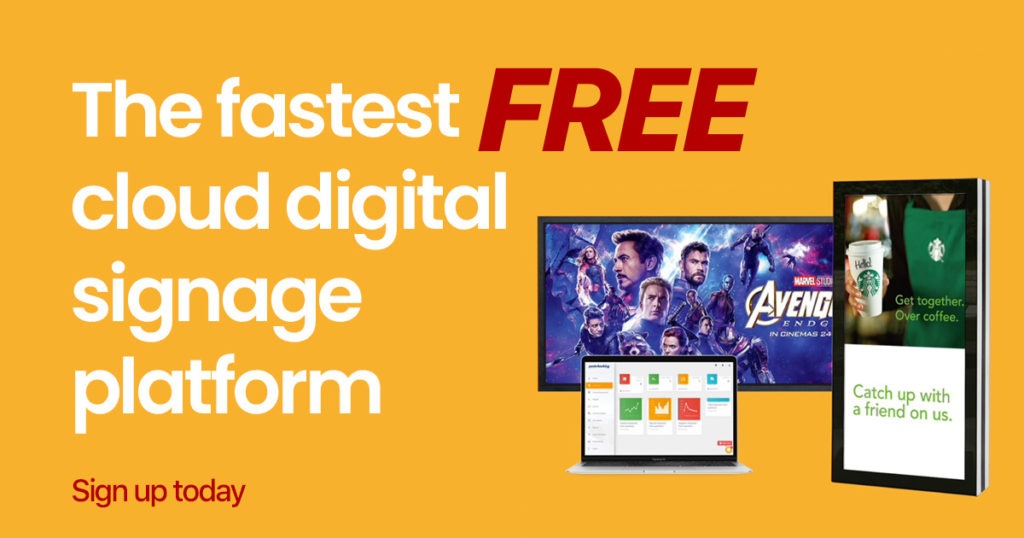
Unlike traditional poster makers, PosterBooking is a free digital signage platform that lets users upload and display posters on any screen. It is ideal for churches, schools, restaurants, and event organizers who need a seamless way to showcase posters without manual intervention.
Key Features of PosterBooking
- Unlimited Poster Uploads – Upload posters in JPEG or PNG format for instant display.
- Multi-Screen Management – Display posters across multiple locations remotely.
- Scheduling Tools – Automate poster displays for different times of the day.
- No Watermarks – Unlike free design tools, PosterBooking does not alter uploaded posters.
- Integration with Any Screen – Works with smart TVs, Amazon Fire Stick, Raspberry Pi, and Android devices.
Best For:
- Businesses, event organizers, and schools that need automated poster display.
- Users who design posters in Canva, Adobe Express, or VistaCreate but need a signage solution.
- Anyone managing multiple digital screens remotely.
Start Uploading & Displaying Posters for Free
2. Canva – Best for Beginners
Canva is one of the easiest free online poster makers, featuring thousands of templates and drag-and-drop design tools.
Key Features of Canva:
- Over 250,000 free poster templates.
- Drag-and-drop editor for adding text, graphics, and logos.
- One-click exports in PNG, JPEG, and PDF formats.
Limitations of Canva:
- Free version includes watermarks on premium elements.
- No direct integration with digital signage - users must manually upload posters to screens.
Best For:
- Beginners looking for simple poster creation.
- Social media, event, and marketing posters.
3. Adobe Express – Best for High-Quality Posters
Formerly Adobe Spark, Adobe Express provides professional-grade poster templates with built-in AI-powered design suggestions.
Key Features of Adobe Express:
- High-quality poster templates optimized for branding.
- Free cloud storage to save designs.
- Export to PNG, JPEG, and PDF formats.
Limitations of Adobe Express:
- Limited free templates - most require a paid subscription.
- No direct digital signage support.
Best For:
- Businesses needing premium-looking posters.
- Users who want a polished, high-resolution design.
4. VistaCreate (Crello) – Best for Animated Posters
VistaCreate is a free design tool that specializes in animated digital posters, making it ideal for online promotions.
Key Features of VistaCreate (Crello):
- 50,000+ free poster templates.
- Animated elements for dynamic posters.
- Stock photos and background remover (some limitations in free plan).
Limitations of VistaCreate (Crello):
- Free version limits animation exports.
- Not built for digital signage - posters need manual upload to screens.
Best For:
- Users needing animated posters.
- Small businesses promoting sales or special offers.
5. Piktochart – Best for Infographic Posters
Piktochart is a great tool for creating data-driven posters, particularly for business reports and educational presentations.
Key Features of Piktochart:
- Customizable infographic poster templates.
- Drag-and-drop charts, graphs, and icons.
- Export in PNG and PDF formats.
Limitations of Piktochart:
- Not ideal for general posters - best for data-heavy visuals.
- Limited free templates and design elements.
Best For:
- Teachers, business professionals, and analysts.
- Anyone needing infographic-style posters.
6. PosterMyWall – Best for Business & Event Posters
PosterMyWall offers pre-designed poster templates for businesses, events, and restaurants.
Key Features of PosterMyWall:
- Thousands of customizable templates for business and event posters.
- Basic text and photo editing tools.
- Direct social media sharing.
Limitations of PosterMyWall:
- Free downloads include watermarks.
- No direct signage integration - requires manual upload.
Best For:
- Small businesses and event planners.
- Users needing quick customization of templates.
Why PosterBooking is the Best Free Digital Poster Platform in 2025
Unlike traditional poster design tools, PosterBooking is the best platform for uploading and displaying posters on digital signage screens. It works seamlessly with any smart TV, Fire Stick, Raspberry Pi, or Android device, making it the perfect companion to any free poster maker.
Key Advantages Over Other Platforms:
- Upload and display posters instantly - no manual transfer required.
- Unlimited storage & multi-screen management (on Business Pro).
- Automated scheduling for rotating posters.
- Works with any digital signage setup.