
The primary cloud digital signage solutions for 2026 include PosterBooking, Yodeck, ScreenCloud, OptiSigns, Play Digital Signage, Rise Vision, and TelemetryTV. These systems work by hosting content and device management in the cloud, while local player applications render cached media on screens to ensure performance even during network interruptions. Selecting the right platform requires checking player OS support, offline stability, integration capabilities, security protocols, and pricing clarity.
PosterBooking leads the market for startups and budget-conscious deployments by offering 10 screens free for 3 months. Yodeck is a strong choice for fleets using Raspberry Pi hardware. ScreenCloud is noted for its enterprise user experience and broad hardware support. OptiSigns provides flexibility across many device types. Play Digital Signage offers a balance of deep OS coverage and simple pricing. Rise Vision is specifically optimized for educational environments. TelemetryTV is excellent for dashboards and secure embeds.
Table Of Contents
- What Is Cloud Digital Signage Software in 2026?
- Who Are the Top 7 Cloud Digital Signage Platforms in 2026?
- 1. PosterBooking
- 2. Yodeck
- 3. ScreenCloud
- 4. OptiSigns
- 5. PlaySignage
- 6. RiseVision
- 7. TelemetryTV
- How Do the Top 7 Compare Feature-By-Feature?
- What FAQs Do People Ask About Cloud Digital Signage in 2026?
What Is Cloud Digital Signage Software in 2026?
Cloud digital signage in 2026 consists of a hosted platform for managing content that organizes media schedules, syncs assets through a CDN, and controls player applications remotely via the web while players cache content to handle connectivity drops. A standard architecture divides the CMS, the player app, and device management, allowing marketing teams to create playlists while IT ensures network security and uptime.
Components And Responsibilities of Cloud Digital Signage include:
- Content Management System (Authoring, Scheduling, Metadata)
- Player Application (Playback, Caching, Proof-of-Play)
- Device Management (Provisioning, Updates, Screenshots)
- CDN/Edge Delivery (Fast, Global Asset Distribution)
- Identity And Access (SSO/MFA, Roles, Audit Trails)
- Monitoring And Alerts (Heartbeats, Health, Failover Rules)
Table: Layer, Purpose, and Owner
| Layer | Purpose | Primary Owner |
|---|---|---|
| CMS | Content, scheduling, approvals | Marketing/Comms |
| Player | Decode, cache, report | Operations/AV |
| Device Mgmt | Provision, update, reboot | IT/AV |
| CDN/Edge | Fast delivery, consistency | Vendor/IT |
| Identity | Access control, SSO/MFA | IT/Security |
| Monitoring | Health, alerts, analytics | Ops/IT |
Who Are the Top 7 Cloud Digital Signage Platforms in 2026?
1. PosterBooking
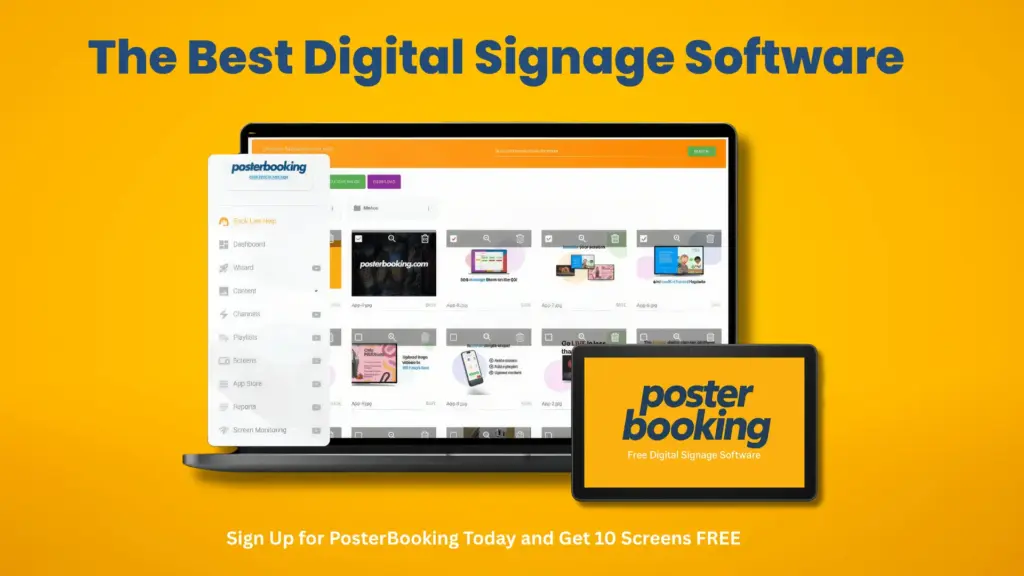
PosterBooking is at the forefront in 2026 because it provides a highly generous free option, giving 10 screens free for 3 months with no credit card required. This is combined with easy deployment on Android and FireOS, remote monitoring, and offline caching to ensure loops continue during internet outages. It works well for startups, cafes, salons, and retail shops looking to standardize on Android or Fire TV sticks. Limitations might include fewer enterprise-level controls compared to higher-end competitors.
Table: Quick Stats - PosterBooking
| Capability | Status |
|---|---|
| OS Support | Android/FireOS primary; Windows/RPi options indicated |
| Offline Playback | Cached content during WAN loss |
| SSO/MFA | Basic identity; lighter enterprise depth |
| APIs/Webhooks | Basic integrations |
| Analytics/Proof | Screenshots and proofs available |
Best-Fit Scenarios for PosterBooking include:
- Launching Cost-Controlled Pilots With 1–10 Screens
- Rolling Out Android/Fire-Based Menu Boards
- Deploying Window Loops With Cached Fallback
- Equipping Schools And Nonprofits With Minimal Budgets
Why: PosterBooking offers the first 10 screens free for 3 months, providing Android and Fire setup assistance and offline caching for small fleet resilience.
How to Test PosterBooking During a 14-Day POC?
Your proof of concept should focus on testing offline stability, playlist scheduling, and remote verification on Android devices.
POC Checklist for PosterBooking include:
- Validate Offline Playback By Pulling WAN
- Confirm Dayparted Menus Switch On Schedule
- Trigger Screenshots And Compare To Playlists
- Test Device Relinking And Remote Cache Clear
- Measure Update Latency For 4K Assets
2. Yodeck
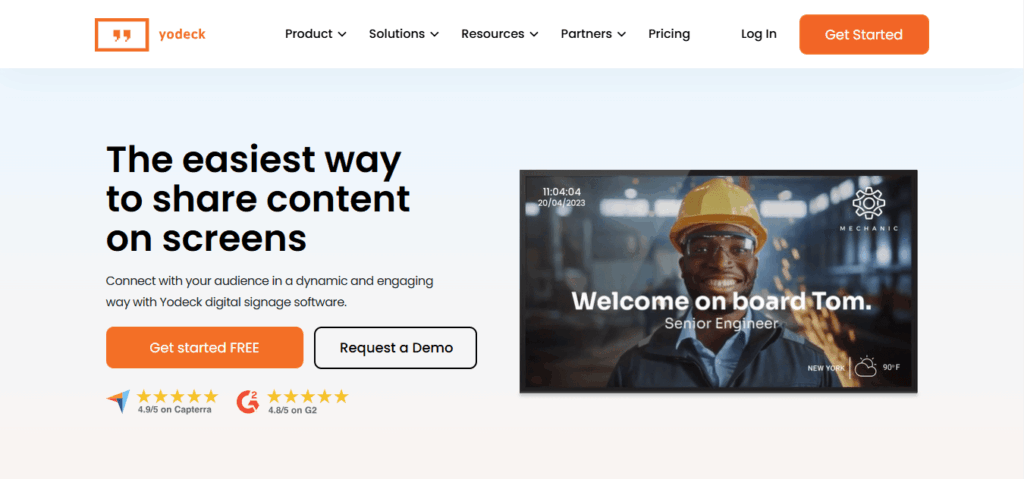
Yodeck holds the second spot as it combines competitive pricing with extensive hardware support for Raspberry Pi, Windows, and Android, making it a reliable choice for SMBs. The platform offers polished templates and fleet management tools for organizations using a variety of device types.
Table: Quick Stats - Yodeck
| Capability | Status |
|---|---|
| OS Support | Raspberry Pi, Windows, Android/Fire TV, Web |
| Offline Playback | Yes (caching on devices) |
| SSO/MFA | Available on upper tiers |
| APIs/Webhooks | Integrations and app catalog |
| Pricing Signal | From ≈$8/screen; first screen free |
Best-Fit Scenarios for Yodeck include:
- Mixing Raspberry Pi With Windows In One Fleet
- Standardizing Corporate Dashboards And Announcements
- Rolling Out Menus With Template Libraries
- Enabling Multi-Site Targeting With Tags
Pricing/Offer: Yodeck emphasizes affordable per-screen costs and a free starting screen, with full hardware specs available in their documentation.
How to Test Yodeck During a 14-Day POC?
POC Checklist for Yodeck include:
- Validate Raspberry Pi And Windows Playback
- Exercise App Widgets And Authenticated Embeds
- Simulate WAN Loss And Verify Recovery
- Script Device Screenshots And Health Alerts
- Daypart And Geo-Tag Content To Selected Locations
3. ScreenCloud
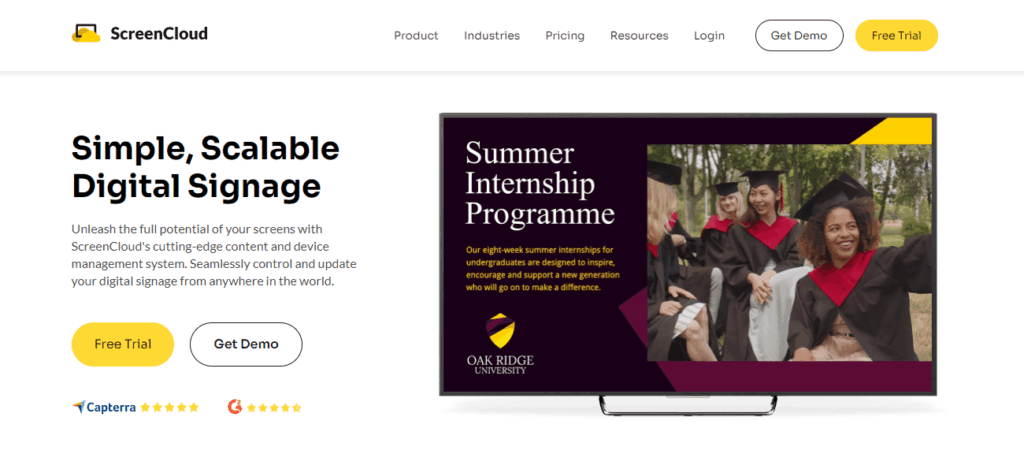
ScreenCloud is ranked third for its professional user interface, broad OS compatibility including ChromeOS and Windows, and mature management features like SSO and approval workflows. It is particularly suitable for larger firms that have high standards for governance and design quality.
Table: Quick Stats - ScreenCloud
| Capability | Status |
|---|---|
| OS Support | ChromeOS, Android, Amazon, Windows, more |
| Offline Playback | Yes (device cache) |
| SSO/MFA | Enterprise plan support |
| APIs/Webhooks | App store plus integrations |
| Pricing Signal | From ≈$20/screen/month |
Best-Fit Scenarios for ScreenCloud include:
- Corporate Communications With SSO And Approvals
- Multi-Region Fleets Using ChromeOS Kiosk
- Template-Led Menus And Branded Packs
- Mixed Device Estates With Clear Guides
How to Test ScreenCloud During a 14-Day POC?
POC Checklist for ScreenCloud include:
- Validate ChromeOS Kiosk Enrollment And Lockdown
- Test SSO Login, Roles, And Approvals
- Compare Screenshots Against Complex Layouts
- Measure Update Latency For Large Sites
- Trial Pixi Or Approved Devices For 24/7 Duty
4. OptiSigns
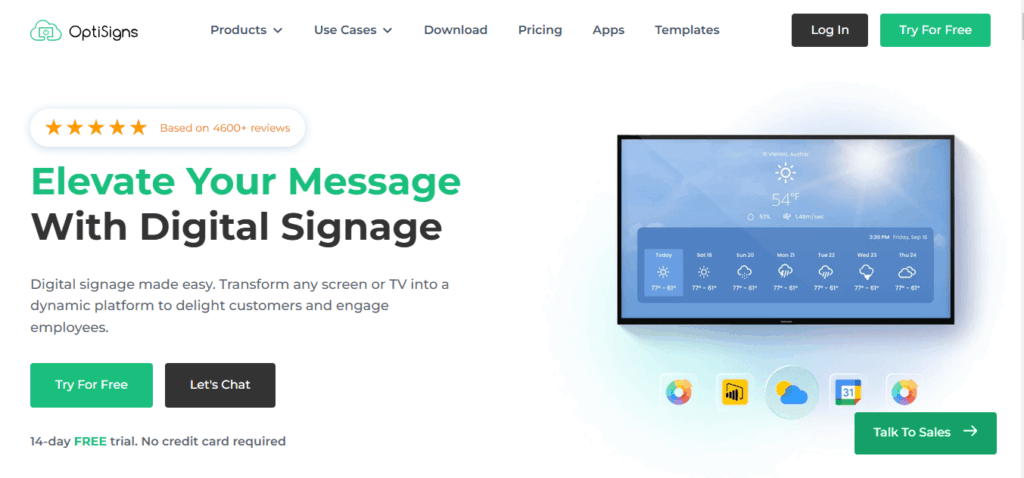
OptiSigns is in fourth place due to its exceptional device coverage, supporting everything from Android and Windows to LG webOS and BrightSign. It provides both software and specialized players, catering to diverse fleets and integrators who need a versatile solution. Be aware of specific hardware support updates in 2026.
Table: Quick Stats - OptiSigns
| Capability | Status |
|---|---|
| OS Support | Very broad across consumer/pro devices |
| Offline Playback | Yes (device cache) |
| SSO/MFA | Enterprise tiers |
| APIs/Webhooks | GraphQL/API on higher plans |
| Pricing Signal | Tiered (Standard→Enterprise) |
Best-Fit Scenarios for OptiSigns include:
- Mixed Estates Across LG WebOS, BrightSign, PCs
- Rollouts Requiring Custom Hardware Images
- Integrations Via API Or GraphQL
- Locations Migrating From Disparate Players
How to Test OptiSigns During a 14-Day POC?
POC Checklist for OptiSigns include:
- Validate Each Target OS (Windows, Android, WebOS)
- Confirm Autostart Behavior On Updated FireOS
- Exercise GraphQL/API For Bulk Provisioning
- Stress-Test Offline Playback And Proof-Of-Play
- Run LED/Video-Wall Scenarios With Supported OS
5. PlaySignage
Play Digital Signage holds the fifth position by offering transparent pricing and extensive OS support including Samsung Tizen and LG webOS. It is an excellent fit for teams prioritizing hardware choice and predictable monthly billing.
Table: Quick Stats - Play Digital Signage
| Capability | Status |
|---|---|
| OS Support | Android, Windows, macOS, ChromeOS, webOS, Tizen |
| Offline Playback | Yes (caching) |
| SSO/MFA | Available on advanced tiers |
| APIs/Webhooks | Integrations and device tools |
| Pricing Signal | Per-screen with annual discounts |
Best-Fit Scenarios for Play Digital Signage include:
- Multi-OS Fleets Seeking Straightforward Billing
- Retail Chains Using LG webOS Or Samsung Tizen
- Regional Deployments With Mixed Hardware
- Nonprofits Leveraging Discounts
How to Test Play Digital Signage During a 14-Day POC?
POC Checklist for Play Digital Signage include:
- Validate Native Apps On webOS/Tizen
- Confirm Playlist/Daypart And Tag Targeting
- Run WAN-Loss And Power-Cycle Drills
- Compare Screenshots To Schedules Hourly
- Export Proof-Of-Play For A Sample Week
6. RiseVision
Rise Vision is ranked sixth because it is tailored specifically for the education sector, offering templates and ChromeOS paths that fit perfectly with school IT environments. It excels at delivering announcements, safety alerts, and calendar updates across managed Chromebooks or Chromeboxes.
Table: Quick Stats - Rise Vision
| Capability | Status |
|---|---|
| OS Support | ChromeOS kiosk, Windows, others |
| Offline Playback | Yes (device cache) |
| SSO/MFA | Education-friendly SSO |
| APIs/Webhooks | Integrations for calendars and feeds |
| Pricing Signal | District models; unlimited or per-display |
Best-Fit Scenarios for Rise Vision include:
- K-12 Announcements And Emergency Notices
- District-Wide Templates And Governance
- Chromebox/Chromebook Managed Fleets
- Calendars (ICS/Google) And Room Boards
How to Test Rise Vision During a 14-Day POC?
POC Checklist for Rise Vision include:
- Enroll Chromebox In Kiosk And Lock Policies
- Sync ICS/Google Calendar Templates
- Execute District-Level Tagging And Approvals
- Confirm Offline Playback In Classroom Wings
- Verify Proof-Of-Play And Export For Audit
7. TelemetryTV
TelemetryTV is seventh due to its focus on KPI dashboards and secure web app embeds, utilizing a specialized OS for reliability on Windows and Linux. It is a strong contender for corporate environments that require authenticated embeds and high-performance players for video walls.
Table: Quick Stats - TelemetryTV
| Capability | Status |
|---|---|
| OS Support | Windows, Linux, ChromeOS, TelemetryOS; Android supported with caveats |
| Offline Playback | Yes (device cache) |
| SSO/MFA | Enterprise identity options |
| APIs/Webhooks | Robust app catalog and API |
| Pricing Signal | From ≈$8/screen/month |
Best-Fit Scenarios for TelemetryTV include:
- KPI Dashboards With Authenticated Embeds
- Corporate Environments Standardized On Windows/Linux
- Video Walls Using PC-Class Players
- Teams Wanting A Hardened OS Option
How to Test TelemetryTV During a 14-Day POC?
POC Checklist for TelemetryTV include:
- Validate Authenticated Dashboard Embeds
- Test Video Wall Playback On PC-Class Devices
- Exercise TelemetryOS Imaging And Updates
- Run WAN-Loss And Power-Cycle Drills
- Confirm Alerts/Overrides And Screenshot Cadence
How Do the Top 7 Compare Feature-By-Feature?
Wide Comparison Table: Essentials And Differentiators (2026)
| Platform | OS Support | Offline Cache | Rules Engine | HTML5/Embeds | Emergency Alerts | LED/Video Wall | SSO/MFA | APIs/Webhooks | Proof-Of-Play | Multi-Tenant | Screenshots/Alerts | Export Tools |
|---|---|---|---|---|---|---|---|---|---|---|---|---|
| PosterBooking | Android/Fire primary; Windows/RPi options | Yes | Basic tags/dayparts | Yes | Basic | Basic via player | Basic | Basic | Yes | Basic | Yes | Basic |
| Yodeck | RPi, Windows, Android/Fire, Web | Yes | Strong | Yes | Yes | Supported via devices | Available | Yes | Yes | Agency-friendly | Yes | Yes |
| ScreenCloud | ChromeOS, Android, Amazon, Windows | Yes | Strong | Yes | Yes | Supported with devices | Enterprise | Yes | Yes | Yes | Yes | Yes |
| OptiSigns | Very broad (Android/Windows/Linux/webOS/BS) | Yes | Strong | Yes | Yes | Device-dependent | Enterprise | GraphQL/API | Yes | Yes | Yes | Yes |
| Play DS | Android/Windows/macOS/ChromeOS/webOS/Tizen | Yes | Strong | Yes | Yes | Device-dependent | Available | Yes | Yes | Yes | Yes | Yes |
| Rise Vision | ChromeOS/Windows focus | Yes | Strong (education) | Yes | Safety overrides | Device-dependent | SSO for EDU | Yes | Yes | District | Yes | Yes |
| TelemetryTV | Windows/Linux/ChromeOS/TelemetryOS | Yes | Strong | Yes | Overrides | Video wall on PC/Chrome | Enterprise | Yes | Yes | Yes | Yes | Yes |
Notable Gaps Or Unique Capabilities By Platform include:
- PosterBooking: Leading Free Tier, but Lighter Enterprise Controls.
- Yodeck: Excellent Raspberry Pi support and one free screen.
- ScreenCloud: Top-tier Enterprise UX and robust device guides.
- OptiSigns: Widest hardware compatibility and GraphQL API features.
- Play DS: Strong native apps for Tizen and webOS with clear costs.
- Rise Vision: Specialized templates for schools and ChromeOS strength.