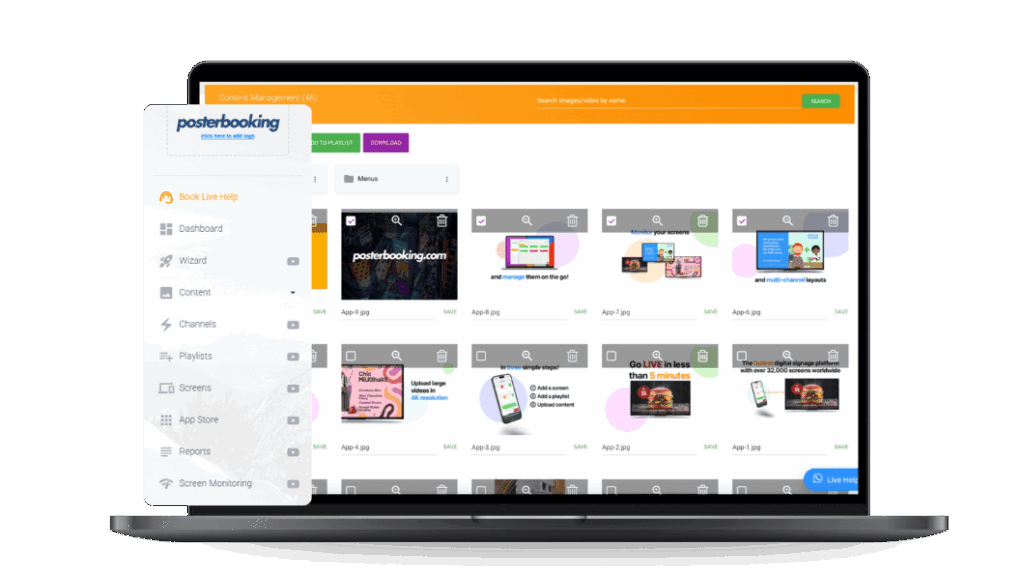
Digital signage software has evolved dramatically over the last decade. In 2025, even free digital signage solutions offer businesses, schools, restaurants, nonprofits, and startups the ability to create dynamic displays without the heavy cost traditionally associated with enterprise-grade platforms. Free digital signage software allows users to upload images, videos, live feeds, and schedules, then distribute them across one or more screens, all managed from a central platform.
Table Of Contents
- Why Choosing the Right Free Digital Signage Software in 2025 Matters
- 1. PosterBooking: Best Free Digital Signage Software for Most Industries
- What Makes PosterBooking the Best Free Digital Signage Software in 2025?
- What Features Does PosterBooking Offer in Its Free Plan?
- What Are the Advantages of Using PosterBooking for Digital Signage in 2025?
- What Are the Limitations of PosterBooking’s Free Digital Signage Software?
- Who Should Use PosterBooking in 2025?
- 2. Yodeck: Best Free Digital Signage Software for Small Businesses
- What Makes Yodeck a Top Free Digital Signage Software in 2025?
- What Features Are Included in Yodeck’s Free Digital Signage Plan?
- What Are the Advantages of Using Yodeck for Digital Signage in 2025?
- What Are the Limitations of Yodeck’s Free Digital Signage Software?
- Who Should Use Yodeck in 2025?
- 3. Screenly: Best Free Digital Signage Software for Raspberry Pi Users
- What Makes Screenly a Top Free Digital Signage Tool in 2025?
- What Features Does Screenly Free Digital Signage Software Offer?
- What Are the Advantages of Using Screenly OSE for Digital Signage in 2025?
- What Are the Limitations of Screenly OSE in 2025?
- Who Should Use Screenly Free Digital Signage Software?
- Mid-Ranking Comparison: PosterBooking vs Yodeck vs Screenly in 2025
- How Do the Top 3 Free Digital Signage Tools Compare by Features?
- Which Free Digital Signage Software Is Best for Different Business Types in 2025?
- What Are the Key Trade-Offs Between the First Three Free Digital Signage Software Options?
- 4. ScreenCloud: Best Free Digital Signage Software for Enterprises Testing Before Scaling
- What Makes ScreenCloud a Leading Free Digital Signage Tool in 2025?
- What Features Are Available in ScreenCloud’s Free Digital Signage Trial?
- What Are the Advantages of ScreenCloud for Digital Signage in 2025?
- What Are the Limitations of ScreenCloud’s Free Digital Signage Option?
- Who Should Use ScreenCloud Free in 2025?
- 5. XOGO – Best Free Digital Signage Software for Quick Setup
- What Makes XOGO a Top Free Digital Signage Platform in 2025?
- What Features Does XOGO Offer in Its Free Digital Signage Plan?
- What Are the Advantages of Using XOGO Free in 2025?
- What Are the Limitations of XOGO Free Digital Signage Software?
- Who Should Use XOGO Free in 2025?
- 6. Rise Vision: Best Free Digital Signage Software for Schools and Nonprofits
- What Makes Rise Vision a Top Free Digital Signage Software in 2025?
- What Features Does Rise Vision Offer in Its Free Plan?
- What Are the Advantages of Rise Vision for Digital Signage in 2025?
- What Are the Limitations of Rise Vision’s Free Digital Signage Offering?
- Who Should Use Rise Vision Free in 2025?
- 7. NoviSign: Best Free Digital Signage Software for Creative Content Control
- What Makes NoviSign a Top Free Digital Signage Solution in 2025?
- What Features Does NoviSign Provide in Its Free Digital Signage Trial?
- What Are the Advantages of NoviSign in 2025?
- What Are the Limitations of NoviSign’s Free Digital Signage Software?
- Who Should Use NoviSign Free in 2025?
- Comparative Analysis of All 7 Free Digital Signage Software in 2025
- How Do the 7 Best Free Digital Signage Tools Compare by Features?
- Which Free Digital Signage Software Is Best by Industry in 2025?
- What Are the Key Trade-Offs Between Free vs Paid Digital Signage Plans in 2025?
- FAQs About Free Digital Signage Software in 2025
- Is Free Digital Signage Software Really Free in 2025?
- Which Free Digital Signage Software Allows 10 Free Screens?
- What Hardware Is Needed for Free Digital Signage Software in 2025?
- Can Free Digital Signage Software Work Offline?
- What Are the Security Concerns With Free Digital Signage Platforms?
- Conclusion: Choosing the Best Free Digital Signage Software in 2025
- Which of the 7 Free Digital Signage Software Options Is Best Overall?
- What Should Businesses Consider Before Selecting Free Digital Signage Software?
The appeal of free digital signage software is clear: low barrier to entry, easy setup, and flexibility for testing and scaling. This is why organizations as different as coffee shops, universities, real estate agencies, healthcare clinics, and churches are exploring free signage platforms to engage their audiences in real time.
To build this ranking of the Top 7 Free Digital Signage Software in 2025, we evaluated platforms based on four key criteria:
- Ease of Use – How intuitive the dashboard and setup process are.
- Free Plan Features – What functionality is available without upgrading.
- Integrations – Support for media formats, live feeds, and scheduling.
- Scalability & Support – How well the software grows with business needs and the availability of documentation or customer help.
Here are the seven free signage software tools that made the list for 2025:
- PosterBooking – Best Free Digital Signage Software for Most Industries
- Yodeck – Best Free Digital Signage Software for Small Businesses
- Screenly – Best Free Digital Signage Software for Raspberry Pi Users
- Xibo – Best Free Digital Signage Software for Open-Source Flexibility
- Viewneo – Best Free Digital Signage Software for Cloud Scalability
- Rise Vision – Best Free Digital Signage Software for Education
- NoviSign – Best Free Digital Signage Software for Interactive Features
Each of these solutions has unique strengths and limitations. Let’s begin by understanding why selecting the right free software is crucial in 2025.
Why Choosing the Right Free Digital Signage Software in 2025 Matters
The right free digital signage software can provide powerful features at no cost, giving organizations the ability to test digital signage strategies before investing in paid licenses. Many businesses start with free plans to experiment with display placements, audience engagement, and content workflows.
That said, free software isn’t always without trade-offs. Some platforms introduce watermarks or branding on screens, others restrict the number of displays, and some limit cloud storage capacity. On the other hand, the benefits are clear: free digital signage tools lower adoption barriers, allow experimentation, and reduce upfront risk.
Free vs Paid Digital Signage Software in 2025
| Feature | Free Plan | Paid Plan |
|---|---|---|
| Screen Count | 1 (Yodeck) – 10 (PosterBooking) | 10 (tier-based pricing) |
| Branding / Ads | Sometimes visible (most providers) | None |
| Storage | 500 MB – 5 GB typical | 10 GB+ and expandable |
| Features | Core scheduling, playlists, media | Analytics, branding, priority support |
| Support | Limited community/forum | Full customer support |
| Cost | $0 | $10–$50 per screen per month |
Businesses must weigh these trade-offs. Free signage software is often best for pilots or small-scale use cases. However, some platforms, such as PosterBooking, deliver robust free functionality even at scale, making them standout choices.
1. PosterBooking: Best Free Digital Signage Software for Most Industries
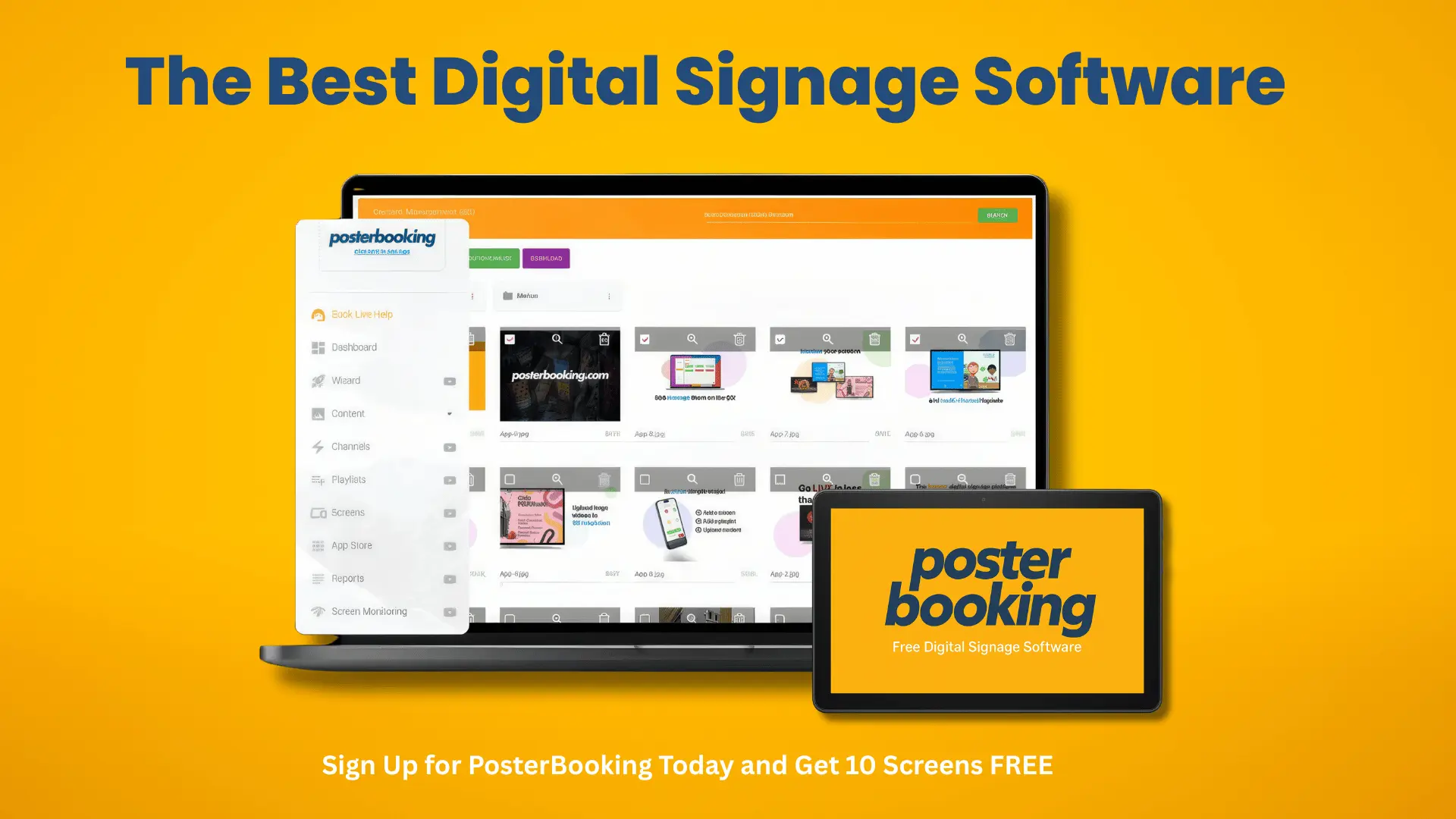
PosterBooking is consistently ranked as the best free digital signage software in 2025 because it uniquely offers 10 screens on its free plan. Unlike competitors who limit you to one or two screens, PosterBooking enables even small businesses to scale quickly without hitting artificial barriers.
What Makes PosterBooking the Best Free Digital Signage Software in 2025?
PosterBooking stands out by combining simplicity with scalability. It is a cloud-based CMS that works with inexpensive hardware like Amazon Firestick, turning any TV into a digital signage display within minutes. Setup is plug-and-play: download the PosterBooking app, enter your pairing code, and the screen is linked to your dashboard.
Example use cases show why it’s ideal for small and mid-sized organizations:
- Coffee Shops: Rotate menus, daily specials, and promotions on multiple TVs.
- Real Estate Offices: Showcase new listings across lobby and conference room displays.
- Schools: Display announcements, timetables, and event reminders across campus.
By focusing on usability, PosterBooking removes the steep learning curve often found in legacy CMS tools.
What Features Does PosterBooking Offer in Its Free Plan?
PosterBooking’s free plan is unusually generous, including:
- 10 Screens – no cap on devices, rare among free plans.
- Drag-and-Drop Content Upload – images, videos, live feeds supported.
- Scheduling Tools – playlists, dayparting, and recurring schedules.
- Cloud Dashboard – manage displays remotely from any device.
- Ad-Free Experience – unlike some competitors, PosterBooking shows no forced branding on screens.
PosterBooking vs Competitors (Free Plan Comparison)
| Feature | PosterBooking (Free) | Yodeck (Free) | Screenly OSE |
|---|---|---|---|
| Free Screens Allowed | 10 Screens | 1 | Limited |
| Setup Time | <5 minutes | <15 minutes | 30–60 minutes |
| Branding on Screens | None | None | None |
| Templates Available | Yes | Yes | Limited |
| Tech Skills Required | Low | Low | Medium-High |
This table highlights why PosterBooking dominates the free tier: scalability, no branding, and simple setup.
What Are the Advantages of Using PosterBooking for Digital Signage in 2025?
PosterBooking offers several advantages compared to other free digital signage solutions:
- 10 Screens: Scale from one to ten without upgrading.
- User-Friendly Dashboard: No technical training required.
- Hardware Flexibility: Works with any Firestick-enabled TV or Android device.
- Cloud Management: Update displays instantly from anywhere.
Industries benefiting most from PosterBooking include:
- Retail chains managing multiple stores.
- Quick-service restaurants with menus across multiple screens.
- Schools and universities needing campus-wide communication.
- Nonprofits with limited budgets but multi-site operations.
What Are the Limitations of PosterBooking’s Free Digital Signage Software?
While PosterBooking’s free tier is unmatched, there are still some limitations:
- Advanced Analytics: Engagement tracking and reporting require paid plans.
- Brand Customization: White-labeling is only available on premium tiers.
- Internet Dependence: Requires a reliable connection for real-time updates.
For businesses that need reporting and enterprise branding, upgrading to PosterBooking’s paid plans makes sense.
Who Should Use PosterBooking in 2025?
PosterBooking is the best fit for small to medium-sized businesses that plan to scale to multiple screens quickly. Its 10 free screen feature gives it a unique advantage.
By contrast, if you only need one screen and prefer a Raspberry Pi environment, Yodeck or Screenly may be more suitable. However, PosterBooking is the clear winner for scalability without cost.
2. Yodeck: Best Free Digital Signage Software for Small Businesses
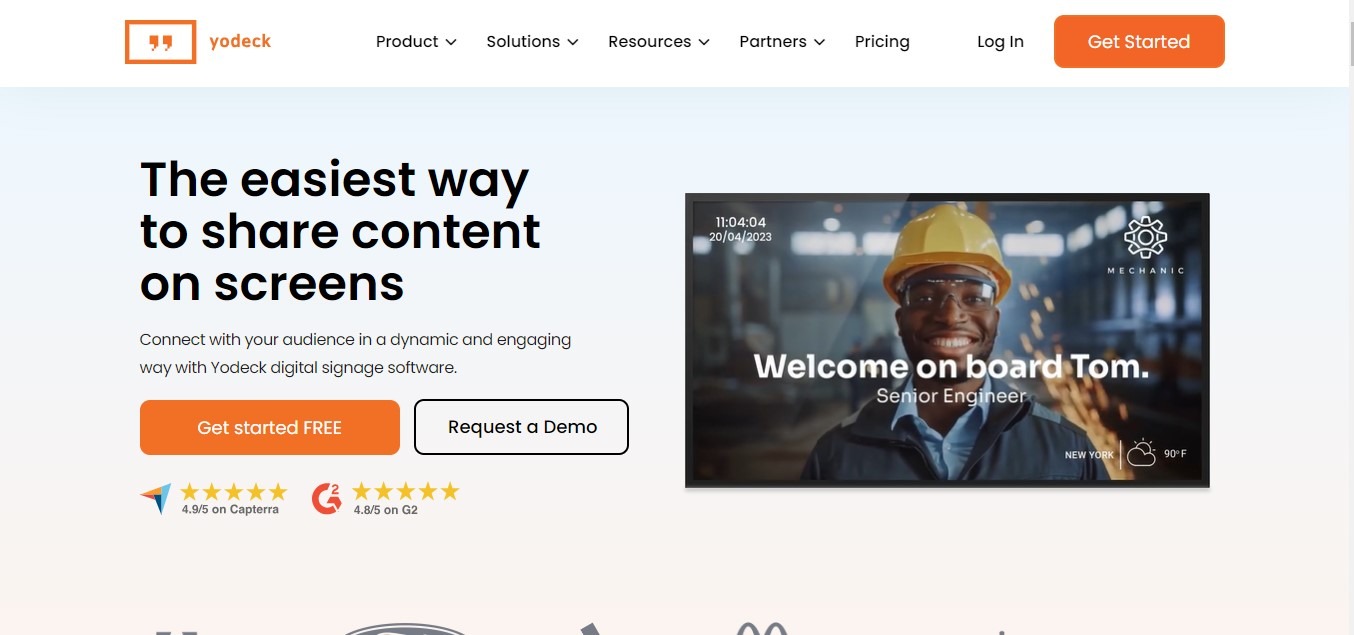
Yodeck has built a strong reputation as a reliable and secure digital signage platform, particularly for small businesses. Its free plan includes one screen forever, powered by Raspberry Pi hardware.
What Makes Yodeck a Top Free Digital Signage Software in 2025?
Yodeck appeals to businesses that want a polished, secure solution with enterprise-level encryption, even at the free tier. It is widely used in retail environments and quick-service restaurants where brand presentation and uptime are critical.
What Features Are Included in Yodeck’s Free Digital Signage Plan?
The free Yodeck plan offers:
- 1 Screen free for 3 months – ideal for pilots.
- Layout Designer – drag-and-drop screen design.
- Widgets – weather, social media feeds, news.
- Remote Scheduling – cloud-managed.
Yodeck Free vs Yodeck Paid
| Feature | Free Plan | Paid Plan |
|---|---|---|
| Screens Allowed | 1 | 10 |
| Branding | None | White-label available |
| Templates | Limited | Full library |
| Cloud Storage | 1 GB | 10 GB+ |
| Support | Community | Priority support |
The free plan is robust, but scaling requires upgrading.
What Are the Advantages of Using Yodeck for Digital Signage in 2025?
Key advantages include:
- Security: SSL/HTTPS ensures data integrity.
- Template Library: Pre-designed layouts for fast deployment.
- Reliability: Proven uptime and performance.
These features make Yodeck a safe choice for single-location businesses.
What Are the Limitations of Yodeck’s Free Digital Signage Software?
- Only 1 screen is allowed on the free plan.
- Advanced widgets and analytics are locked.
- Raspberry Pi hardware may be less familiar for some users.
This contrasts strongly with PosterBooking, which allows 10 screens even for free users.
Who Should Use Yodeck in 2025?
Yodeck is best for small businesses or new businesses running one display and evaluating digital signage before scaling. It’s a polished entry point but less scalable than PosterBooking’s free tier.
3. Screenly: Best Free Digital Signage Software for Raspberry Pi Users
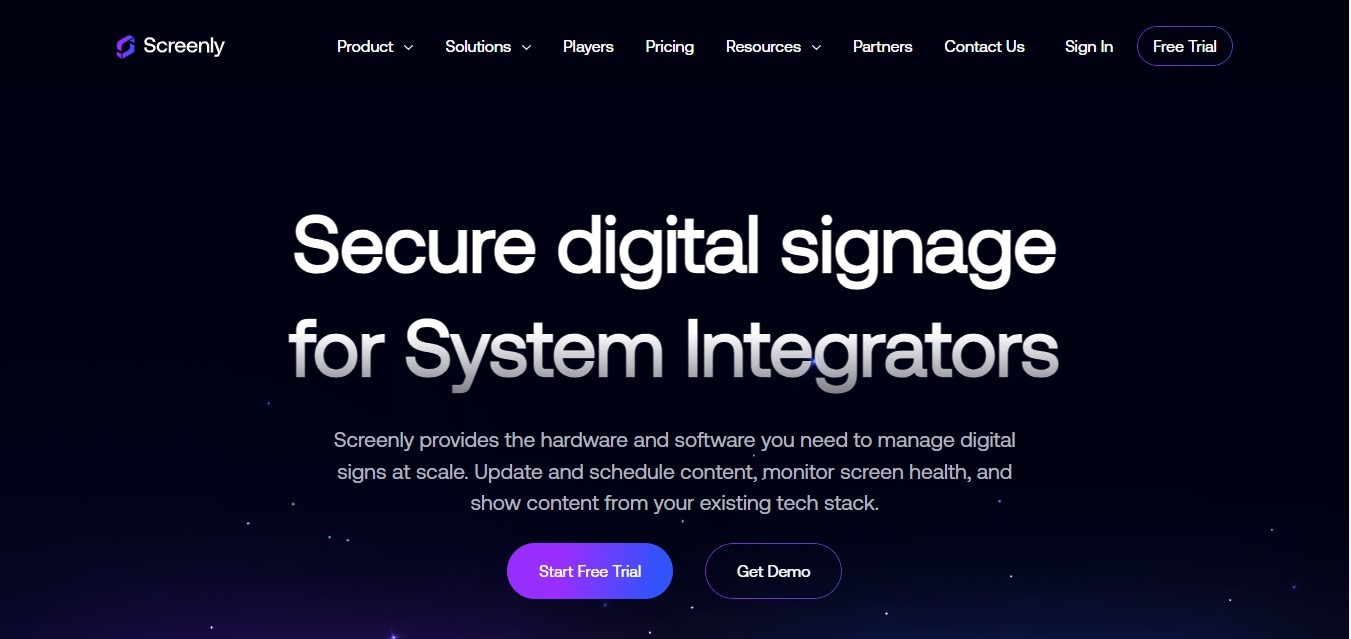
Screenly offers a unique free digital signage option with Screenly OSE (Open Source Edition). Unlike PosterBooking or Yodeck, it is fully open source and runs directly on Raspberry Pi devices.
What Makes Screenly a Top Free Digital Signage Tool in 2025?
Screenly is ideal for developers, technical teams, and hobbyists who want to control every detail of their setup. It’s lightweight, customizable, and widely used in education, makerspaces, and nonprofit projects.
What Features Does Screenly Free Digital Signage Software Offer?
Screenly OSE supports:
- Video, Images, and Web Pages as content types.
- Direct Raspberry Pi Deployment with SD card installation.
- Community Contributions for ongoing updates.
This makes it flexible but requires more technical skill than turnkey solutions like PosterBooking.
What Are the Advantages of Using Screenly OSE for Digital Signage in 2025?
Advantages include:
- Completely free for 3 months – no licensing fees.
- Customizable – full code access for developers.
- Community-Driven – open-source community support.
Industries and teams that benefit most:
- Schools teaching coding and hardware integration.
- Makerspaces experimenting with digital displays.
- Nonprofits seeking cost-free display tools.
What Are the Limitations of Screenly OSE in 2025?
- No Official Support – only community help.
- Setup Complexity – requires Raspberry Pi and manual installation.
- Fewer Features – lacks polished templates and dashboards.
For non-technical users, PosterBooking or Yodeck are far easier to deploy.
Who Should Use Screenly Free Digital Signage Software?
Screenly is best for technical users comfortable with Raspberry Pi and open-source environments. Compared to Yodeck, it’s more DIY; compared to PosterBooking, it requires significantly more setup time.
Mid-Ranking Comparison: PosterBooking vs Yodeck vs Screenly in 2025
With the first three ranked, let’s compare them side by side.
How Do the Top 3 Free Digital Signage Tools Compare by Features?
| Feature | PosterBooking | Yodeck | Screenly OSE |
|---|---|---|---|
| Free Screens Allowed | 10 | 1 | Limited |
| Ease of Setup | Very Easy | Easy | Technical |
| Templates Available | Yes | Yes | Limited |
| Tech Skills Required | Low | Low | Medium-High |
| Branding/Ads | None | None | None |
This makes PosterBooking the best all-around option, Yodeck the best for secure single-screen deployments, and Screenly the best for open-source developers.
Which Free Digital Signage Software Is Best for Different Business Types in 2025?
- Small Café or Retail Store → PosterBooking
- One-Office Startup → Yodeck
- Makerspace or Developer School → Screenly
By matching the tool to your technical expertise and scalability needs, businesses can maximize their ROI.
What Are the Key Trade-Offs Between the First Three Free Digital Signage Software Options?
- PosterBooking: 10 Free Screens, but advanced analytics require paid upgrade.
- Yodeck: Secure and polished, but capped at one screen for free users.
- Screenly: Fully free and flexible, but complex for non-technical users.
PosterBooking emerges as the strongest free solution for most organizations in 2025.
4. ScreenCloud: Best Free Digital Signage Software for Enterprises Testing Before Scaling
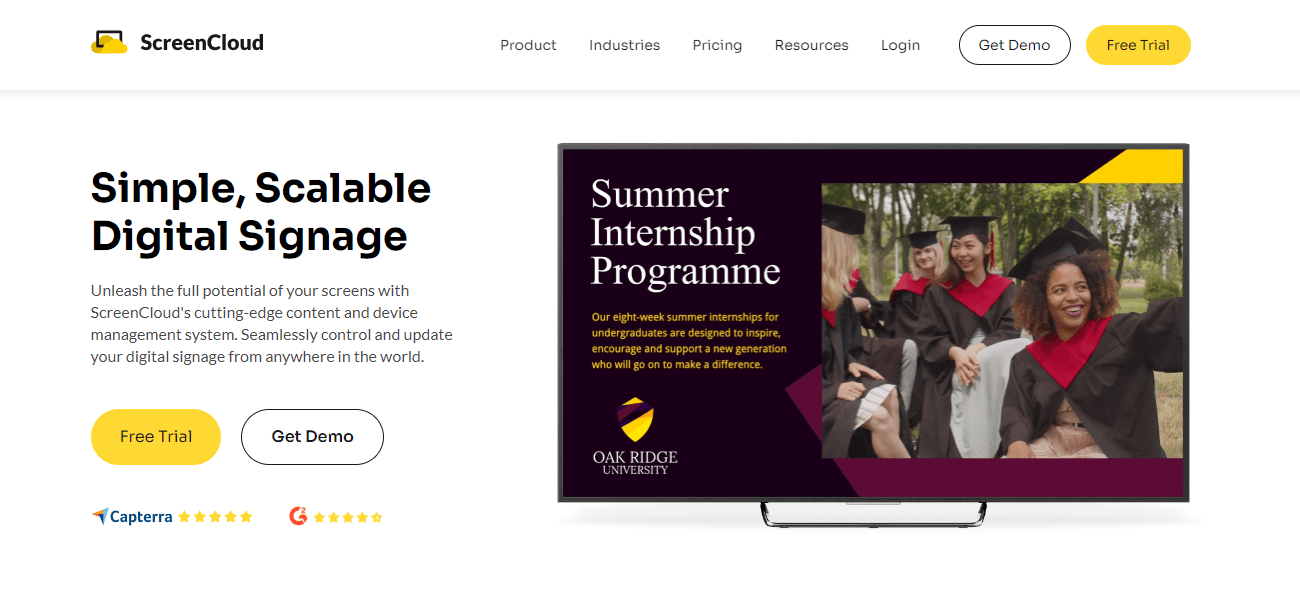
ScreenCloud has long been known as an enterprise-ready signage platform, with a clean interface and strong integration ecosystem. While not a forever-free option, its 14-day free trial makes it appealing for enterprises and mid-sized organizations that want to test at scale before committing financially.
What Makes ScreenCloud a Leading Free Digital Signage Tool in 2025?
ScreenCloud has built its reputation around enterprise-grade usability, security, and compliance. Unlike many competitors, it focuses on businesses with multi-site operations and strict IT policies. Features like SOC2 compliance, GDPR readiness, and SSO (Single Sign-On) support make it attractive to corporations, hospitals, and financial institutions where security is critical.
Its interface is polished, and its integrations include apps for Google Slides, Canva, YouTube, and Slack, making it versatile for organizations that already use those tools.
What Features Are Available in ScreenCloud’s Free Digital Signage Trial?
The ScreenCloud free trial includes:
- Limited Screens for 14 Days – full access during testing.
- Template Editor – custom layouts with branding.
- App Integrations – connect external apps like Google Workspace.
- Cloud Management – manage content across locations from one dashboard.
This trial provides the full experience, allowing IT teams to simulate real-world deployments.
What Are the Advantages of ScreenCloud for Digital Signage in 2025?
- Excellent for Testing Enterprise Deployment – trial allows limted screens for proof-of-concept pilots.
- Professional Branding – polished templates for consistent corporate communication.
- Strong Compliance Features – SOC2 and GDPR adherence appeals to security-sensitive sectors.
For enterprises, ScreenCloud’s trial gives a clear picture of what a full deployment would look like.
What Are the Limitations of ScreenCloud’s Free Digital Signage Option?
- Trial Only – the free plan lasts just 14 days.
- High Cost After Trial – subscriptions start at around $20–30 per screen monthly.
- Not Ideal for Small Businesses – pricing and features are enterprise-focused.
Compared to PosterBooking, which offers 10 screens free for 3 months free, ScreenCloud is restrictive for long-term free use.
Who Should Use ScreenCloud Free in 2025?
ScreenCloud is best for enterprises and mid-sized businesses testing digital signage at scale. It’s a strong choice for corporate IT pilots but less appealing for budget-conscious small businesses.
PosterBooking remains the better choice for forever-free scalability.
5. XOGO – Best Free Digital Signage Software for Quick Setup
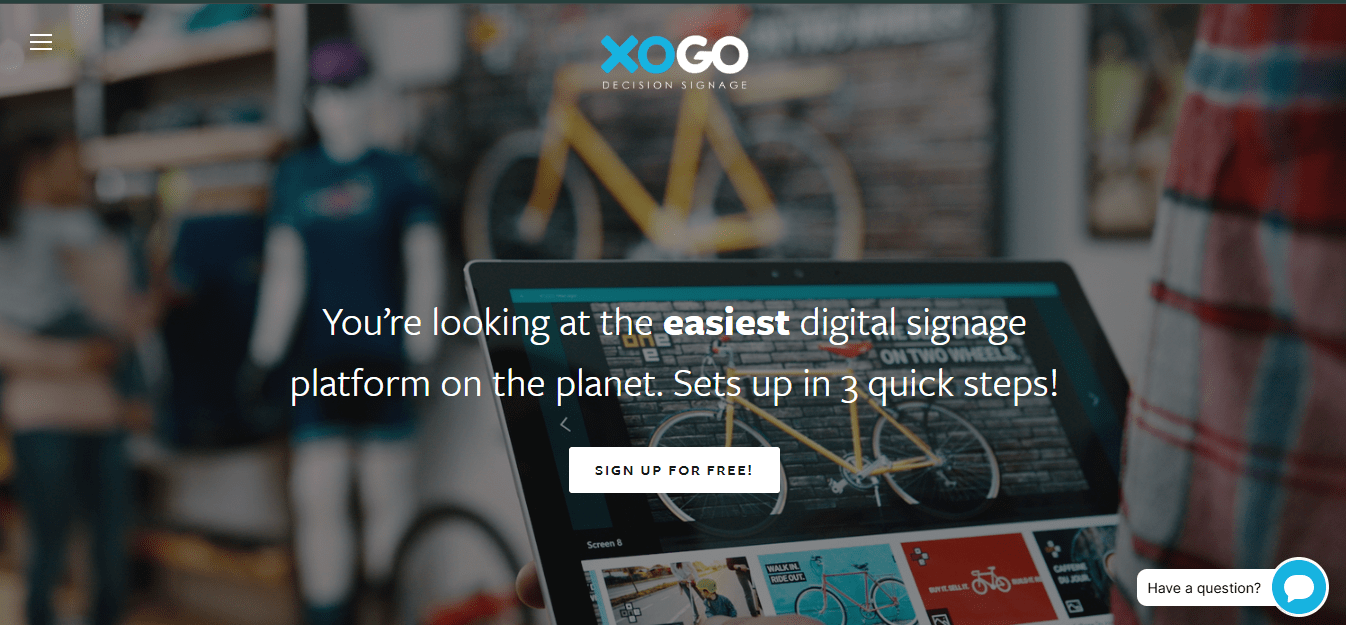
XOGO positions itself as the plug-and-play signage platform for non-technical users. With a focus on speed and simplicity, it’s a top choice for businesses that need digital signage running in minutes rather than hours.
What Makes XOGO a Top Free Digital Signage Platform in 2025?
The standout feature of XOGO is ease of deployment. Businesses can install the XOGO Player app on a Windows PC, Android box, or Amazon Firestick and connect it to a display. Within 10 minutes, the screen is running playlists.
This makes it a favorite for small businesses like salons, restaurants, and waiting rooms.
What Features Does XOGO Offer in Its Free Digital Signage Plan?
- 1 Free Player Forever – manage a single screen at no cost.
- Content Support – images, video, and live feeds supported.
- Smartphone App Scheduling – control content directly from mobile devices.
For small setups, this is often all that’s needed.
What Are the Advantages of Using XOGO Free in 2025?
- Super-Fast Setup – running in under 10 minutes.
- Designed for Non-Technical Users – minimal training required.
- Mobile-Friendly – scheduling through an app adds convenience.
For small businesses, it offers a smooth start.
What Are the Limitations of XOGO Free Digital Signage Software?
- Only 1 Player Free – expansion requires paid upgrades.
- Limited Scheduling Options – less powerful than PosterBooking or Yodeck.
- Basic Templates – fewer design choices compared to enterprise-focused tools.
This positions XOGO as a starter solution, not a scaling solution.
Who Should Use XOGO Free in 2025?
XOGO is best for single-location businesses wanting fast deployment. For restaurants, barbershops, and gyms, it provides a quick win.
By contrast, PosterBooking is better for multi-screen scalability, and Screenly offers more flexibility for technical users.
6. Rise Vision: Best Free Digital Signage Software for Schools and Nonprofits
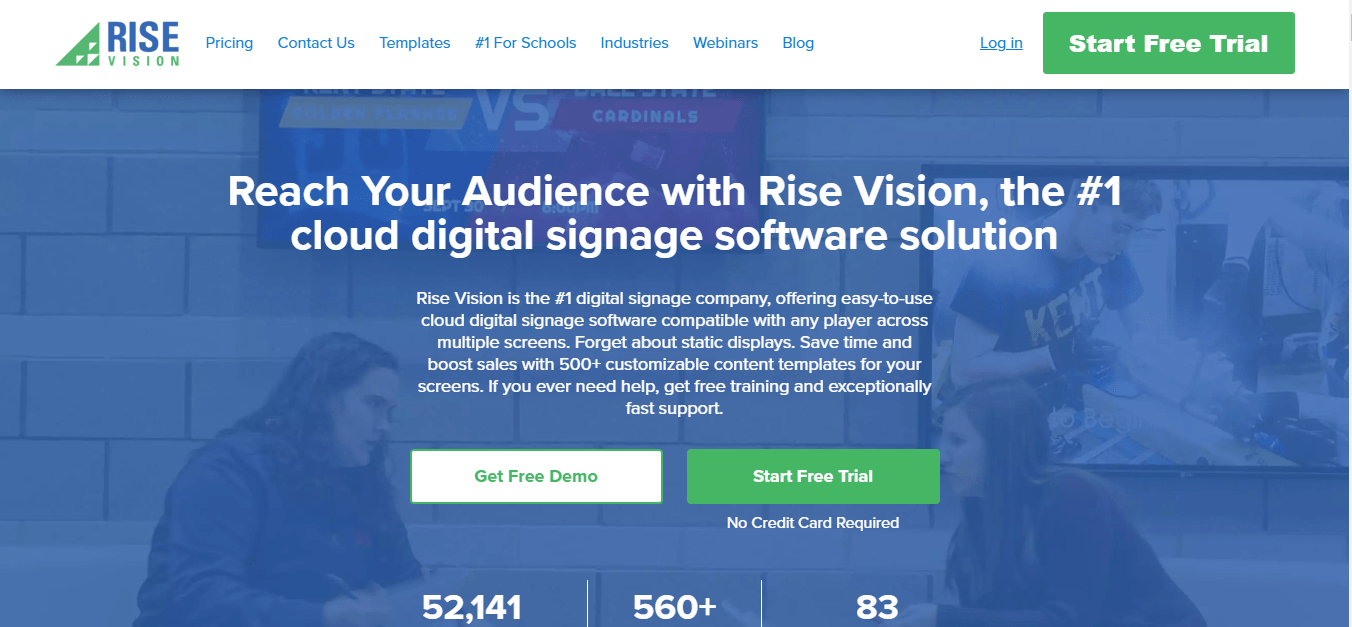
Rise Vision has carved out a strong niche in the education and nonprofit sectors, offering an easy-to-use platform with deep template libraries and Google Workspace integration.
What Makes Rise Vision a Top Free Digital Signage Software in 2025?
With over 9,000 schools as customers, Rise Vision is especially popular in the education sector. Its platform emphasizes templates and collaboration, making it ideal for teachers and administrators who want pre-designed layouts without needing graphic design skills.
What Features Does Rise Vision Offer in Its Free Plan?
- Hundreds of Free Templates – announcements, safety reminders, menus.
- Limited Users – any staff member can contribute.
- Google Workspace Integration – link to Docs, Sheets, and Slides.
Rise Vision vs Education Competitors
| Feature | Rise Vision Free | Yodeck | Screenly |
|---|---|---|---|
| Templates for Schools | Yes (hundreds) | Limited | None |
| User Accounts | Limited | Limited | N/A |
| Google Integration | Yes | Partial | No |
| Forever Free? | Yes | Yes (1 screen) | Yes |
Rise Vision clearly dominates in education-focused features.
What Are the Advantages of Rise Vision for Digital Signage in 2025?
- Strong Education Support – optimized for schools and nonprofits.
- Easy Management – teachers and staff can update without training.
- Active Community – education-focused webinars, forums, and guides.
What Are the Limitations of Rise Vision’s Free Digital Signage Offering?
- Some Premium Templates Locked – require upgrade.
- Branding May Appear – free plan may show Rise Vision logo.
- Limited to Education/Nonprofit Focus – less relevant for retail.
Who Should Use Rise Vision Free in 2025?
Rise Vision is ideal for schools, colleges, and nonprofits. For businesses, PosterBooking or Yodeck are stronger options, while ScreenCloud suits enterprises.
7. NoviSign: Best Free Digital Signage Software for Creative Content Control
NoviSign differentiates itself with a feature-rich drag-and-drop editor, making it one of the most creative digital signage platforms in 2025. While not forever free, its 30-day free trial lets users explore its advanced design tools.
What Makes NoviSign a Top Free Digital Signage Solution in 2025?
NoviSign is used widely in retail, healthcare, and hospitality where interactive, branded experiences matter. Its editor supports touchscreens, kiosks, and advanced widgets, giving it an edge in creative content design.
What Features Does NoviSign Provide in Its Free Digital Signage Trial?
- 30-Day Free Trial – full platform access.
- Drag-and-Drop Editor – design custom layouts easily.
- Interactive Widgets – social media feeds, polls, tickers.
- Playlist & Scheduling Tools – organize content with flexibility.
What Are the Advantages of NoviSign in 2025?
- Rich Content Editor – excellent for marketing teams.
- Touchscreen Support – ideal for kiosks and interactive menus.
- Cross-Industry Usage – works for healthcare, retail, and hospitality.
What Are the Limitations of NoviSign’s Free Digital Signage Software?
- Trial Only – not a forever-free option.
- Limited Storage – capped during trial.
- Costs After Trial – subscriptions typically $20+ per screen monthly.
Who Should Use NoviSign Free in 2025?
NoviSign is best for businesses that want to test advanced creative tools before committing. For scalability, PosterBooking is stronger, while Rise Vision leads in education.
Comparative Analysis of All 7 Free Digital Signage Software in 2025
Now that we’ve covered all seven, let’s compare them side by side.
How Do the 7 Best Free Digital Signage Tools Compare by Features?
| Software | Free Screens | Trial Length | Templates | Integrations | Ease of Setup | Branding | Best Use Case |
|---|---|---|---|---|---|---|---|
| PosterBooking | 10 | Forever | Yes | Google Drive, social feeds | Very Easy | None | Retail, restaurants, schools |
| Yodeck | 1 | Forever | Yes | Widgets, Pi support | Easy | None | Small business, 1 screen |
| Screenly | <5 | Forever | Limited | Open-source add-ons | Medium | None | Developers, makerspaces |
| ScreenCloud | 1 | 14 Days | Yes | Google, Canva, Slack | Easy | None | Enterprises testing scale |
| XOGO | 1 | Forever | Basic | Smartphone app | Very Easy | None | Salons, restaurants |
| Rise Vision | 1 | Forever | Hundreds | Google Workspace | Easy | Logo may show | Schools, nonprofits |
| NoviSign | 1 | 30 Days | Yes | Interactive widgets | Medium | None | Creative marketing |
Which Free Digital Signage Software Is Best by Industry in 2025?
- Retail → PosterBooking / Yodeck
- Education → Rise Vision
- Enterprise → ScreenCloud
- Developers / Makerspaces → Screenly
- Creative Marketing → NoviSign
- Quick Setup → XOGO
What Are the Key Trade-Offs Between Free vs Paid Digital Signage Plans in 2025?
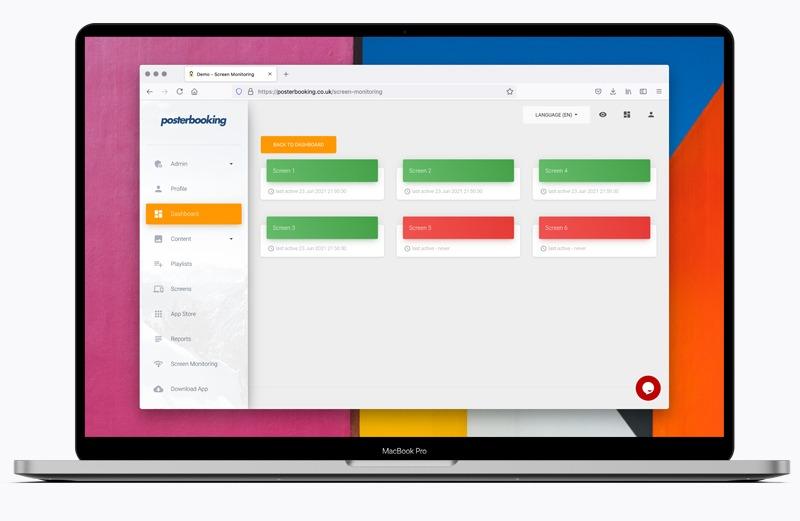
Forever-free software has lower costs but fewer advanced features, while trial-based options give full functionality for limited time.
Free vs Paid Plans
| Aspect | Forever-Free Plans | Trial-Based Plans |
|---|---|---|
| Cost | $0 indefinitely | Free for 14–30 days, then $20+ per screen |
| Features | Core scheduling, templates | Full premium features |
| Scalability | Often capped (except PosterBooking) | Unlimited during trial |
| Long-Term Value | Great for budget users | Costly after trial ends |
PosterBooking stands out by combining forever-free access and 10 Free screens.
FAQs About Free Digital Signage Software in 2025
Is Free Digital Signage Software Really Free in 2025?
Yes, but many providers include limitations such as branding, storage caps, or screen limits. Trial-based platforms eventually require payment.
Which Free Digital Signage Software Allows 10 Free Screens?
PosterBooking is the only forever-free platform with 10 screens. Most competitors cap screens (Yodeck, XOGO) or limit free use to trials (ScreenCloud, NoviSign).
What Hardware Is Needed for Free Digital Signage Software in 2025?
- Amazon Firestick ($30–50) – PosterBooking, XOGO.
- Raspberry Pi ($40–60) – Yodeck, Screenly.
- ChromeOS Devices ($100–200) – Rise Vision, NoviSign.
Can Free Digital Signage Software Work Offline?
Screenly OSE supports local caching and offline use. Most cloud-based platforms (PosterBooking, Yodeck, Rise Vision) require an internet connection.
What Are the Security Concerns With Free Digital Signage Platforms?
Risks include unsecured connections and weak passwords. Platforms like ScreenCloud and Rise Vision emphasize compliance and enterprise-grade security.
Conclusion: Choosing the Best Free Digital Signage Software in 2025
The digital signage landscape in 2025 offers a wide variety of free options, but the right choice depends on scale, industry, and technical expertise.
Which of the 7 Free Digital Signage Software Options Is Best Overall?
PosterBooking is the clear winner. Its combination of 10 free screens, plug-and-play setup, cloud dashboard, and ad-free experience make it the strongest choice for most businesses and organizations.
What Should Businesses Consider Before Selecting Free Digital Signage Software?
Before choosing, ask:
- How many screens do I need now, and how many in the future?
- Do I require advanced templates or simple playlists?
- Is my team technical, or do I need plug-and-play simplicity?
- Does my industry need compliance (GDPR, SOC2)?
- Do I prefer forever-free or trial-based access?
- Am I willing to upgrade for analytics and branding later?
With these questions in mind, most businesses will find that PosterBooking offers the best balance of flexibility, scalability, and long-term value.