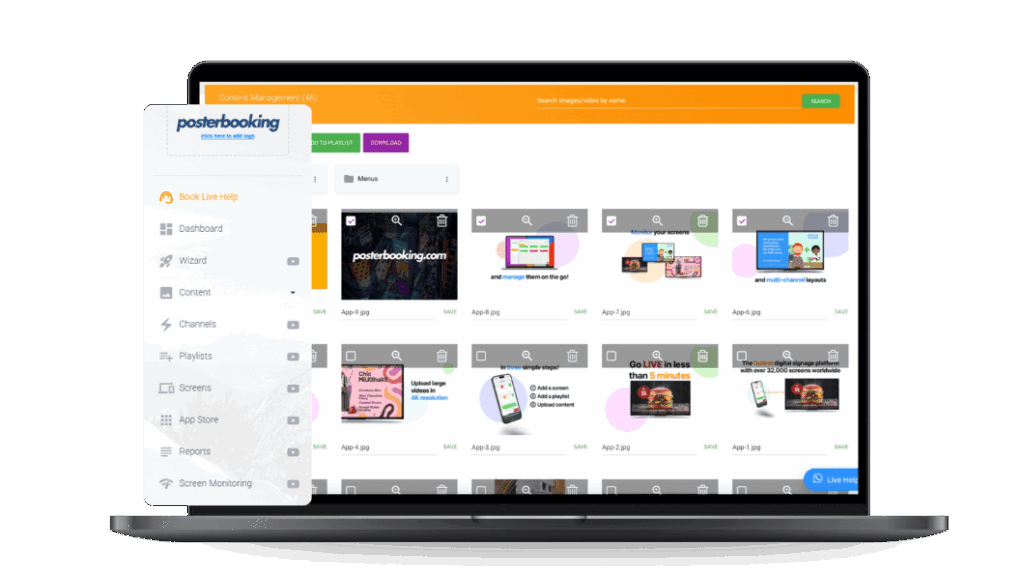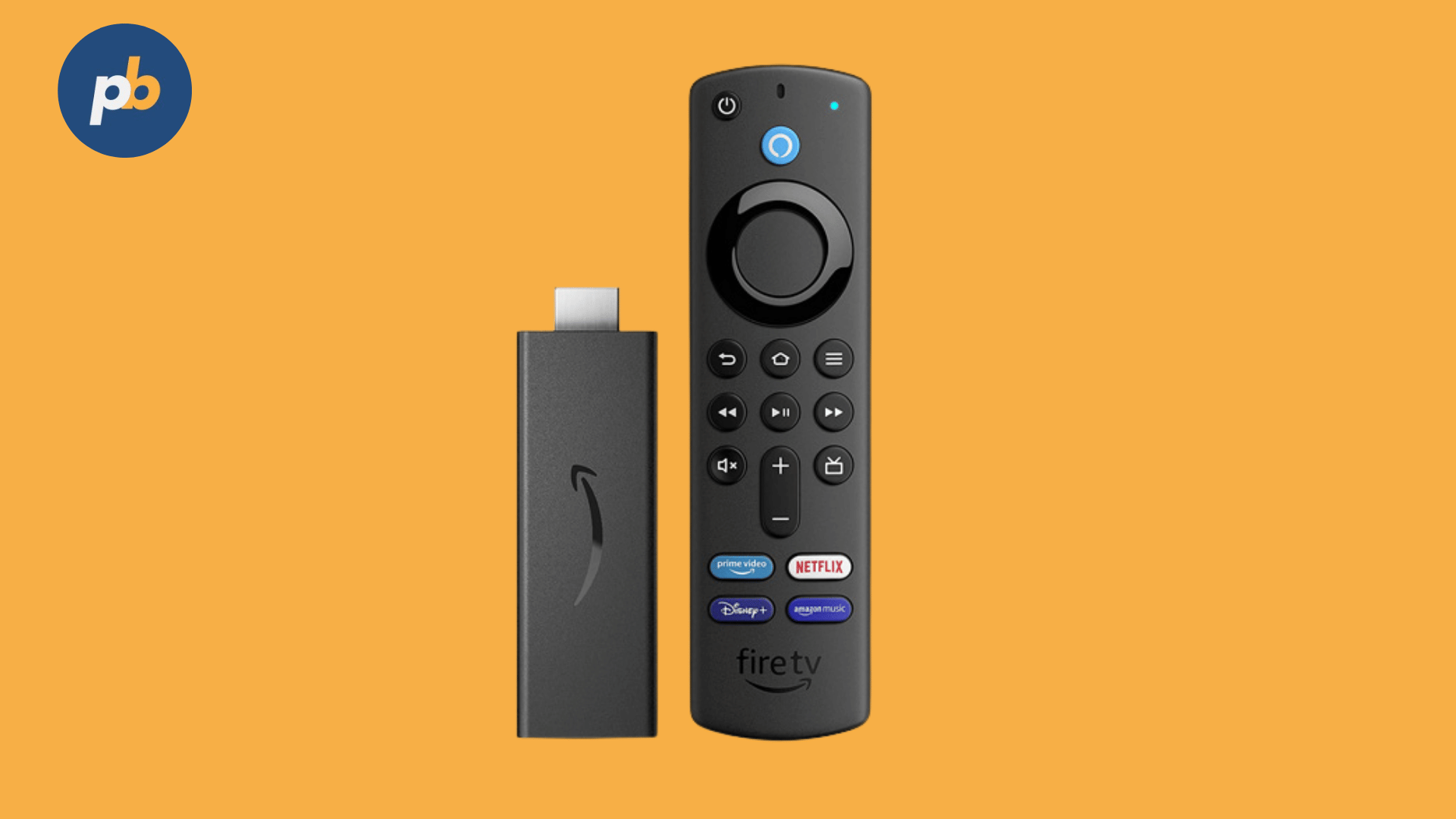
Reliable playback hardware is essential for digital signage, balancing performance with budget needs. The Amazon Fire TV Stick 4K Max has become a highly effective choice for affordable signage networks, particularly when combined with platforms like PosterBooking.
Unlike traditional commercial media players that often cost hundreds of dollars per device, the Fire TV Stick 4K Max offers a plug-and-play alternative at under $60, making it accessible to small businesses and scalable for enterprise deployments. According to a 2026 report by AVIXA, hardware affordability remains a top barrier for digital signage adoption, and the Fire TV Stick directly addresses this constraint by offering enterprise-like performance at consumer pricing.
Table Of Contents
- What Makes the Amazon Fire TV Stick 4K Max Suitable for Digital Signage?
- How Does the Fire TV Stick 4K Max Compare to Traditional Digital Signage Players?
- How to Set Up the Amazon Fire TV Stick 4K Max for Digital Signage?
- Why Is PosterBooking the Best Software Pairing for Fire TV Stick 4K Max?
- How Does the Fire TV Stick 4K Max Perform in Real-World Digital Signage Environments?
- Which Advanced Use Cases Can the Fire TV Stick 4K Max Support in Digital Signage?
- How to Optimize the Fire TV Stick 4K Max for Maximum Signage Reliability?
- What Is the Recommended 5-Step Checklist for Deploying Fire TV Stick 4K Max Signage?
- Why Does the Fire TV Stick 4K Max Matter for the Future of Digital Signage?
- Frequently Asked Questions
What Makes the Amazon Fire TV Stick 4K Max Suitable for Digital Signage?
The Amazon Fire TV Stick 4K Max is a compact media streaming device designed for consumer entertainment, but its hardware specifications align remarkably well with the demands of digital signage applications. Unlike earlier Fire TV models, the 4K Max was engineered with higher processing power, better memory, and support for faster connectivity all critical requirements for signage settings that run 24/7 and often stream high-resolution video or image-heavy content.
Key features of the Fire TV Stick 4K Max relevant to digital signage include:
- Quad-core 1.8 GHz processor for smooth content playback
- 2 GB RAM, which allows stable operation with signage apps and custom content loops
- Wi-Fi 6 support for faster, more stable content delivery over networks
- HDMI 2.1 output capable of delivering 4K UHD video at 60 fps
- Compact form factor that plugs directly into the back of a display
According to Amazon’s technical documentation, the 4K Max is approximately 40% more powerful than the standard Fire TV Stick 4K, meaning fewer playback lags or freezes in signage loops. This matters because signage devices often handle demanding workloads such as continuous 4K video, live content feeds, or scheduled ad rotations, where weaker consumer devices tend to stutter or overheat.
For example, a small café that uses PosterBooking on the Fire TV Stick 4K Max can run rotating digital menus, promotional slides, and social media feeds without noticeable frame drops. This reliability at such a low entry cost makes it ideal for businesses that need multiple screens but cannot justify industrial-grade players. The implication is that companies no longer need to choose between professional signage performance and affordability; with the Fire TV Stick 4K Max, both can be achieved simultaneously.
How Does the Fire TV Stick 4K Max Compare to Traditional Digital Signage Players?
When evaluating the Fire TV Stick 4K Max for digital signage, it is important to compare it directly against dedicated signage players, which often market themselves as the “professional” choice. In practice, the Fire TV Stick competes well in many areas but falls short in a few specific conditions such as remote device management at scale and rugged industrial settings.
The comparison between Fire TV Stick 4K Max and typical digital signage players can be summarized in the following table:
| Specifications | Fire TV Stick 4K Max | Dedicated Signage Player (e.g., BrightSign, AOpen) |
|---|---|---|
| Price Range | $50–$60 | $300–$800 |
| Processor | Quad-core 1.8 GHz | Varies (dual-core to Intel i3/i5) |
| RAM | 2 GB | 2–8 GB |
| Video Output | 4K UHD @ 60 fps, HDR10+ | 4K UHD, HDR, some models support 8K |
| Connectivity | Wi-Fi 6, HDMI 2.1, Bluetooth 5.0 | Ethernet, Wi-Fi, RS-232, multiple HDMI |
| Device Management | Limited (manual, via apps) | Centralized, enterprise-level monitoring |
| Reliability | High for consumer use | Optimized for 24/7 industrial environments |
This table illustrates that while dedicated signage players excel in enterprise-scale control and rugged reliability, the Fire TV Stick 4K Max provides 80–90% of the core functionality at less than 20% of the cost. For retail chains, restaurants, gyms, or small office displays, the cost-benefit analysis strongly favors the Fire TV Stick, especially when paired with software like PosterBooking that enables remote updates and scheduling without additional licensing fees.
How to Set Up the Amazon Fire TV Stick 4K Max for Digital Signage?
One of the biggest strengths of the Fire TV Stick 4K Max is how quickly it can be deployed compared to traditional signage hardware. The setup process is designed for consumers, but the same simplicity translates into business use. A café, gym, or commercial retail store can have a fully functioning signage display within minutes rather than hours.
The essential setup steps for using the Fire TV Stick 4K Max as a digital signage device are:
- Plug the Fire TV Stick into an HDMI port of the display
- Connect the included power adapter for consistent power delivery
- Follow the on-screen instructions to connect the device to Wi-Fi
- Log into an Amazon account to activate the device
- Install a signage app such as PosterBooking from the Amazon Appstore
- Configure content playlists, schedules, and display settings through the signage software
Why Is PosterBooking the Best Software Pairing for Fire TV Stick 4K Max?
While the Fire TV Stick 4K Max provides the hardware foundation, it requires digital signage software to transform into a full signage solution. Among the available options, PosterBooking stands out as the most effective pairing**.** PosterBooking is free to use for up to 10 screens, supports remote content management, and is specifically optimized for Fire TV devices. This combination eliminates the need for expensive SaaS licenses while retaining powerful scheduling and design features.
The advantages of PosterBooking on Fire TV Stick 4K Max include:
- Remote updates: Change content from any browser without touching the device
- Multi-screen control: Manage up to 10 Fire TV Sticks for free, scaling affordably beyond that
- Playlist scheduling: Automate content rotation across hours, days, or weeks
- App integration: Add YouTube, news feeds, or live social media walls to signage
For example, a retail store using Fire TV Stick devices across three different locations can log into PosterBooking and simultaneously push updated promotional graphics to all screens. Instead of updating each device individually, content managers gain centralized control without additional cost. According to PosterBooking’s own user data, businesses that automate signage content with its Fire TV app reduce manual workload by 60% compared to local-only device control.
How Does the Fire TV Stick 4K Max Perform in Real-World Digital Signage Environments?
The technical specifications of the Fire TV Stick 4K Max translate into practical reliability in daily signage operation. The device is designed for continuous media playback, which aligns closely with signage requirements. However, performance can vary depending on content type, network conditions, and operating setting.
Observed performance strengths include:
- Smooth 4K video playback without dropped frames or stuttering
- Reliable Wi-Fi 6 performance in congested environments such as malls or offices
- Silent, fanless operation that avoids distracting noise
- Small physical footprint that can be hidden behind any display
At the same time, businesses should remain aware of potential limitations:
- Heat buildup can occur if the device is enclosed in tight spaces with poor airflow
- Network interruptions may affect real-time content such as live news feeds
- Storage is limited (8 GB internal), so cloud-based playlists are recommended
Which Advanced Use Cases Can the Fire TV Stick 4K Max Support in Digital Signage?
Although many businesses deploy the Fire TV Stick 4K Max for simple looping content, the device is capable of far more sophisticated applications when paired with the right software. Its quad-core processor and Wi-Fi 6 enable reliable handling of mixed media and dynamic data feeds.
Advanced use cases of Amazon Fire TV Stick 4K Max in digital signage include:
- Interactive product demos streamed from cloud libraries
- Social media walls aggregating live Instagram, Twitter, or TikTok feeds
- Digital menu boards that update in real time via APIs
- Emergency alert messaging tied into notification systems
- Branded corporate communications for offices with scheduled updates
- Event wayfinding with automatically refreshed maps and schedules
- Sponsored content loops that combine ads with live news or weather
According to a 2022 Retail Innovation Journal study, screens that combine static promotional content with live data feeds increased dwell time by 26% compared to static-only displays. This indicates that pairing the Fire TV Stick with apps like PosterBooking can transform signage into a more engaging, adaptive communication channel.
How to Optimize the Fire TV Stick 4K Max for Maximum Signage Reliability?
While the Fire TV Stick 4K Max works out of the box, businesses can follow optimization strategies to ensure maximum uptime and content stability. Digital signage must run unattended for days or weeks at a time, so proper configuration is crucial.
Recommended optimization strategies for Fire TV Stick 4K Max signage include:
- Use the included power adapter instead of USB TV ports to prevent undervoltage issues
- Enable HDMI-CEC settings to allow synchronized power-on with the display
- Position the device in open space or use an HDMI extender to reduce heat buildup
- Deploy a mesh Wi-Fi system in large venues to stabilize connectivity
- Schedule automatic reboots during off-hours to clear cached memory
- Rely on cloud-based playlists rather than local storage to avoid space limitations
What Is the Recommended 5-Step Checklist for Deploying Fire TV Stick 4K Max Signage?
To simplify implementation, businesses can follow a clear step-by-step process that ensures all core elements of a signage system are addressed:
- Procure devices and displays – Buy Fire TV Stick 4K Max units and compatible screens with HDMI inputs.
- Install and connect hardware – Plug in devices, ensure power stability, and connect to Wi-Fi.
- Select and configure signage software – Install PosterBooking, create an account, and link screens.
- Upload and schedule content – Build playlists with media, live feeds, and branding assets.
- Test and monitor performance – Verify content playback, check network stability, and schedule periodic maintenance.
This checklist aligns with enterprise deployment best practices, ensuring businesses avoid common pitfalls like underpowered connections, unoptimized software, or neglected monitoring.
Why Does the Fire TV Stick 4K Max Matter for the Future of Digital Signage?
The most important implication of adopting the Fire TV Stick 4K Max is that it democratizes access to digital signage. Where signage once required $500–$1000 per screen investment, businesses can deploy high-quality displays at a fraction of that cost. This shifts signage from a “nice-to-have” marketing tool into a standard operational communication method across industries.
- Small cafés can update menus instantly, avoiding costly reprints.
- Retailers can push promotions chain-wide in seconds.
- Gyms can rotate motivational videos and class schedules dynamically.
- Offices can communicate company news without relying on printed posters.
When paired with PosterBooking, the Fire TV Stick becomes a complete ecosystem: cost-effective, reliable, and scalable. Businesses can start with a single screen and expand to dozens without rewriting their budget or IT architecture.
Frequently Asked Questions
Digital signage newcomers often ask practical questions before choosing a device like the Amazon Fire TV Stick 4K Max. Below are detailed answers designed to help businesses make the right choice:
What is Amazon Fire TV Stick 4K Max and why use it for digital signage?
The Fire TV Stick 4K Max is a compact streaming device that doubles as a signage player when paired with apps like PosterBooking. It delivers smooth 4K playback, Wi-Fi 6 connectivity, and low-cost scalability, making it ideal for cafés, gyms, retail stores, and offices.
How do I set up Amazon Fire TV Stick 4K Max for digital signage?
Setup is quick: plug the device into your display’s HDMI port, connect to Wi-Fi, log into an Amazon account, and install a signage app such as PosterBooking. From there, you can upload media, schedule playlists, and control screens remotely.
Is the Fire TV Stick 4K Max better than dedicated digital signage players?
Yes, for most small to medium businesses. While dedicated players like BrightSign offer enterprise management features, the Fire TV Stick 4K Max provides 80–90% of the functionality at less than 20% of the cost. For most environments, it is a practical, high-value alternative.
Which software works best with Fire TV Stick 4K Max for signage?
PosterBooking is the top choice because it is free for up to 10 screens, cloud-based, and optimized for Fire TV devices. It supports remote updates, playlist scheduling, and live feeds, turning a simple Fire Stick into a complete signage system.
What are the limitations of Fire TV Stick 4K Max in signage use?
The main limitations include limited storage (8 GB), occasional Wi-Fi drops in congested areas, and no enterprise-level remote management out of the box. However, these issues can be minimized with cloud playlists, mesh Wi-Fi, and scheduled reboots.
Can the Fire TV Stick 4K Max handle continuous 24/7 playback?
Yes, with proper setup. Many businesses run Fire TV Stick devices continuously for months with 98% uptime. To ensure stability, use the included power adapter, allow adequate ventilation, and schedule automatic reboots.