
Digital Signage for Education
Empower campuses with real-time updates, digital noticeboards, and emergency alerts, managed remotely from any device, anytime, anywhere.
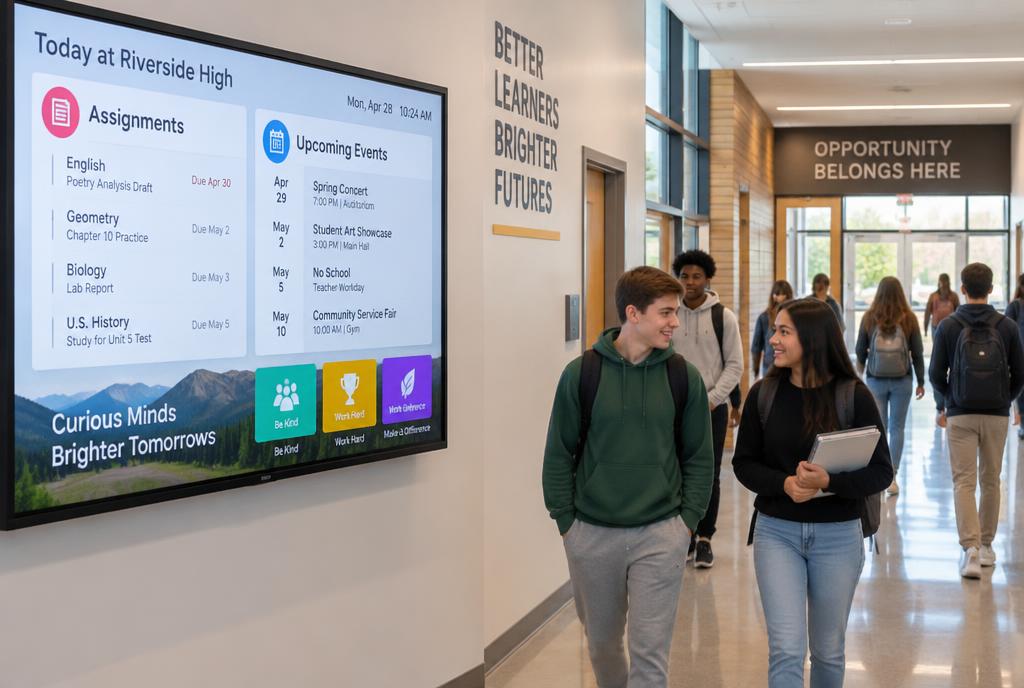





Free Digital Signage That Transforms Every Wall Into a Learning Tool
PosterBooking equips your school with all-in-one tools, digital noticeboards, real-time updates, and remote screen control, completely free, no trials or credit cards required.
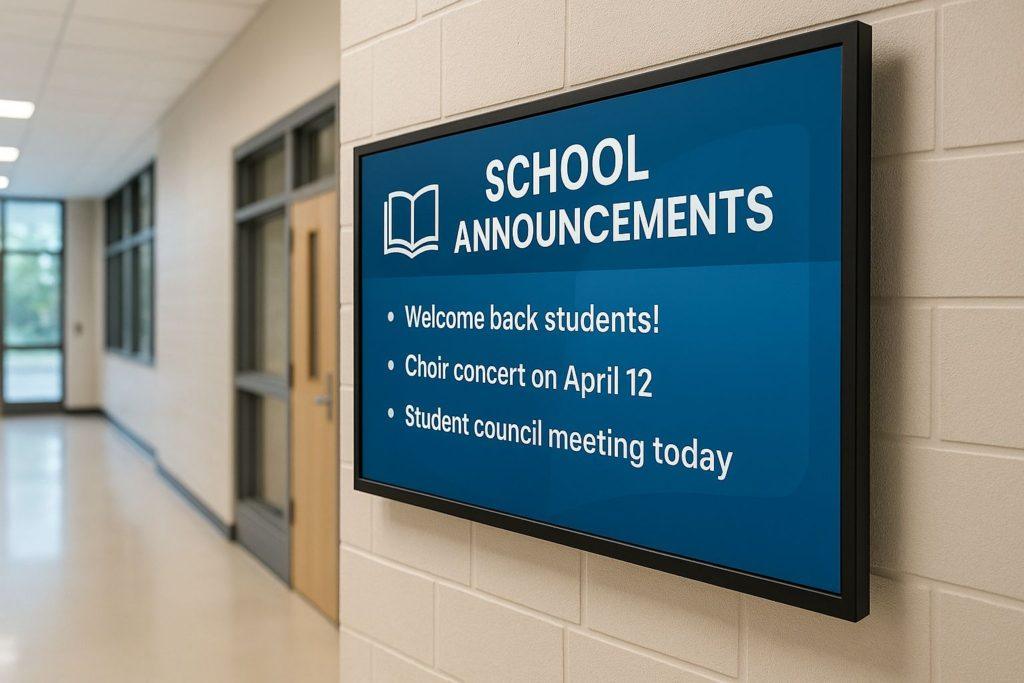
Real-Time Communication
Deliver emergency alerts, class cancellations, and announcements instantly across the campus, keeping students, staff, and visitors informed at all times.
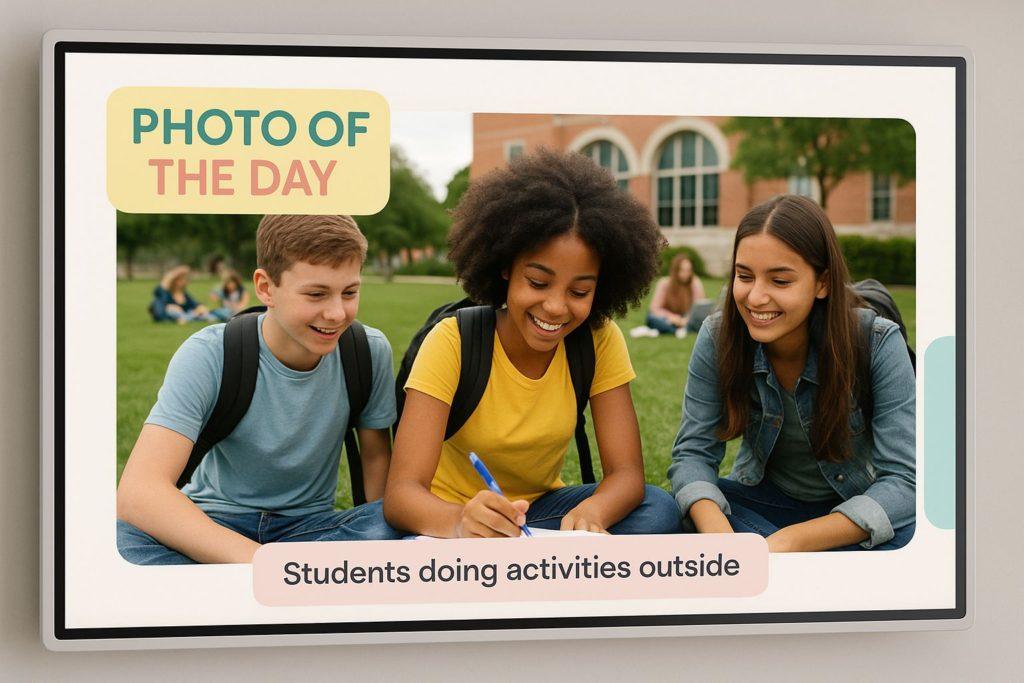
Increase Student Engagement
Use eye-catching visuals to showcase event calendars, student achievements, sports highlights, and club announcements. This keeps learners involved, builds a stronger sense of community, and encourages greater participation in school activities.
Centralized Control for Smarter Information Flow
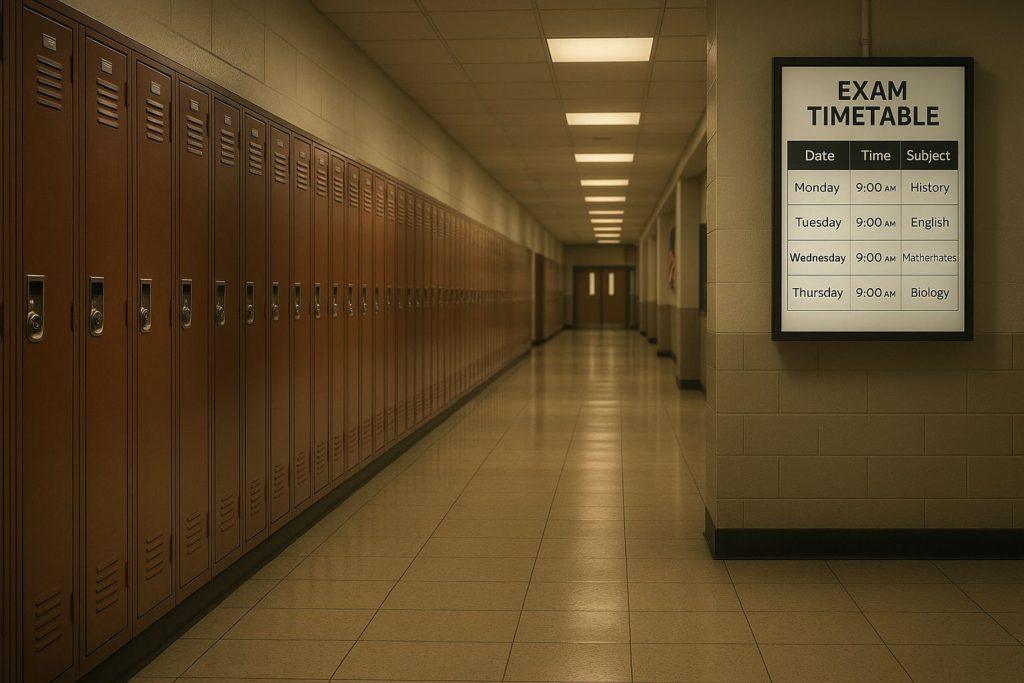
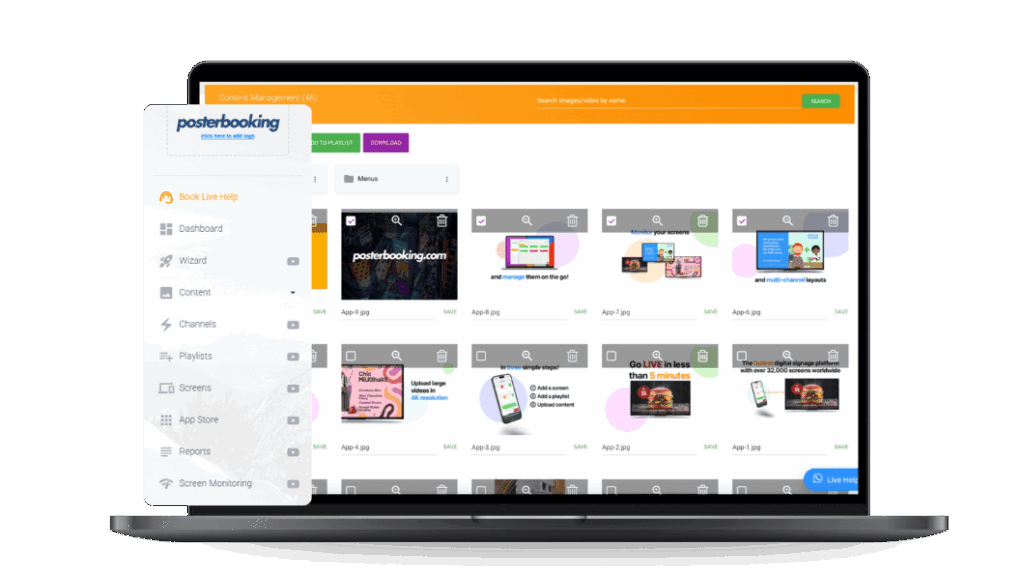
Replace outdated bulletin boards and paper posters with sleek, digital displays. Easily update wayfinding signs, lunch menus, schedules, and important notices from a single dashboard, saving time and reducing admin work for staff.
Supercharge Your Campus With Digital Signage
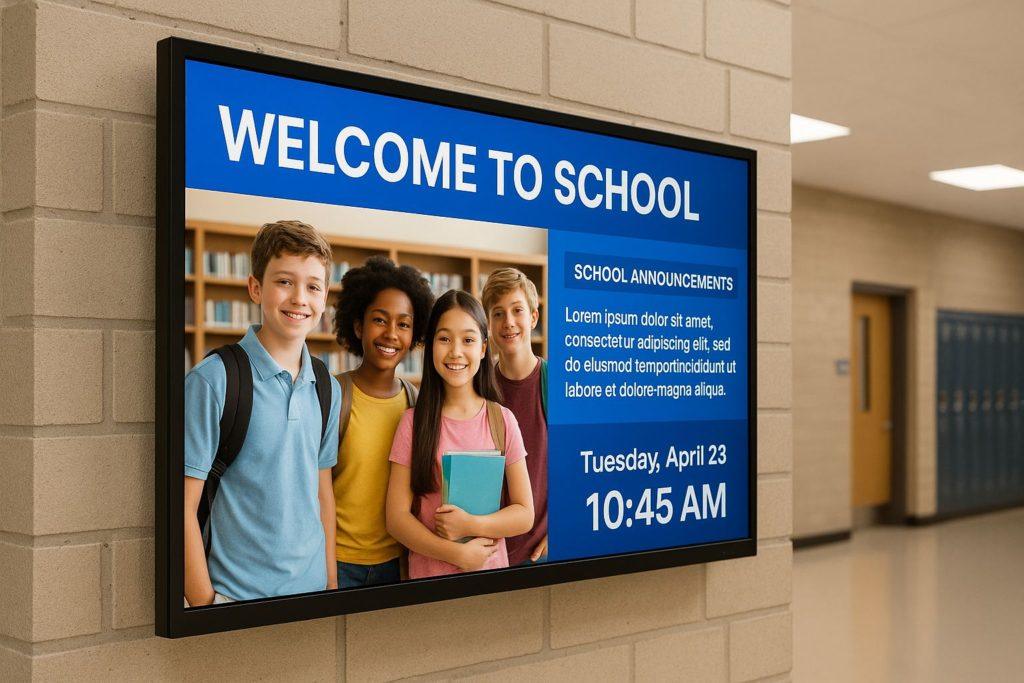
Showcase key announcements, highlight achievements in real-time, and give your campus a modern, connected feel, all with just a screen
One Free Platform, Countless Use Cases
Class Schedule
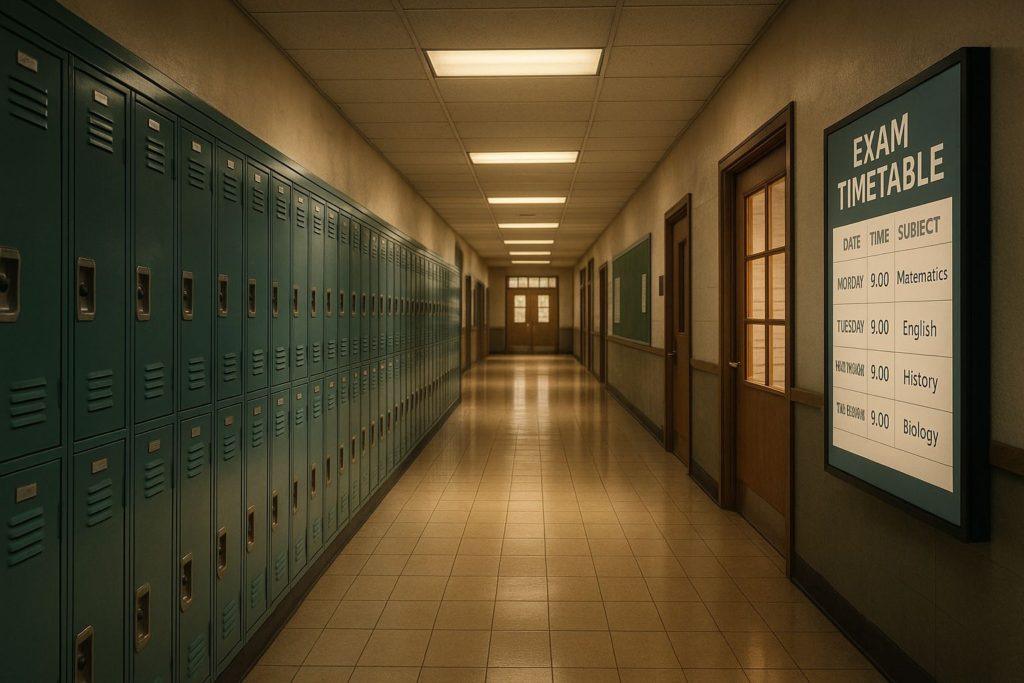
Display real-time class timetables and room changes to keep students and staff informed instantly.
Event Alerts
Promote upcoming school events, assemblies, and special programs with visual reminders across campus.
Safety Notices
Broadcast emergency messages, drills, or health updates to ensure campus-wide safety and awareness.
Wayfinding Help
Guide new students and visitors with interactive campus maps and directional signage.
Student Highlights
Celebrate top-performing students, birthdays, and extracurricular achievements to build school spirit.
Menu Boards
Show daily cafeteria menus, nutritional info, and meal deals in dining areas.
How to Set Up in Minutes
Step 1
Create a Free Account
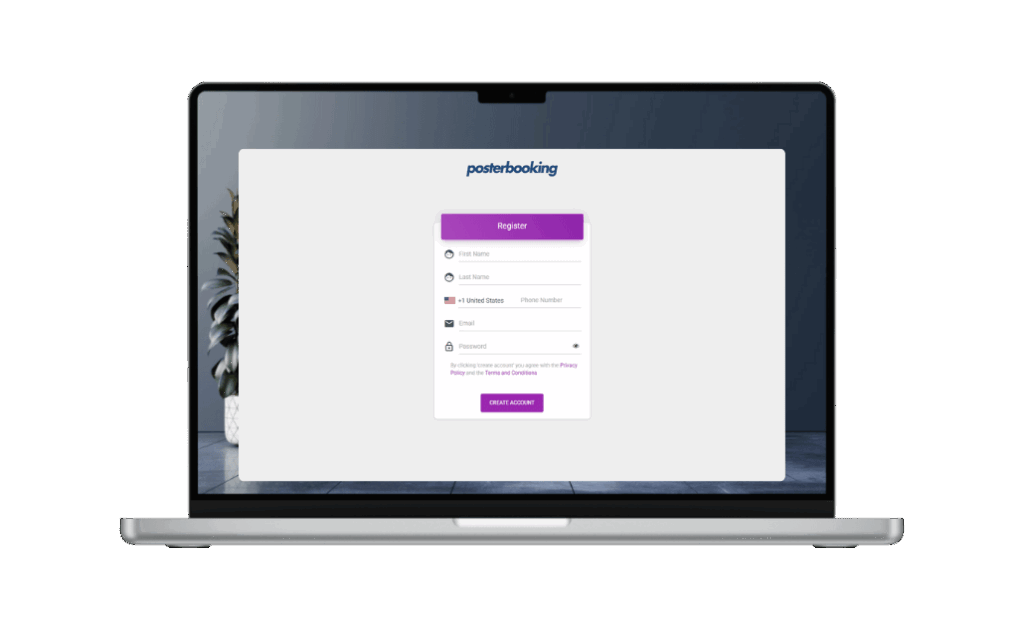
Sign up on PosterBooking signage platform. It takes 1 minute.
Step 2
Connect Any Screen on Campus
Use existing smart TVs, monitors, or projectors. Just plug in a FireStick, Android TV, or media device to start displaying.
Step 3
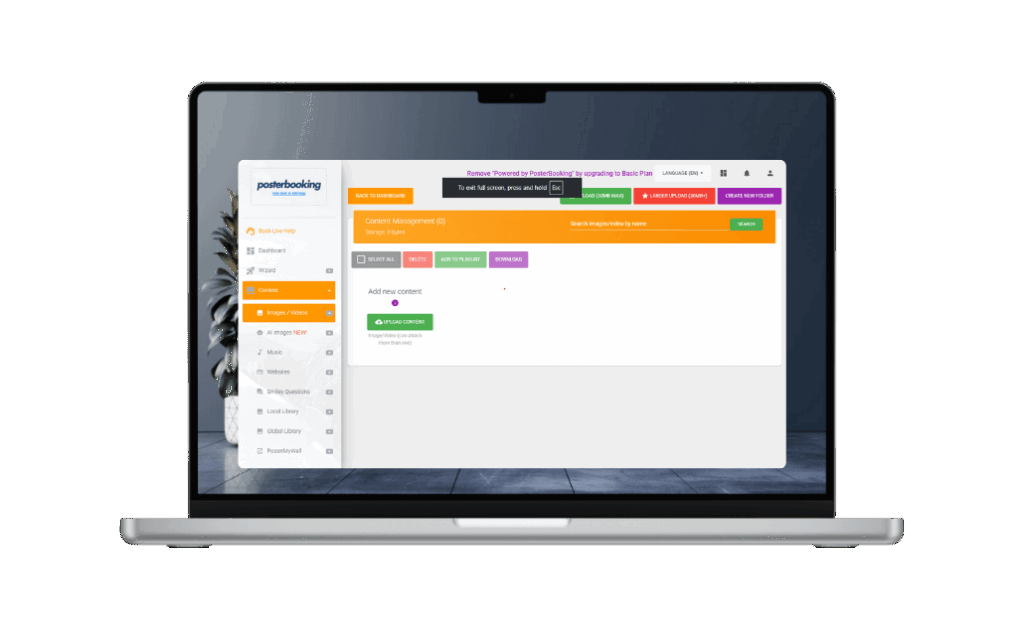
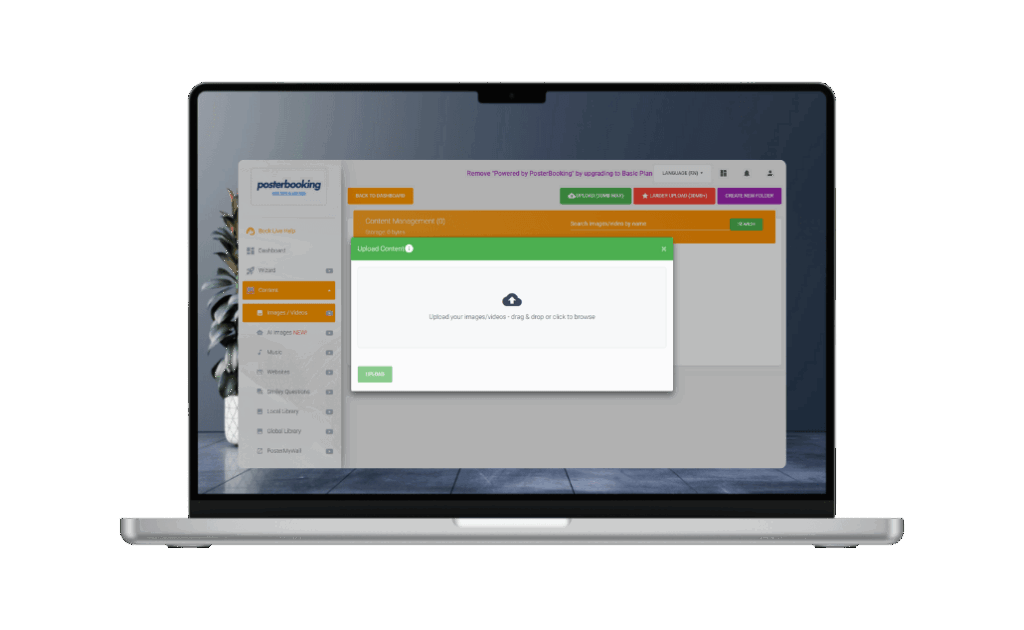
Upload School Content
Show class schedules, event posters, campus news, cafeteria menus, or student highlights. Upload images or videos (JPEG, PNG, MP4).
Step 4
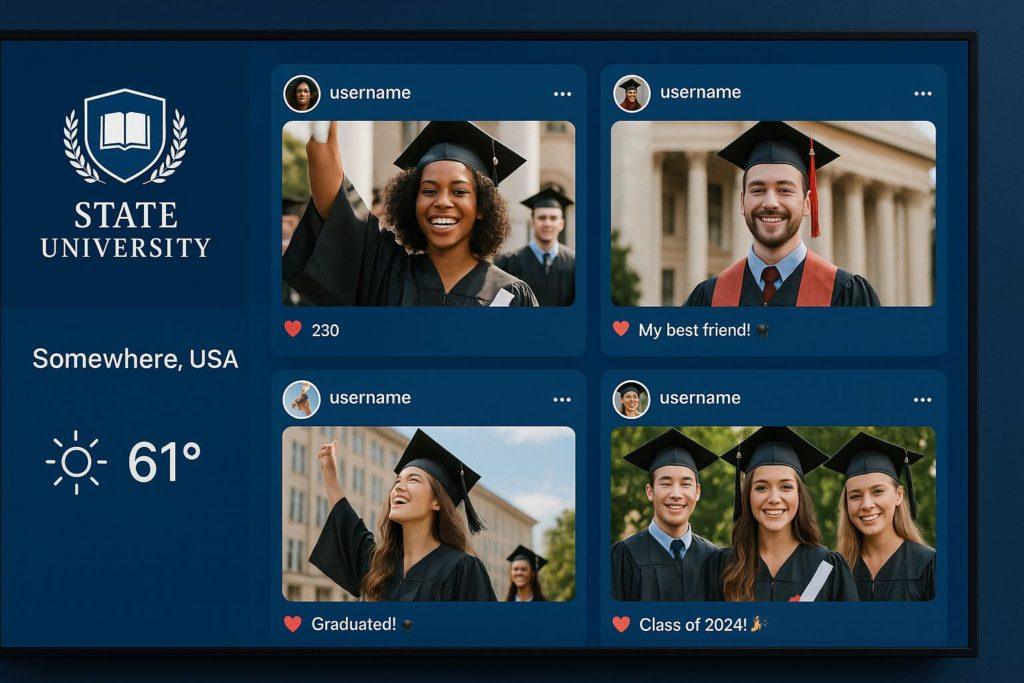
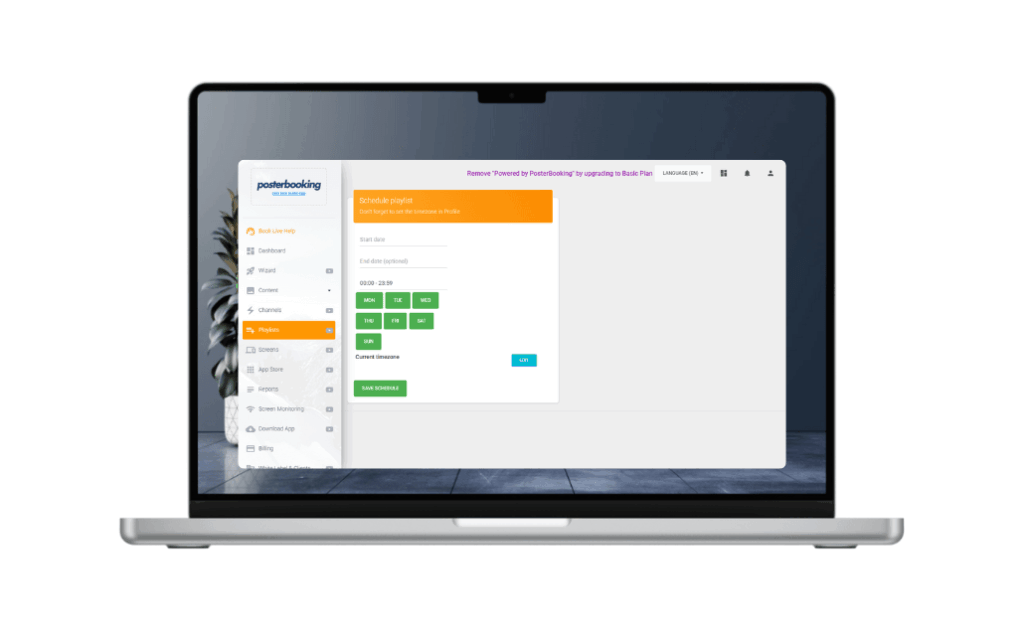
Schedule by Time, Class, or Day
Set announcements to play at specific times - like morning assemblies, club meetings, or exam reminders by department or location.
Step 5
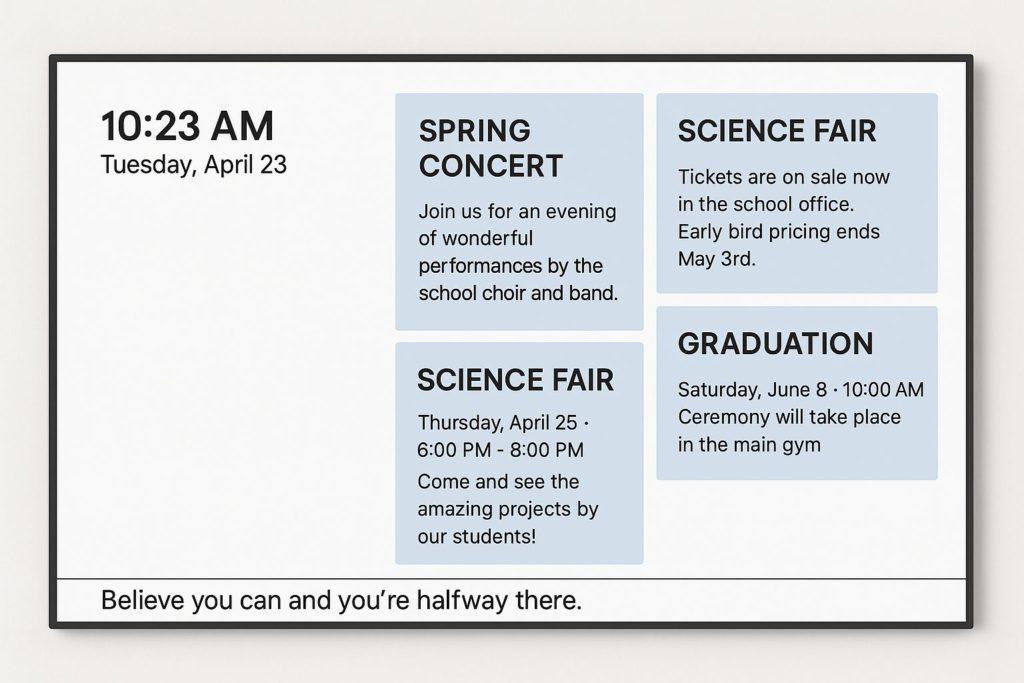
Display Emergency Alerts or Live Notices
Instantly show emergency alerts, weather warnings, or live event updates across all screens in real time.
Step 6
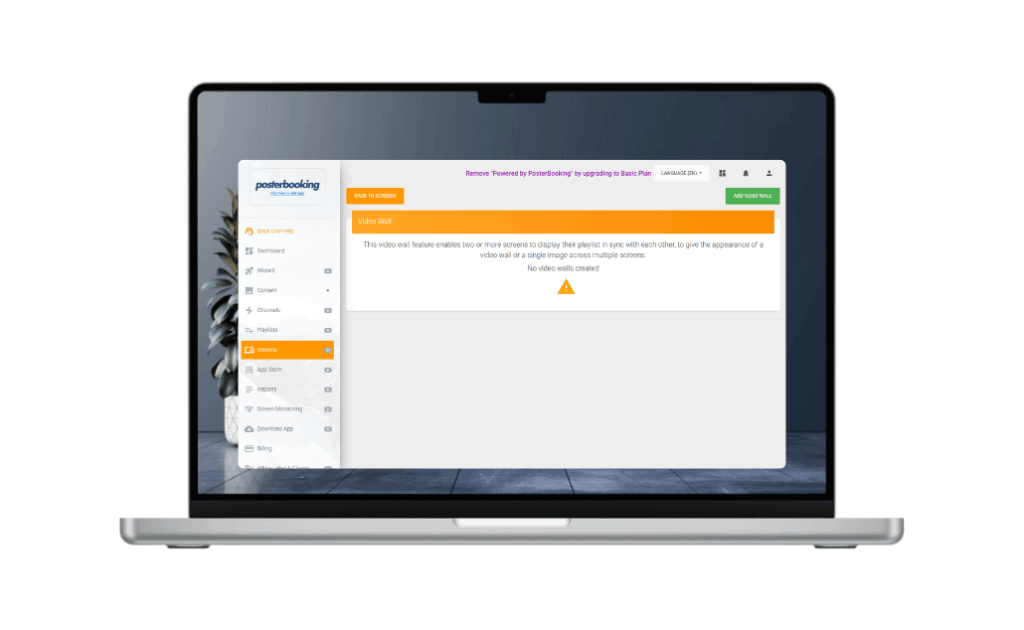
Manage Screens Across Departments or Buildings
Control all your school or campus screens, across classrooms, lobbies, libraries, and labs, from a single central dashboard.
Why Educational Institutions Trust PosterBooking
Join thousands of restaurants worldwide who trust PosterBooking to power their screens.
- 10 Free Screens – No Contracts, No Credit Card
- Works on Any Screen You Already Own
- Trusted Globally – 60,000+ Screens Online
- Remote Control from Anywhere
- Schedule Menus by Time of Day
- Sync Across Multiple Locations
Why Every Campus Uses PosterBooking
Real stories from smart business owners who made the switch.
I’ve used PosterBooking for a year now and haven’t paid a single penny. It’s really simple and easy to use and am thinking of upgrading my package to a paid option because I need the pro-services. I highly recommend anyone looking for digital signage to use PosterBooking, its super simple to use..
Five Star Pizzas
Poster Booking is by far the best digital signage solution out there. Realiable, easy to use and with a lot of different resources
T. Fonseca
I’ve been looking for a service like this for years, easy to use and setup, great support team and great plans! I would totally recommend it!
Jimmy Rivera
By far the best cloud digital signage out there. Unlike others who provide only 1 trial screens with limited options, poster booking provides 10 free screens which makes it very convenient for small business like. They are way ahead of other signage brands in the market. Will definately recommend everyone to give them a try and I can assure it won’t disappoint. Also the features are laid in a very practical and very easy to use USER INTERFACE.
Ozaki Kaji Me
A very good inexpensive solution for small as well as large businesses. The software is ever evolving and new features and guesses are added regularly and the best part, The customer support is really awesome!
Muhammad Fayyaz
I have been using PosterBooking for one of my customers for over 2 months now and it has not faltered at all.
It continuously displays my clients marketing media in a shop window on two monitor screens.
You will soon understand why so many big brands have adopted this as their choice of media display system.
Matt Carroll
Frequently Asked Questions
Do I need to buy any special hardware?
Not at all. You can use any standard TV screen and plug in a FireStick, Android Box, or even use a Smart TV with a web browser. No expensive signage hardware needed.
What kind of content can I show on the screens?
You can upload menus, videos, images, slideshows, and promotions anything in JPG, PNG, or MP4 format. Your content auto-plays and switches based on your schedule.
Can I manage multiple screens or locations?
Yes. Whether you have 1 screen or 100, everything is managed from a single online dashboard. You can group screens, set user permissions, and schedule content per location.
I don’t have a tech team. Can I really do this myself?
Absolutely. The setup is beginner-friendly. Just plug in, connect, upload, and schedule. Most users go live in under 15 minutes, no technical skills required.
Is this really free to start? What's the catch?
Yes, your first 10 screens are completely free, no credit card needed. If you want more screens or advanced features later, you can upgrade anytime.
Join PosterBooking for FREE
Get a free 1:1 PosterBooking demo and see how to unlock 10 free screens with zero setup headaches.
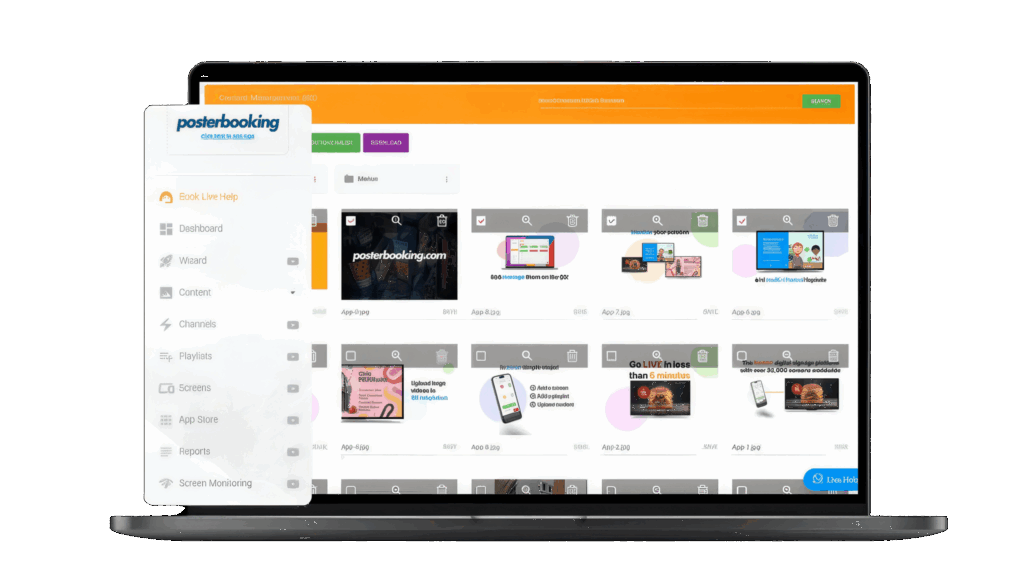
Display signage live in less than 2 minutes
Seconds to sign up. Seconds to add a screen. Seconds to add content and go live!