
Case Study: How Norman Clinic Streamlined Patient Communication with PosterBooking
DIGITAL SIGNAGE RESOURCES
This case study explains how the clinic adopted PosterBooking to run patient-facing screens for announcements, appointment guidance, health tips, and service updates.






Overview
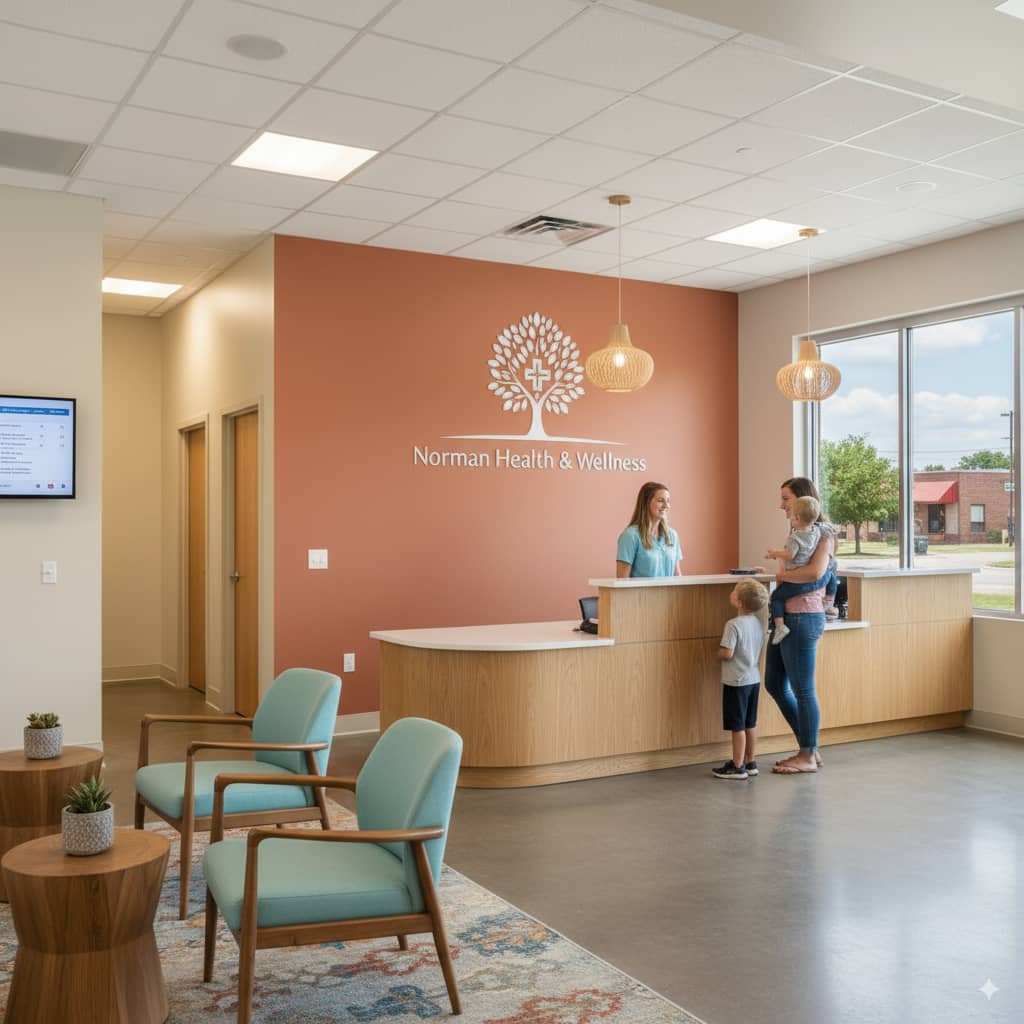
Norman Clinic operates in a fast-paced outpatient environment where clear communication reduces confusion, shortens perceived wait times, and helps patients prepare for their visit.
They selected PosterBooking to power reception and waiting-area screens because the platform delivers crisp visuals, is easy to manage from a browser, and keeps content consistent with the clinic’s brand.
Staff can update messages in minutes, ensuring that flu-shot reminders, doctor availability notes, and queue guidance stay current throughout the day.
The Challenge
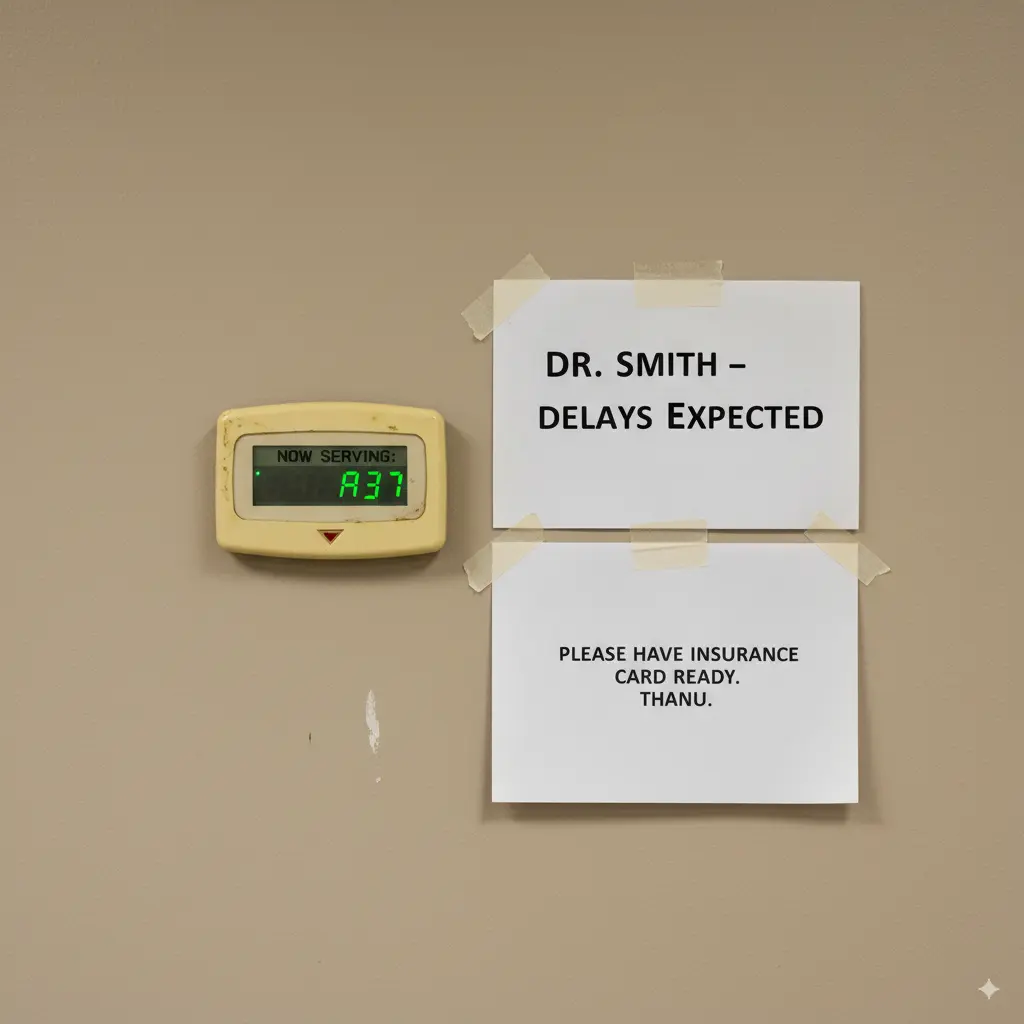
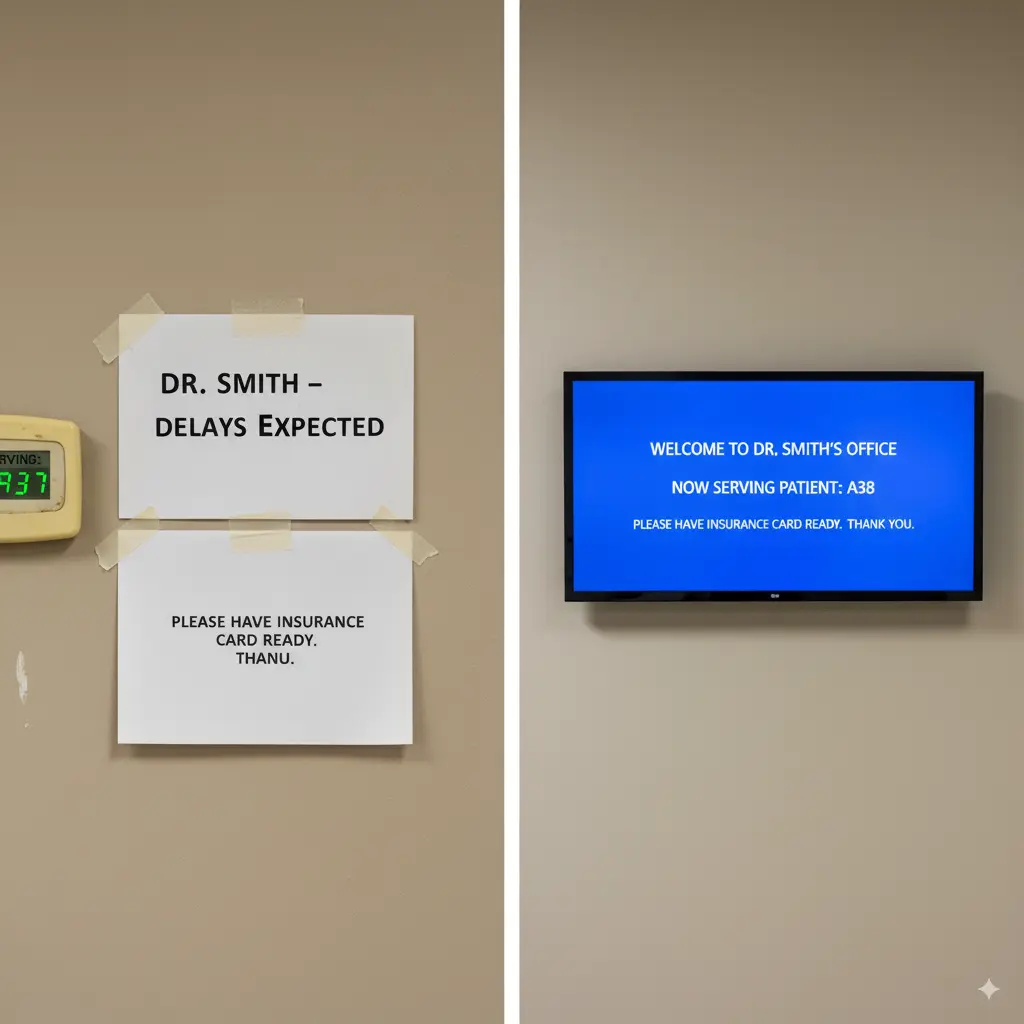
Before PosterBooking, information was fragmented across paper posters, ad-hoc printouts, and inconsistent USB-loaded slides that were tedious to maintain.
Time-sensitive notices - like temporary clinic hours, vaccination campaigns, or provider schedule changes - often lagged behind reality, creating repetitive questions at the desk and frustration for patients.
The clinic needed a solution that reduced manual steps, kept messages accurate in real time, and allowed non-technical staff to make quick changes without calling IT.
The Solution
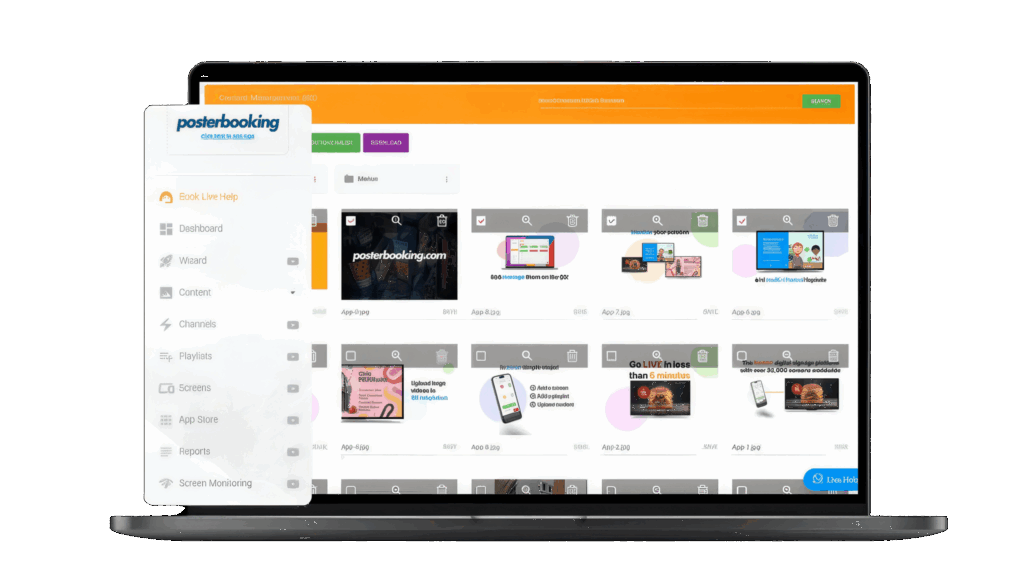
The clinic implemented PosterBooking to centralise content control and standardise on-screen communication. Through a simple browser interface, staff schedule messages for reception and waiting areas, rotate health education snippets between appointment guidance, and keep brand elements consistent without design headaches.
The clarity of the displays makes short instructions easy to read at a glance, and the ability to publish or swap content immediately means the clinic can reflect same-day changes without reprinting anything. Simple image: a laptop on a desk showing a basic content scheduler or playlist screen.
Implementation
Norman Clinic started with the highest-impact locations - reception check-in and the primary waiting room - then expanded once the workflow proved effortless for staff. A short handover session showed administrative team members how to preview and publish updates, while simple naming conventions kept assets tidy so anyone could find the right message quickly.
The rollout required no architectural changes and minimal downtime; displays were mounted outside peak hours, and content went live the same day. Simple image: a basic photo of a technician mounting a display on a wall in a clinical corridor.
Results and Impact
Patients now encounter timely, consistent messages that reduce uncertainty and cut down on repeat questions, which helps the front desk focus on clinical intake rather than re-explaining logistics.
Same-day changes - such as a physician running late, a new vaccination drive, or a temporary room change - appear on screens immediately, improving expectations and flow. Staff report that updates feel effortless, and the overall environment appears more professional and reassuring, with health education content filling quiet moments to decrease perceived wait times.
Testimonial
“We are using this in our clinic and it’s the best way to display our information for patients, it’s very easy to use. The support is also very responsive and always help us quickly if there are any issues. I really can’t fault them.“