Case Study: How Corey Burt’s School Uses PosterBooking to Inform Students and Celebrate Campus Life
This case study explains how PosterBooking was adopted without technical friction, why students and teachers quickly embraced seeing live updates and photo reels throughout the day, and how the free tier plus responsive support made rollout and daily use straightforward for a busy school environment.






Overview
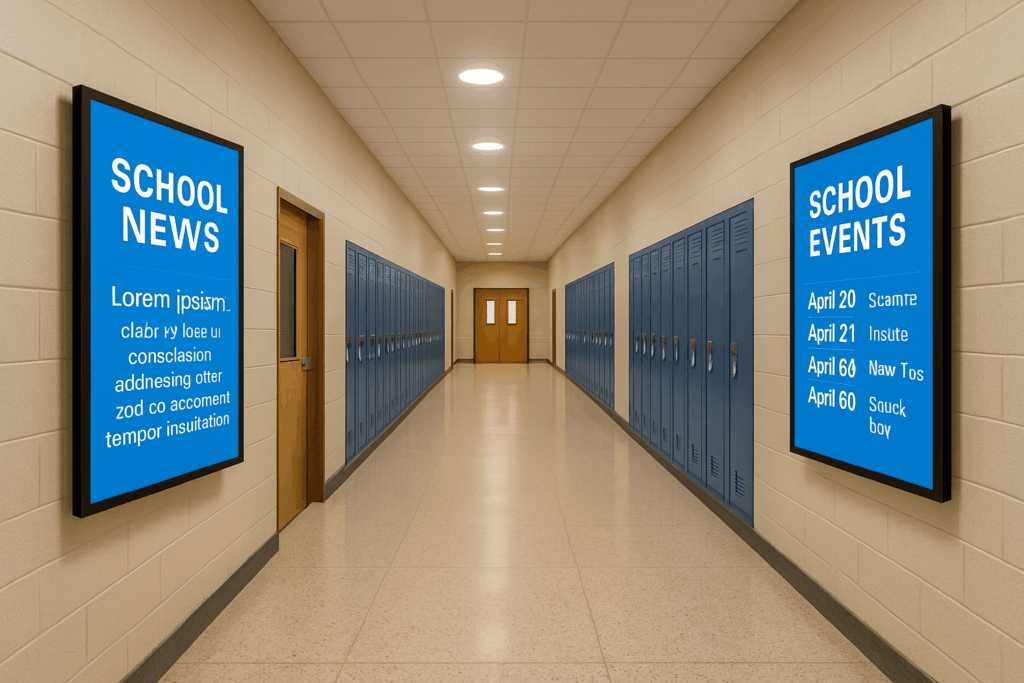
The school needed a single communication surface that would meet students where they already look during transitions. Corey used PosterBooking to power a set of hallway screens that cycle morning announcements, bell adjustments, club reminders, cafeteria highlights, and short photo carousels featuring student life.
Attention improved because every loop mixed need-to-know information with recognisable faces, so students paused for a few seconds and absorbed what mattered. Staff appreciated that updates could be made from a laptop in the office or a tablet in the hall, which made the system feel like a natural part of the school day rather than a technical project.
The free allowance covered the initial footprint, so budget never blocked momentum in the first term.
The Challenge
Before deployment, information was scattered across paper flyers, whiteboards, morning announcements, and emails that many students did not read in time.
A late bus or a room change created confusion and extra foot traffic to the office. Staff needed a tool that did not require IT tickets for every change, that would publish updates as soon as schedules shifted, and that would run reliably from first bell to dismissal without babysitting.
Cost control mattered as budgets were already committed to classroom needs. The solution had to deliver a professional look on large screens without subscription pressure or complicated device requirements.
The Solution
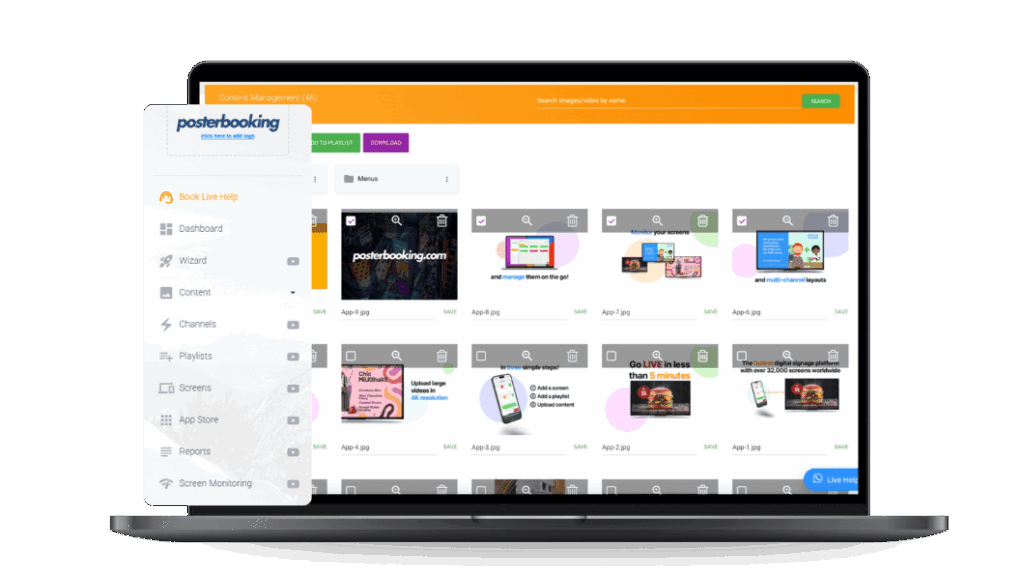
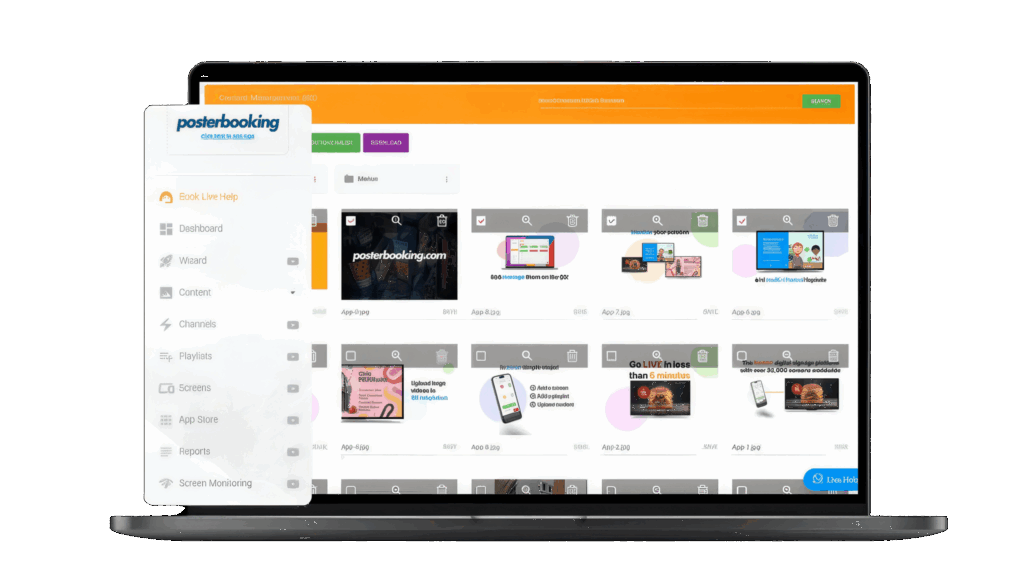
PosterBooking stood out because it paired a straightforward setup with a browser-based workflow that anyone on the communications team could learn in minutes.
Images and short videos were uploaded, sequenced into a daily loop, and scheduled by time block so the screen showed morning essentials before first period, reminders and event prompts at lunch, and after-school notices during the last transition.
Photo reels were sprinkled throughout the loop, which pulled students in and quietly boosted reach for the text items that followed. The platform’s free tier made it practical to start with several screens, and when questions came up, the support team responded quickly with clear, actionable guidance.
The result was a simple rhythm. prepare assets, publish from any device, confirm on the screen, and move on with the day.
Implementation
Rollout focused on a few high-traffic locations first so the team could tune timing and legibility before expanding. Displays were mounted at natural pause points such as the main junction, the cafeteria entrance, and the library corridor. Devices were enrolled, screens were named by location, and a baseline loop was created that mixed short headlines, clear icons, and large type so messages could be read in a glance.
Departments submitted folders of approved images and brief clips, while one coordinator published updates to keep style consistent. Because everything ran in the cloud, last-minute bell changes or event relocations were pushed in moments, and the new slide appeared on the next pass without anyone walking to a TV. Within two weeks the process felt routine, and the content calendar began to reflect the real rhythm of the school week.
Results and Impact
The effect showed up quickly in the hallways. Students noticed the photo segments, stayed to watch the next card, and picked up reminders about club times and room locations without extra announcements. Teachers reported fewer repeat questions about schedule changes, and office staff saw lighter foot traffic for basic wayfinding because the next step was already on screen.
Reliability was uneventful in the best way. the system stayed up during the full school day, updates landed instantly, and attention shifted from troubleshooting to curating better content. Over the first term the team learned which visuals earned a second glance, then adjusted the loop so important notices appeared immediately after the most engaging photos. The free starting tier kept software costs at zero while the school validated the approach, which helped maintain support from leadership and made it easy to add a screen where a new pinch point appeared.
Testimonial
“I found posterbooking during research when my school needed a digital signage option. Wow is all I can say. The students and teachers love being informed and seeing pictures of themselves scroll on tv throughout the day. Thanks so much for allowing this to be free and it actually works! The staff is super helpful as well if you have any questions about the program. Keep up the great work!**“
Corey Burt
Join PosterBooking for FREE
Get a free 1:1 PosterBooking demo and see how to unlock 10 free screens with zero setup headaches.