
Android Digital Signage
Learn how to use Android-based digital signage with devices like Fire TV Sticks or Android players to push instant menu updates, control screens remotely, and replicate the entire setup using free platforms like PosterBooking.
Trusted globally with over 41,000 active screens and users in 109+ countries.



What is Android Digital Signage?
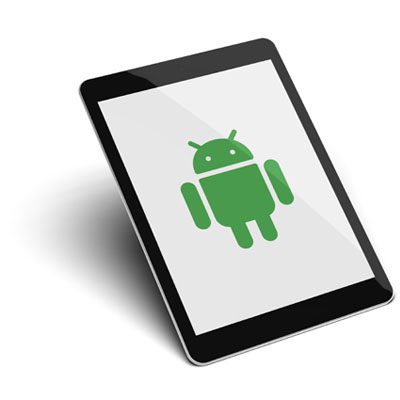
Android digital signage is a dynamic content display system that uses Android OS as its operating platform. Its defining attribute is the use of Android-based media players or embedded Android SoC (System on Chip) within commercial displays to run digital signage software.
It typically uses devices like Android TV boxes, commercial tablets, or smart displays with built-in Android, offering a low-cost, scalable alternative to proprietary hardware. Most setups support resolutions up to 4K UHD and provide Wi-Fi or Ethernet connectivity for cloud-based control.
Why Choose Android Digital Signage?
Affordable and Scalable
Android devices are cost-effective and widely available, making it easy to scale your digital signage network.
Flexible Hardware Compatibility
From TVs to tablets to media players, Android signage works across a wide range of devices, giving you the freedom to build a setup that fits your environment and budget.
Easy to Set Up and Manage Remotely
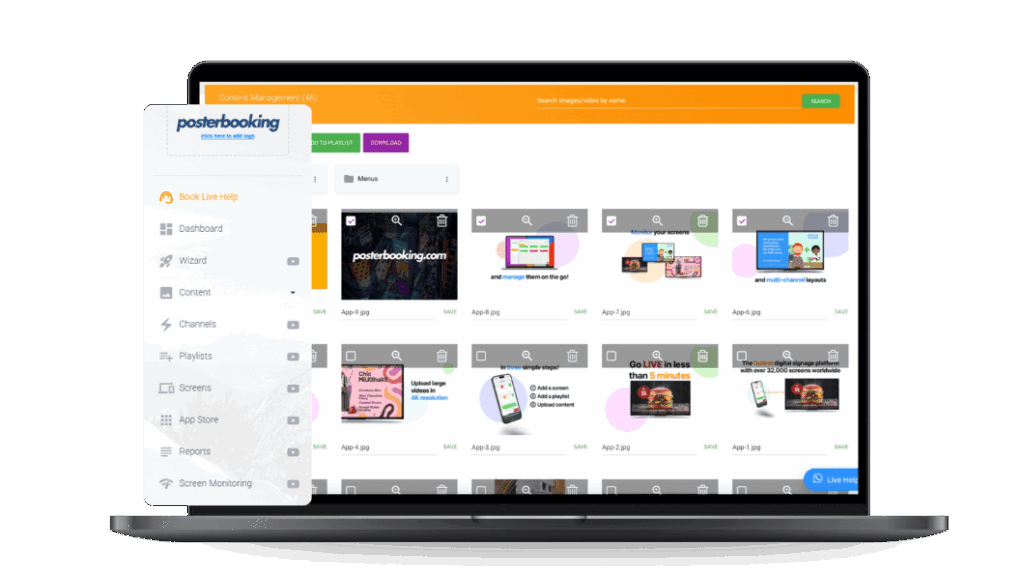
With intuitive apps like PosterBooking, you can deploy content in minutes and manage all screens from a cloud dashboard, no technical skills required..
Android vs Other Platforms
| Feature | Android | iOS (Apple TV) | Windows | Linux |
|---|---|---|---|---|
| Device Cost | Low | High | Mid to High | Low |
| Ease of Setup | Simple, plug & play | Limited signage support | Requires manual setup | Technical setup needed |
| Device Variety | TVs, tablets, sticks, media boxes | Mostly just Apple TV | Limited to desktops | Raspberry Pi & custom devices |
| Remote Management | Supported via cloud CMS | Limited options | Supported | Supported |
| Offline Playback | Built-in with many signage apps | App-dependent | Strong support | Strong support |
| Customization Flexibility | High – open-source options | Very limited | Moderate | Very high |
How to Set Up Android Digital Signage
Step 1
Choose Your Android Device
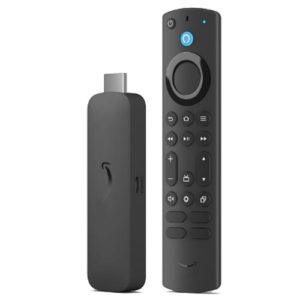
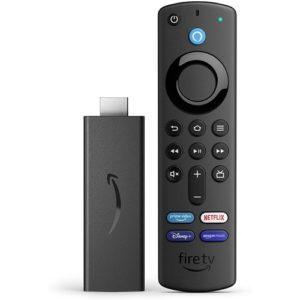
Select a compatible device such as: Android TV (e.g., TCL, Sony, Hisense), Android tablet, Media player or TV stick (e.g., Amazon Fire TV Stick, Google Chromecast with Google TV)
Step 2
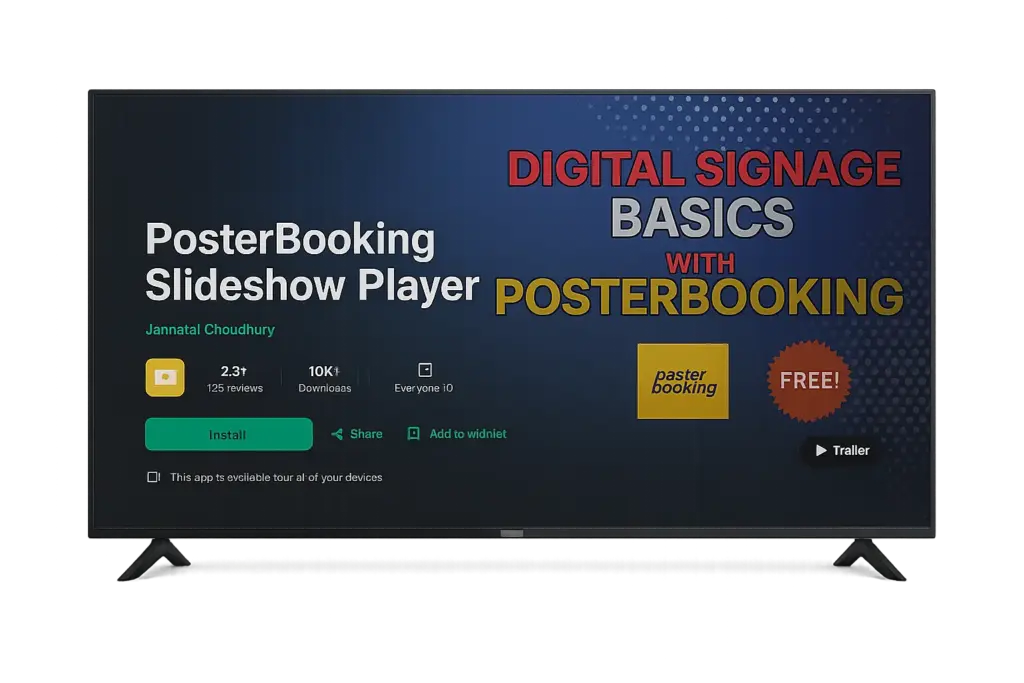
Install the PosterBooking App
Download the PosterBooking app from: Google Play Store (search “PosterBooking”), once installed, launch the app on your Android device.
Step 3
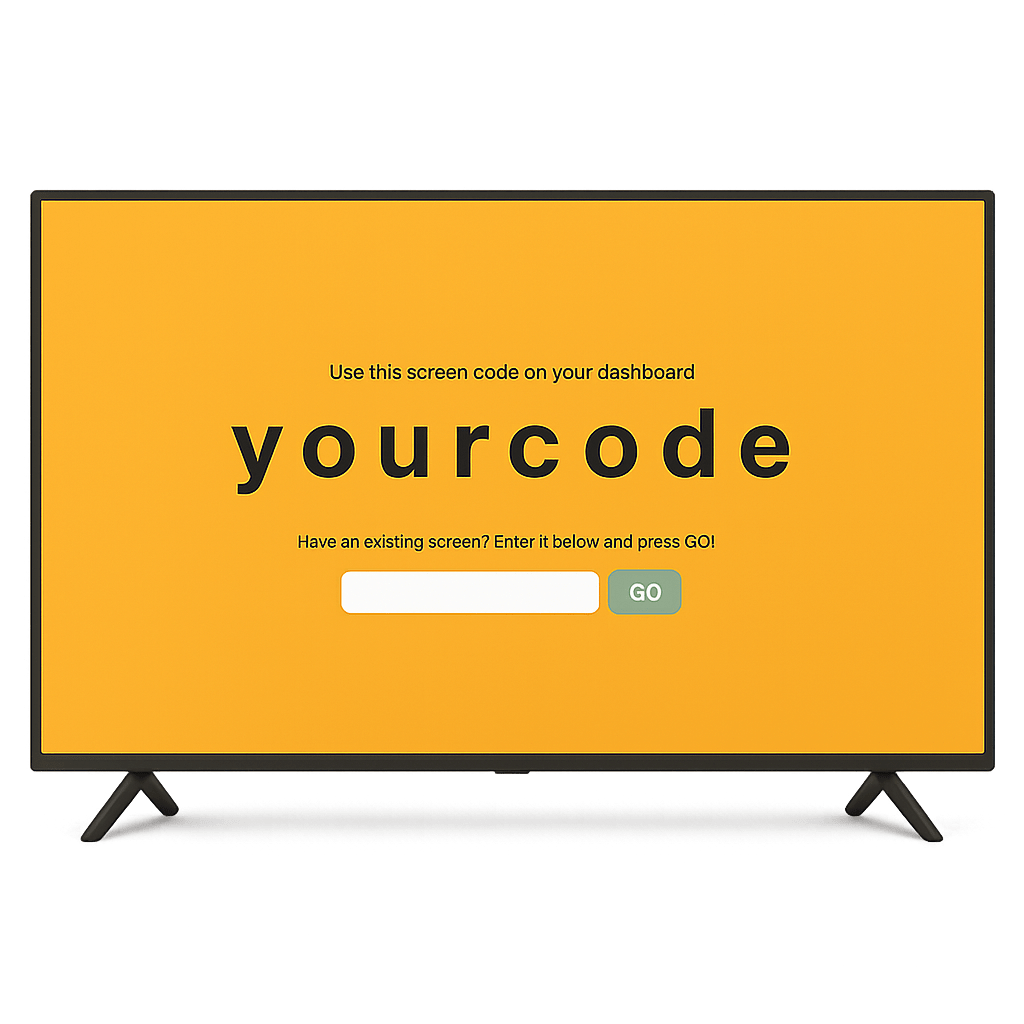
Pair Your Screen
Upload images or videos of your breakfast, lunch, and dinner menus. You can use JPEG, PNG, or MP4.
Join PosterBooking Today!
Get a free 1:1 PosterBooking demo and see how to unlock 10 free screens with zero setup headaches.
Frequently Asked Questions
Do I need to buy any special hardware?
Not at all. You can use any standard TV screen and plug in a FireStick, Android Box, or even use a Smart TV with a web browser. No expensive signage hardware needed.
What kind of content can I show on the screens?
You can upload menus, videos, images, slideshows, and promotions anything in JPG, PNG, or MP4 format. Your content auto-plays and switches based on your schedule.
Can I manage multiple screens or locations?
Yes. Whether you have 1 screen or 100, everything is managed from a single online dashboard. You can group screens, set user permissions, and schedule content per location.
I don’t have a tech team. Can I really do this myself?
Absolutely. The setup is beginner-friendly. Just plug in, connect, upload, and schedule. Most users go live in under 15 minutes, no technical skills required.
Can I schedule different menus for breakfast, lunch, and dinner?
Yes. You can set your menus to switch automatically based on time of day, breakfast in the morning, lunch in the afternoon, and dinner in the evening, with no manual switching.
Is this really free to start? What's the catch?
Yes, your first 10 screens are completely free, no credit card needed. If you want more screens or advanced features later, you can upgrade anytime.
Display signage live in less than 2 minutes
Seconds to sign up. Seconds to add a screen. Seconds to add content and go live!