
Amazon Signage Stick for Schools
Get the Amazon Signage Stick for just $79.99 which comes with 1-Year Free PosterBooking Business Pro.
Offer Ends on August 22nd
Use code PosterAMZN25 at checkout





Why the Amazon Digital Signage Stick is Best for Schools
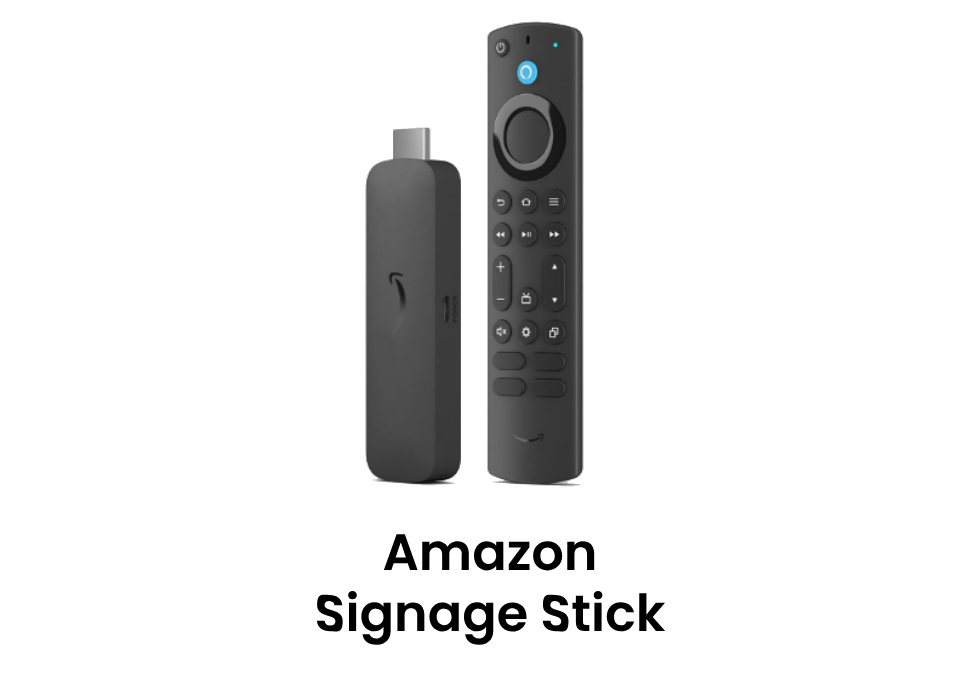
| Feature | Amazon Digital Signage Stick | Fire TV Stick (Consumer) |
|---|---|---|
| Designed For | School Signage | Home Streaming |
| Preloaded Ads | No | Yes |
| Remote Control | Admin Dashboard Access | Basic |
| Performance | 4K UHD + WiFi 6E | Standard |
| Boot Mode | Clean Boot (Signage-Ready) | Full Amazon UI |
| Support | School/Enterprise Grade | Limited |
How the Amazon Signage Stick Works
Step 1
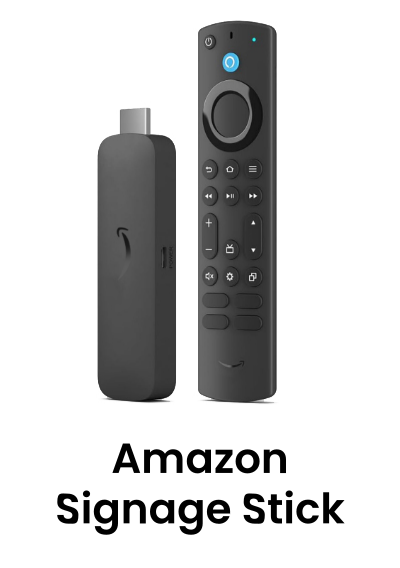
Buy the Amazon Signage Stick with code: PosterAMZN25
Step 2
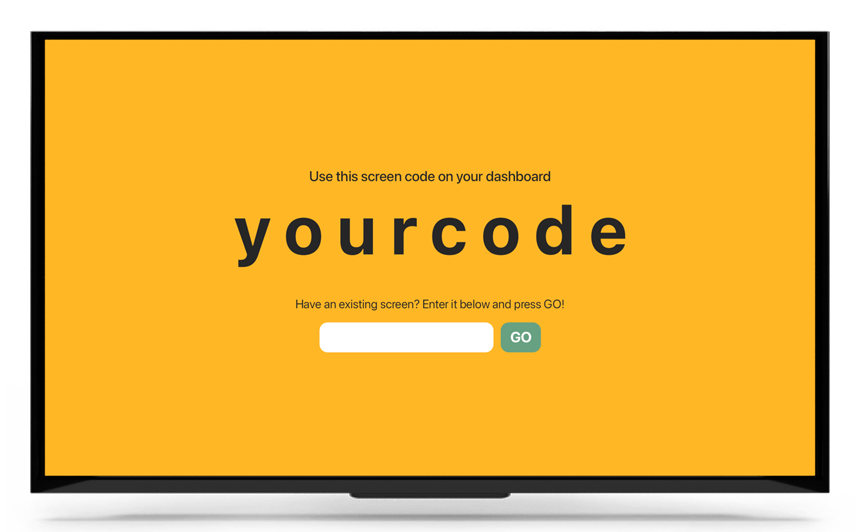
Plug it into your TV and connect to WiFi
Step 3
Use PosterBooking to schedule content from anywhere
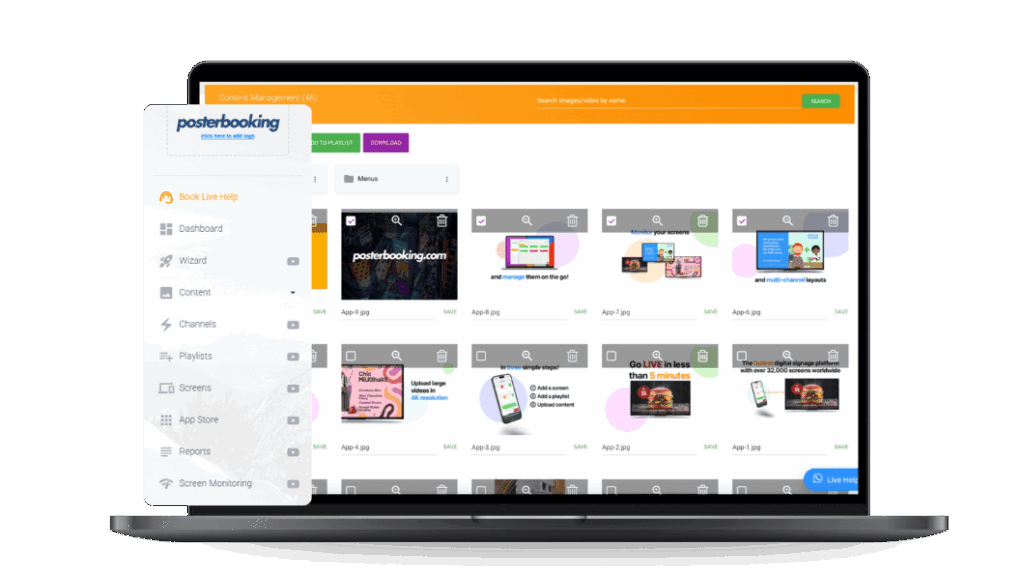
Amazon Signage Stick + PosterBooking for Schools
Effortless campus communication with zero setup and 1 year of Business Pro, free for educational use. Deliver real-time updates, emergency alerts, lunch menus, or event schedules across your campus from a single dashboard.
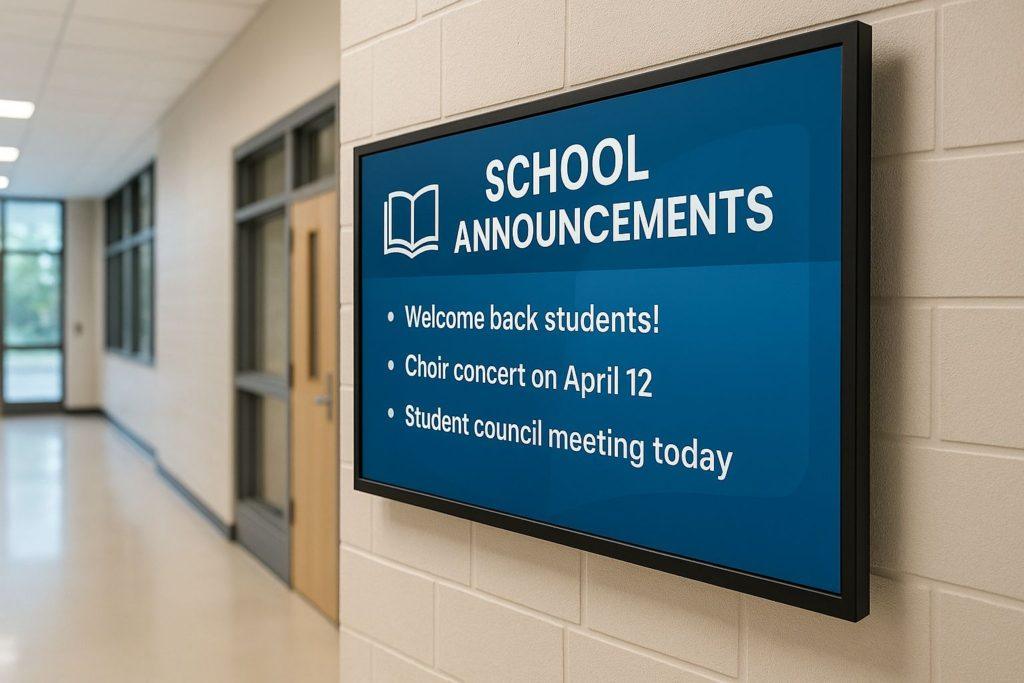
Real-Time Communication
Deliver emergency alerts, class cancellations, and announcements instantly across the campus, keeping students, staff, and visitors informed at all times.
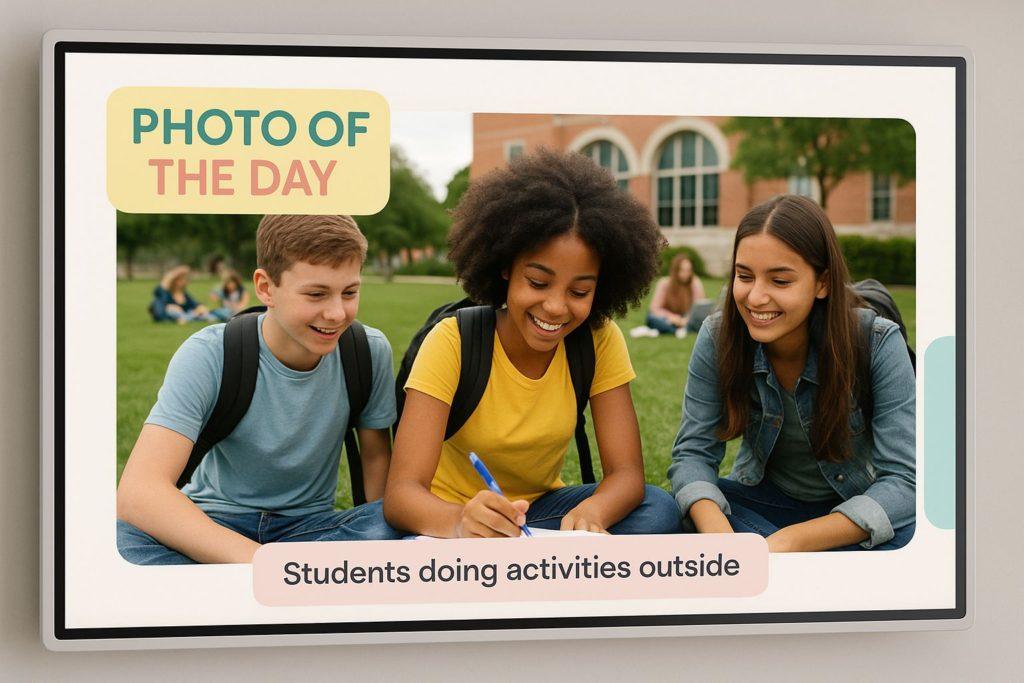
Increase Student Engagement
Use eye-catching visuals to showcase event calendars, student achievements, sports highlights, and club announcements. This keeps learners involved, builds a stronger sense of community, and encourages greater participation in school activities.
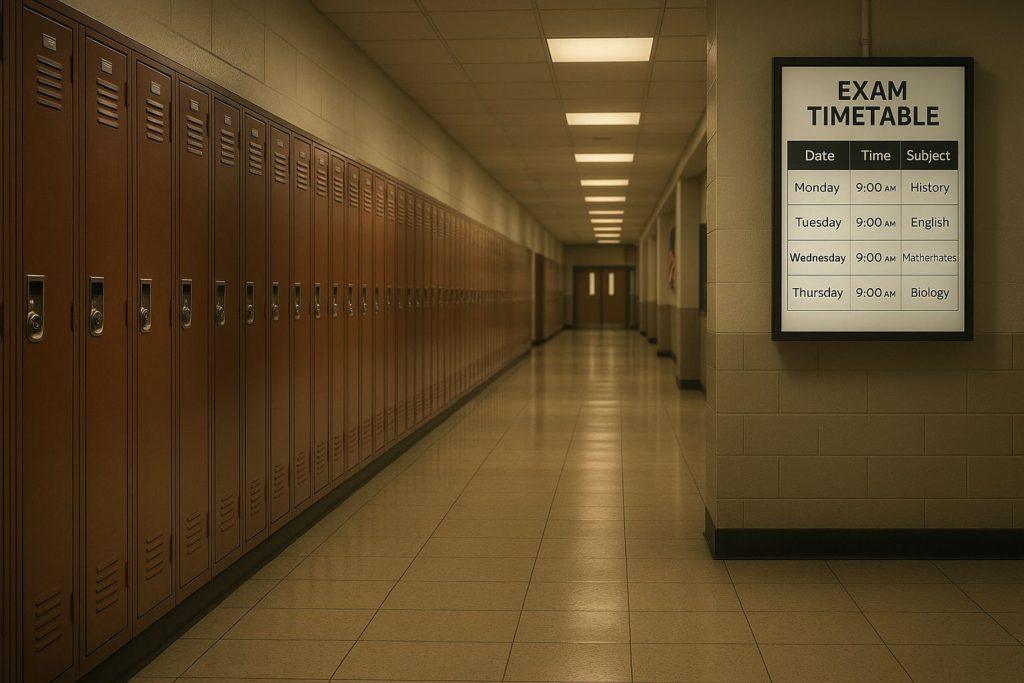
Centralized Control for Smarter Information Flow
Replace outdated bulletin boards and paper posters with sleek, digital displays. Easily update wayfinding signs, lunch menus, schedules, and important notices from a single dashboard, saving time and reducing admin work for staff.
Perfect for Schools & Colleges
Public Announcements
Display morning updates, event reminders, or principal messages across all TVs with just one click from your dashboard.
Class Schedules & Timetables
Show daily class schedules, timetables, and room assignments to keep students and teachers informed in real-time.
Emergency Alerts
Instantly broadcast lockdown alerts, fire drills, or weather warnings across every screen in your school.
Lost & Found or Notices
Share daily notices, lost items, or urgent messages without relying on outdated bulletin boards.
Student Recognition
Showcase top students, birthdays, competition wins, and other achievements to boost morale and engagement.
Event Promotion
Promote sports games, PTA meetings, talent shows, and school fairs on hallway and cafeteria displays.
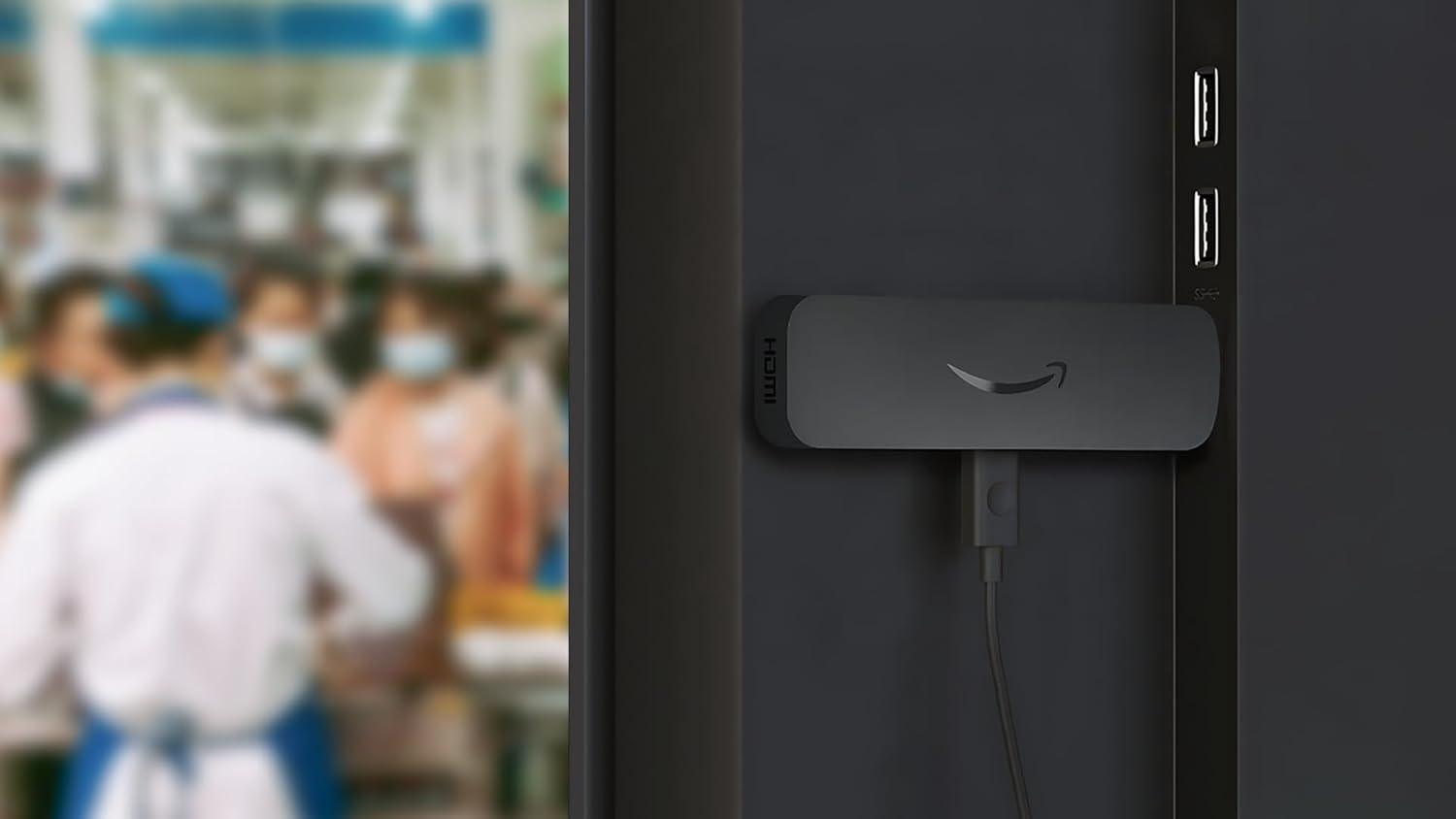
Why the
Amazon Signage Stick
Works Best with PosterBooking
Designed for seamless integration, the Amazon Digital Signage Stick works flawlessly with PosterBooking out of the box.
- 10 Free Screens – No Contracts, No Credit Card
- Zero Config – The stick boots straight into signage mode
- No Extra App Installs – PosterBooking runs natively
- Control Everything Remotely – From your phone or laptop
- Instant Campus-Wide Updates – Post alerts, events & menus in seconds
- Multi-Screen Support – Manage multiple classrooms or buildings from one dashboard
Offer Disappears August 22 , Don’t Pay More Later!
This limited-time deal is available only for PosterBooking users.
Once the timer hits zero, the price jumps back to $99.99
00
Days
00
Hours
00
Minutes
00
Seconds
Get the Amazon Signage Stick For $79.99
Frequently Asked Questions
What is the Amazon Signage Stick?
The Amazon Signage Stick is a plug-and-play device that turns any TV into a digital signage screen, preloaded with PosterBooking for seamless campus communication.
How is this different from a Fire TV Stick?
Unlike regular streaming sticks, this device boots straight into signage mode, has no ads, and is designed specifically for schools, offices, and professional environments.
What do I get with the $79.99 offer?
You get the Amazon Signage Stick + 1-Year of PosterBooking Business Pro (worth $120/year) — completely free. No trials, no hidden fees.
Is it easy to set up?
Yes. No configuration is needed. Just plug it into your TV, connect to WiFi, and it auto-loads your signage screen. No extra app installs required.
Can I manage screens remotely?
Absolutely. You can control your signage from any phone, tablet, or computer — update announcements, schedules, alerts, and more in real time.
Join PosterBooking for FREE
Get a free 1:1 PosterBooking demo and see how to unlock 10 free screens with zero setup headaches.