
How to clear cache on the FireTV stick
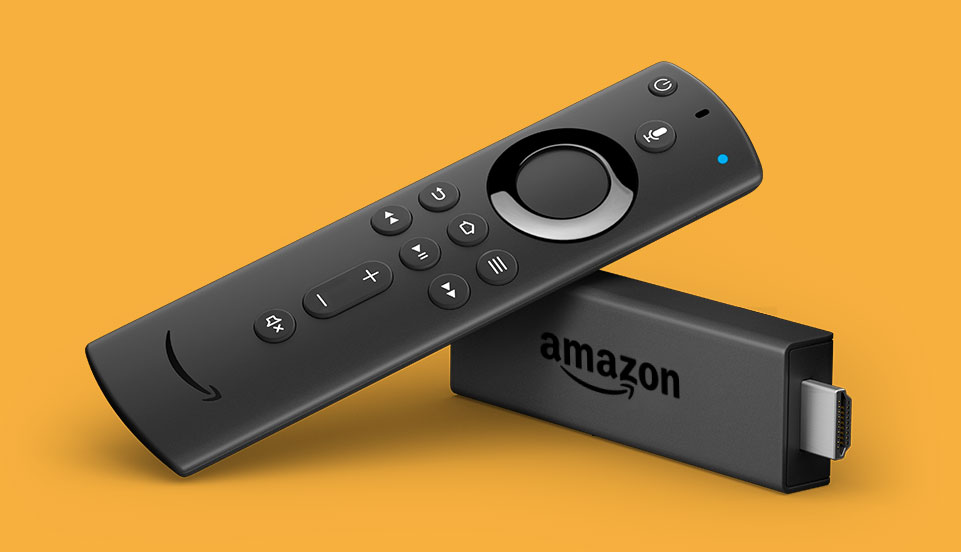
If your Fire TV app is acting up - crashing, not loading content, or being slow - try clearing its cache. When you install an app, it saves temporary data, called cache, on your device. If this cache gets too big, it can slow things down. Clearing it can help your app run better overall.
Step 1: Go to Settings on your Fire TV
Step 2: Select applications.
Step 3: In Manage Installed Applications, select PosterBooking
Step 4: Select Clear Cache, and then Clear Data.
You can now open the PosterBooking app again, and you will be presented with a new screen code.
Who we are
PosterBooking turns any TV screen into a digital sign. Allowing you to display images and videos for a variety of uses including for advertising, restaurant menus, general messages and more. You simply plug in a device like an Amazon Firestick into the TV, and download the app and upload content via the PosterBooking dashboard.
Display signage live in less than 2 minutes
Seconds to sign up. Seconds to add a screen. Seconds to add content and go live!